Crafty Patching System
Because of main developer private problems, project Crafty is currently on hold. It will resume its development shortly after programmers return.
Crafty is a program made for Unity to professionally deal with any of your game patching problems.
Supports both Unity and Unity Pro versions 3.5.7 and 4.+.+
Works on Windows, Mac and Linux. A true multi-platform in-game patching solution.
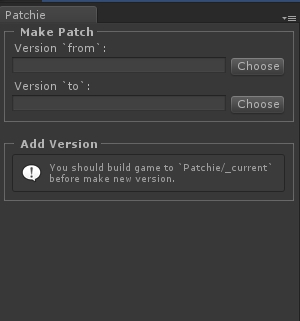
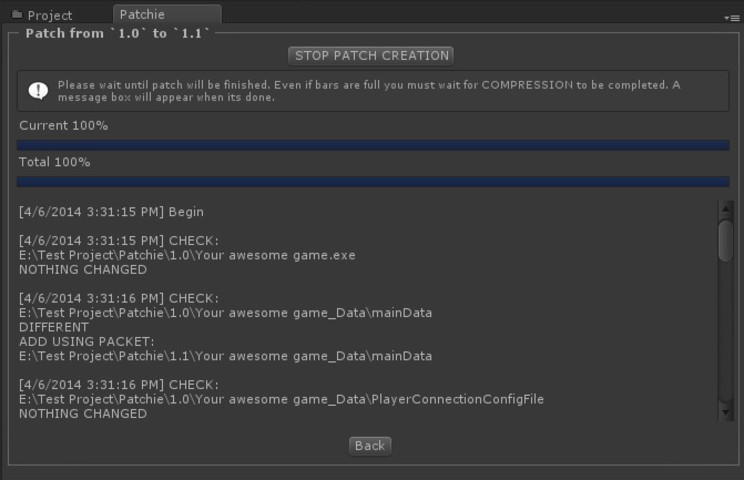
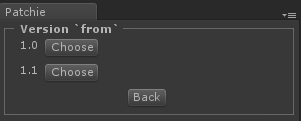
Crafty will deal with changing, removing or completely replacing files from your game by creating small and easy to use patches, by doing a complex binary search.
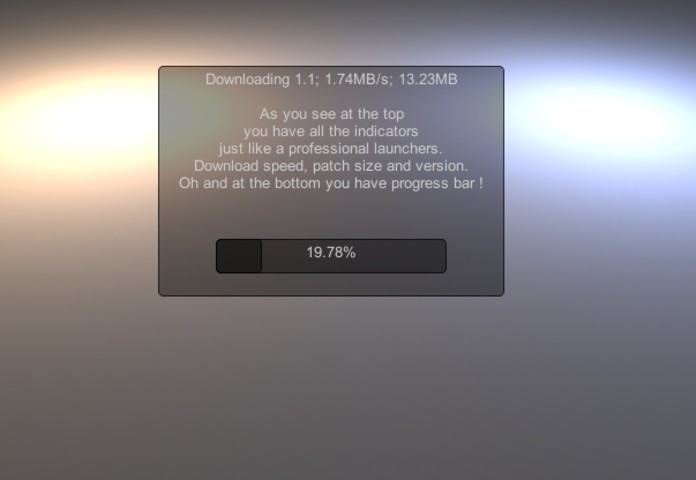
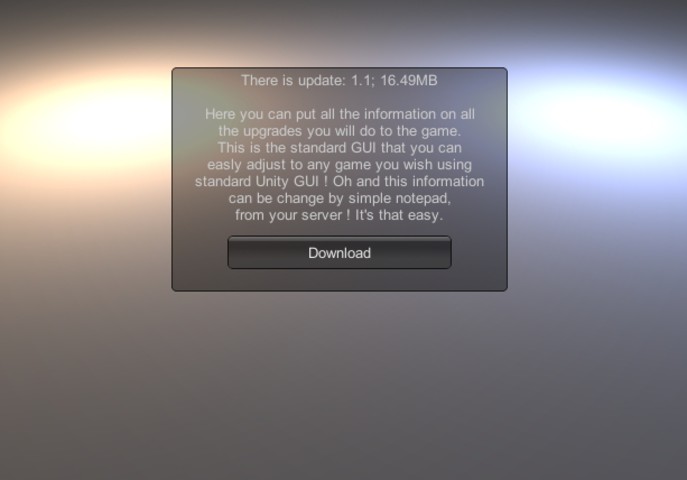
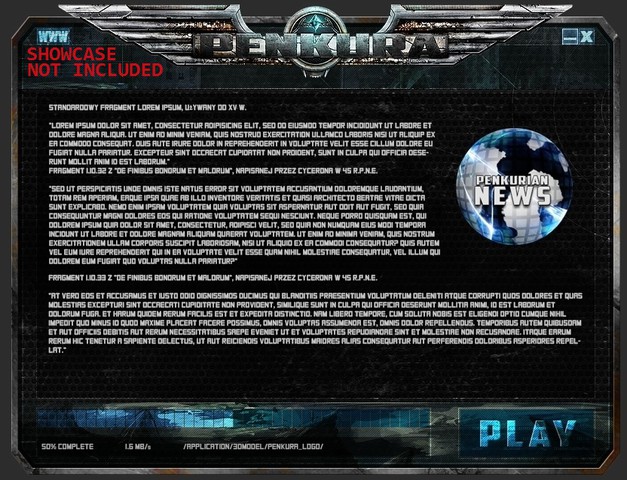
Design your Launcher with the full power of Unity GUI. You are limited only by your imagination.
| Unity Thread || Online Documentation || Video Tutorial || Support Team|
Release Notes
1.3.2 + Fixed BUG#0012 ( Rewritten Updater for Mac OS - crash before applying patch ) + Rewritten ErrorHandler1/2/3.cs to common file ErrorHandler.cs and fixed minor errors in it + Fixed error “RandomRangeInt can only be called from the main thread“ 1.3.1 + Added “ Close “ button at the end of patching process to turn off Launchie GUI system. + Original Test Scene 4 was deleted. + Slider was added to the Build Select window. + Added “ Edit Release Notes “ button under “ Cancel patch creation “ to allow edit release notes while patch is being created. + Crafty 1.3.1 was adjusted to Unity 4.6 Build 17 ( Unity 4.6 is still in a beta which means that future builds may not work properly complete adjustment will be done after official Unity 4.6 release ) + Launcie window height and width are now public to allow developers to adjust it. + Added Support for Traditional Chinese language setup for Windows. + Fixed error “get_realtimeSinceStartup can only be called from the main thread “ 1.3 + Windows updater rewritten in native language ( java is no longer needed on the Windows and Mac System ) + Debug mode in public var + Added force admin public var to allow running with administrator privileges + "STOP PATCH CREATION" button is removed at end of patch creation ( even after patch creation button was able to delete the patch even after it is completed. ) + Executable text field is not required now ( Launchie automatically detects name of executable ) + Fixed executable problem on universal builds ( see note above ) + Added timer blocking execution of Launchie ( sometimes patching process was corrupted ) + Code for examples was rewritten to remove repeating chunks of code and make development easier + Example 5 is removed from Crafty for Unity 1.2.1 + Added Fourth Test Scene. + Added Fifth Test Scene, with .rar file. + Added new feature “Timeout“ (with an error message when it is unable to connect to the server) + Updater system is no longer visible on Windows. + Log.txt file made by Launchie is no longer visible on Windows. + Downloaded patches are no longer Windows. + Visual Adjustments to Updater Window. + Small Adjustments to Crafty Linux version to allow patch folder creation in a proper order. + Dedicated Updater for Mac OSX (written in native language, no java required). + Main functions can be called asynchronous. + Added test patch to the www.penkura.com server to test Crafty. (Connected to the Test Scene 5) 1.2 + Entire documentation was rewritten. + 40 % of the Crafty code was made from scratch to introduce outside patching solution. + Added new security measure to make sure patches are installed properly. + LaunchieLogic now requires to set a name of the project that will be patch by Crafty. + Added Crafty API documentation. + Added notes on outside patching system to the documentation. + Added more detailed notes in documentation on patch creation process. + Patches will be downloaded all at once and installed in the correct order by the outside Crafty installation system. + Fixed BUG#0011 Some shaders were not installed properly by Crafty. + Added new parts of script in .dll in preparation for new .config system. (which will be available in Crafty 1.2.1 ). + Crafty will now automatically turn off the game and turn it back on after game is properly patched. ( showcased in Test Scene two ) + Added in-game error log option. ( showcased in test scene three ) + Added outside patch installation system with window that indicates installation process. + We added a new font for Crafty Linux versions to properly show launcher as Linux don’t have standard Ariel font. + Added second test scene featuring automatic download process without player interaction. + Added third test scene featuring new addition to Crafty ( in-game error log preview ). 1.1.1 + Fixed BUG#0010 Launchie was unable to work properly on Linux Universal builds. + Fixed BUG#0009 (Patchie sometimes added files to patch using absolute paths instead of relative paths) + Added button to stop patch creation on the patchy window. + Added PatchieAPI to use Patchie in batch mode. + Added methods to manage headers in requests. + Added notification message while patch is being created. + Code clean up to speed up patch creation process. + Updated documentation with new informations on Multi-platform version.txt. + Added new series of code preparing for outside Installation system (which will be added in Crafty 1.1.2) 1.1 + Added download speed indicator. + Added patch size download indicator. + Added two types of download indicator to the script. (Left to download and already downloaded). + Added rounding system to the Launcher patch size indicator. (Allowing launcher to round the number in Bytes, KB, MB, GB) + Added support for files outside of Standard Unity build. + New compression method allow creating much more complex and smaller patches. + Added Patchie Compat, allowing users that already release their game using Crafty 1.0.5 to allow their game to Crafty 1.1. + Fixing Patch Creation indicator not showing properly patch creation process. + Added timer at the end of patch creation message window providing users with patch creation time. + Minor script clean up. + Added new step to the Crafty documentation “Updating from Crafty 1.0.5 to Crafty 1.1“. + Updated example files + Added full console log at patch creation window allowing user to check patch creation process with all the necessary information. + Added percentage indicator at patch creation process. 1.0.5 + Added support for Copy and Paste to Version number and release notes. + Fixed BUG#0004 (Wait until patch will be done error messages on mac version) + Fixed BUG#0005 (Patch could not be created if there are deleted files between builds.) + Fixed BUG#0006 (In rare cases Crafty is not able to create second patch version.) + Fixed BUG#0007 (In some cases project could present error log with unknown header.) + Fixed BUG#0008 (Incorrect matching game versions error appearing after downloading complex patch.) 1.0.4 + Added Launchie Prefab. + New patch creation algorithm fixing many issues and errors appearing with the old algorithm. + Url and Version are now public. + Launcher is built on layers allowing much easier adjustment to the pro-ject and future updates. ( Separated Logic and GUI ) + New Documentation. + Dropped Support for Unity 3.4+ (now minimum Unity version is 3.5.7 ) + Fixed BUG#0003 (Loading bar not showing download process after downloading the patch) 1.0.3 + Visual refresh of default Lauchie skin. + Fixed BUG#0001 (Crafty crashing on Windows 8). + _output folder is now inside the Patchie folder cleaning the build or-der. 1.0.1 + Added Support for Unity 3.4+
Basic Information
- Latest Version
- 1.3.2 (13 Aug 2015)
- Publisher
- HEXTECH studio
- Category
- Tools/Utilities
- Size
- 1.3 MB
- Price
- free
- Asset Rating
- ★ ★ ★ ★ ☆ (59)
Extended Information
- Unity Versions
- 3.5.7
- State
- Deprecated