CTS 2019 - Complete Terrain Shader
NOTE: CTS 2019 has reached the end of its life and will be deprecated soon. For existing CTS customers we will offer an upgrade path to our new solution when it is available. For customers who bought CTS in the six months prior to the new release, this will be a free upgrade.
Welcome to CTS 2019 for Unity 2018.3+ and Unity 2019!
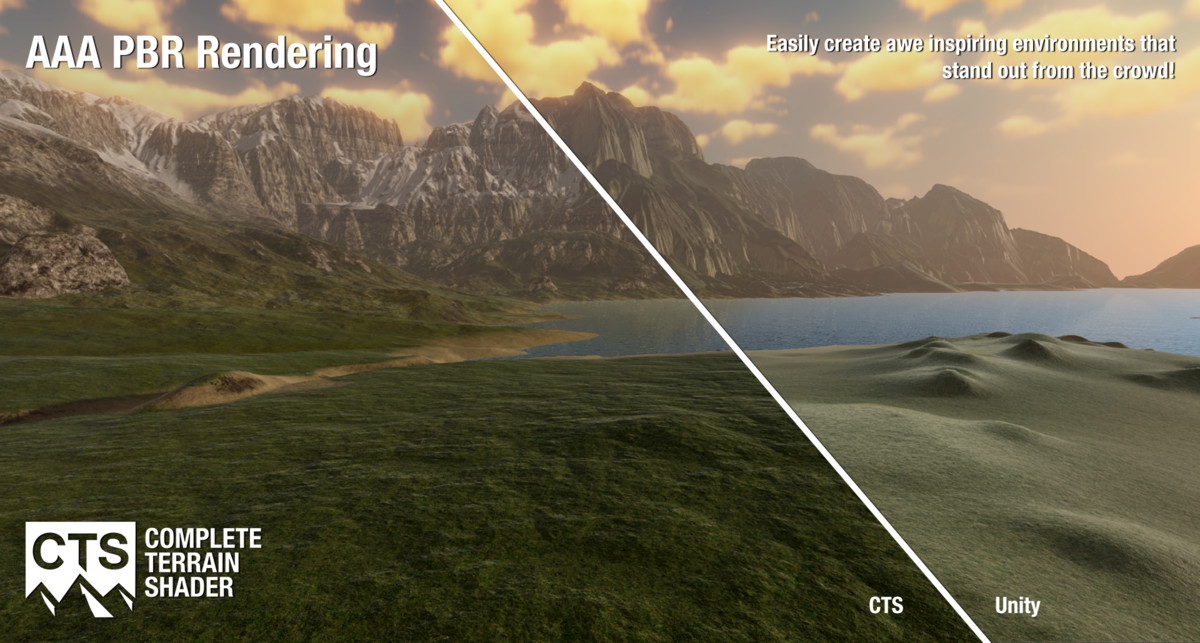
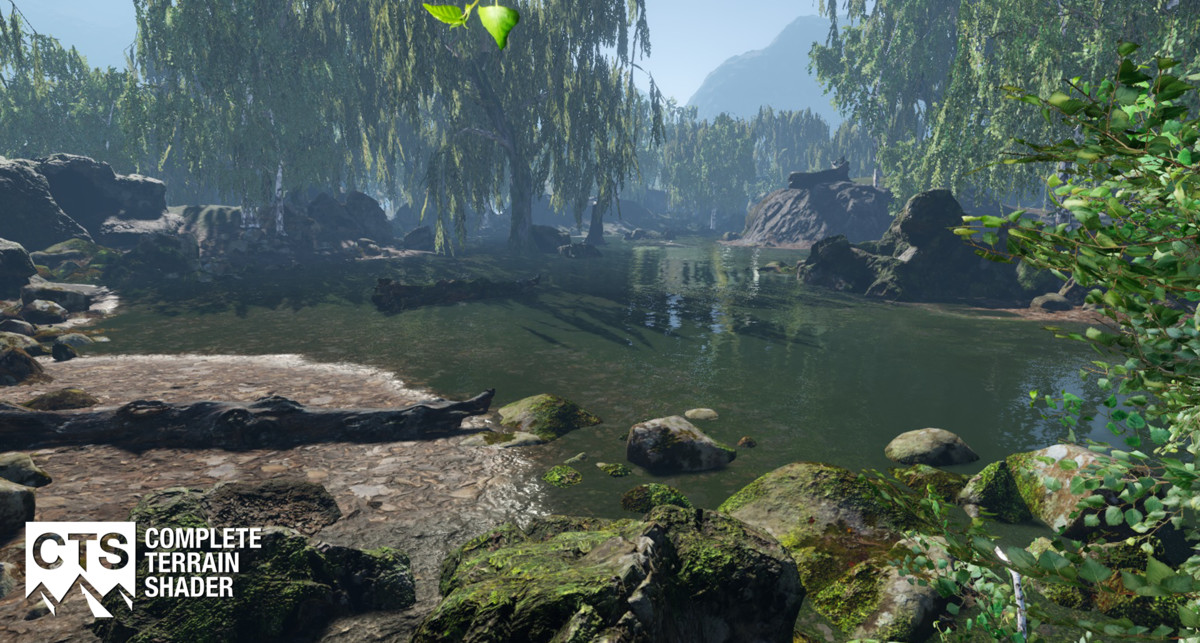
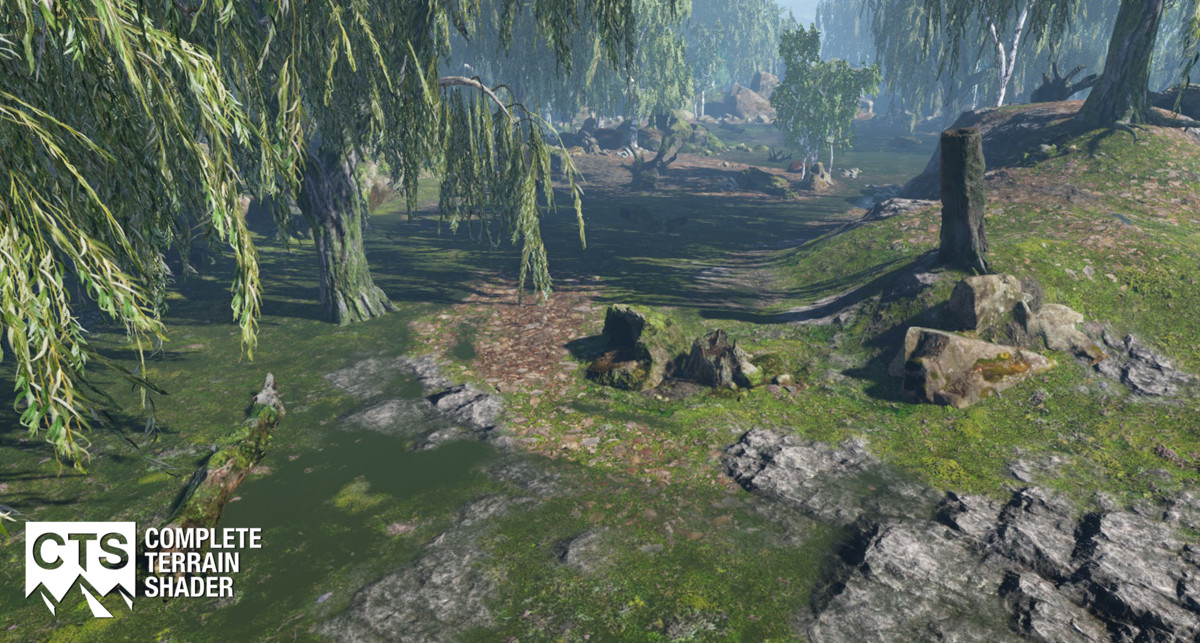
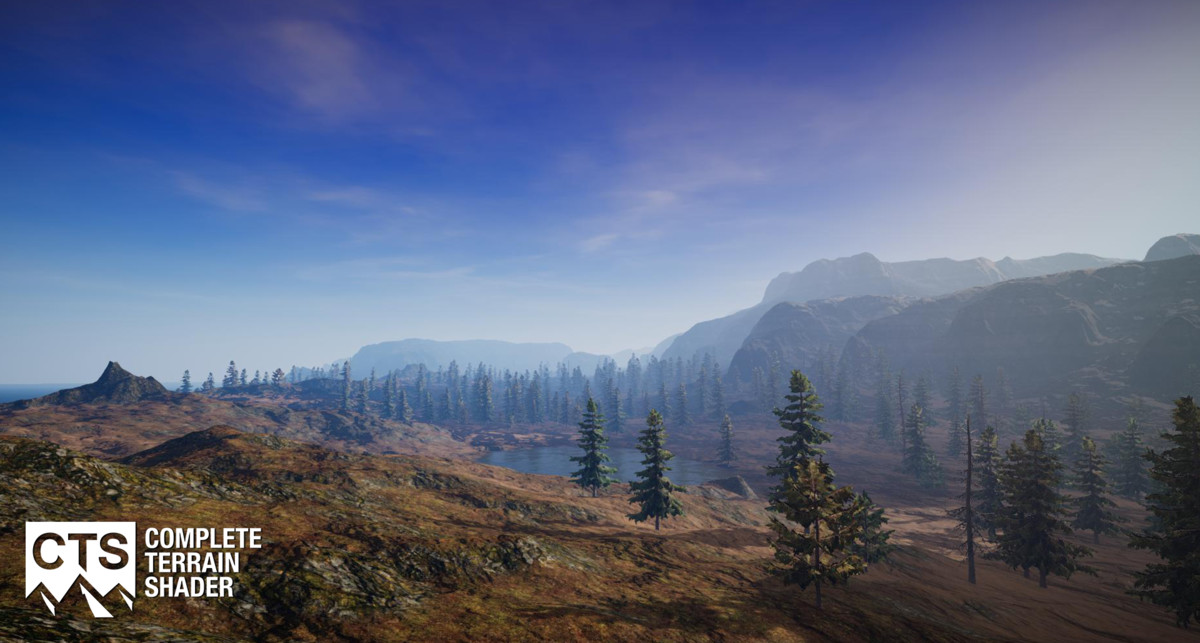
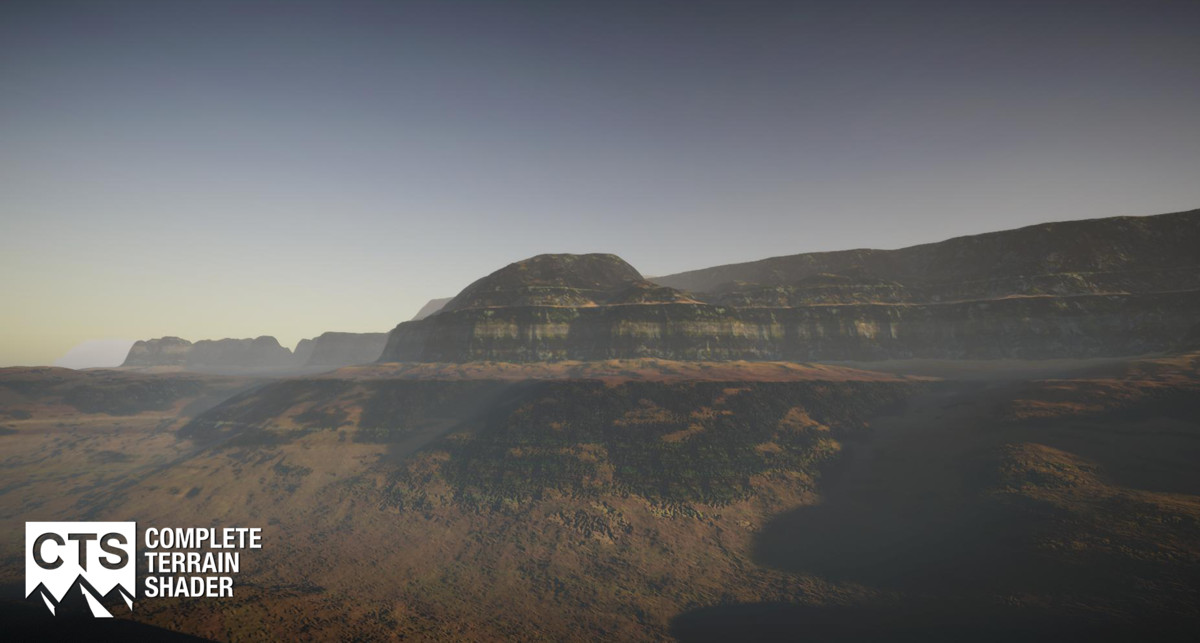
A collaboration between NatureManufacture and Procedural Worlds, CTS combines our collective expertise to create a pbr based terrain shading system that is powerful and easy to use!
You can use your own textures or ours, and CTS comes with a professional texture library that can be applied with a click. CTS is profile based and this allows you change the look and feel of your scenes in real time to get your environment looking just right.
CTS 2019 adds support the Unity 2019 release cycle from Unity 2018.3+, substance support, three new instanced shader sets and support for built-in, lw and hd. If you wish to target Unity 5.6 - 2018.3 without instancing, lw or hd then please purchase CTS instead.
Key Features:
- Unity 2018.3 & 2019.x support;
- Instanced Builtin support;
- Instanced LW SRP 4.8, 5.7, 6.9 support;
- Instanced HD SRP 4.8, 5.7, 6.9, 7.3, 8.2 support
- Instanced URP SRP 7.3, 8.2 support;
- Up to 16 PBR texture sets in 1 pass - fast;
- Standard work flow - compatible & easy;
- UV Mixing - removes tiling;
- Geological Layering - adds interest;
- Detail Mixing - adds interest & reduces tiling;
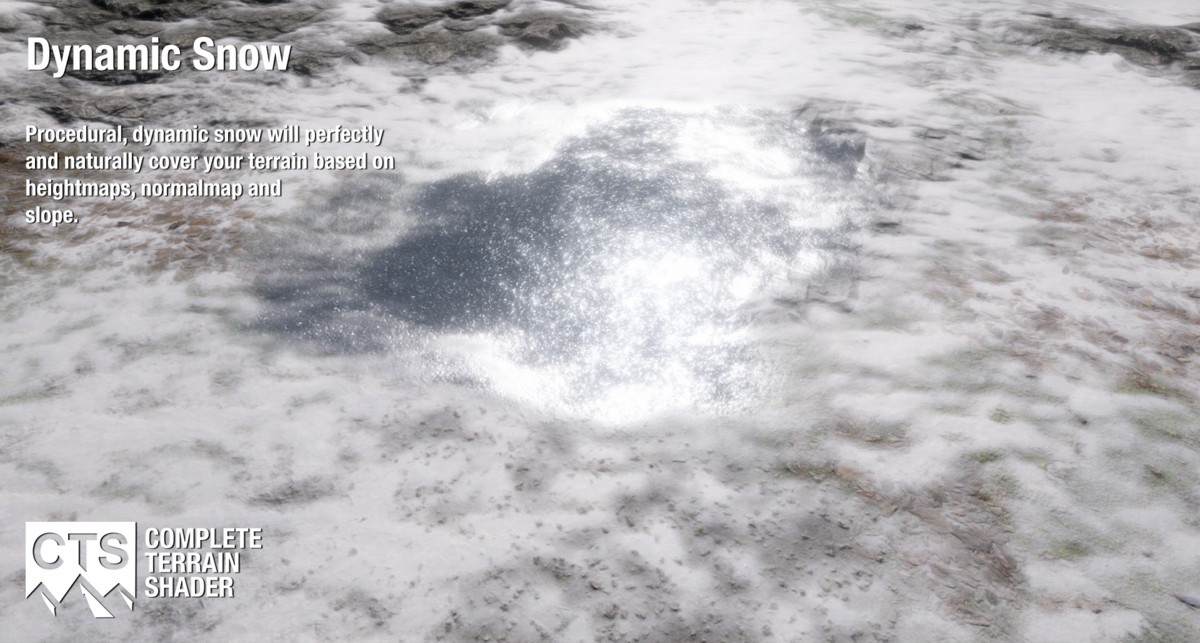
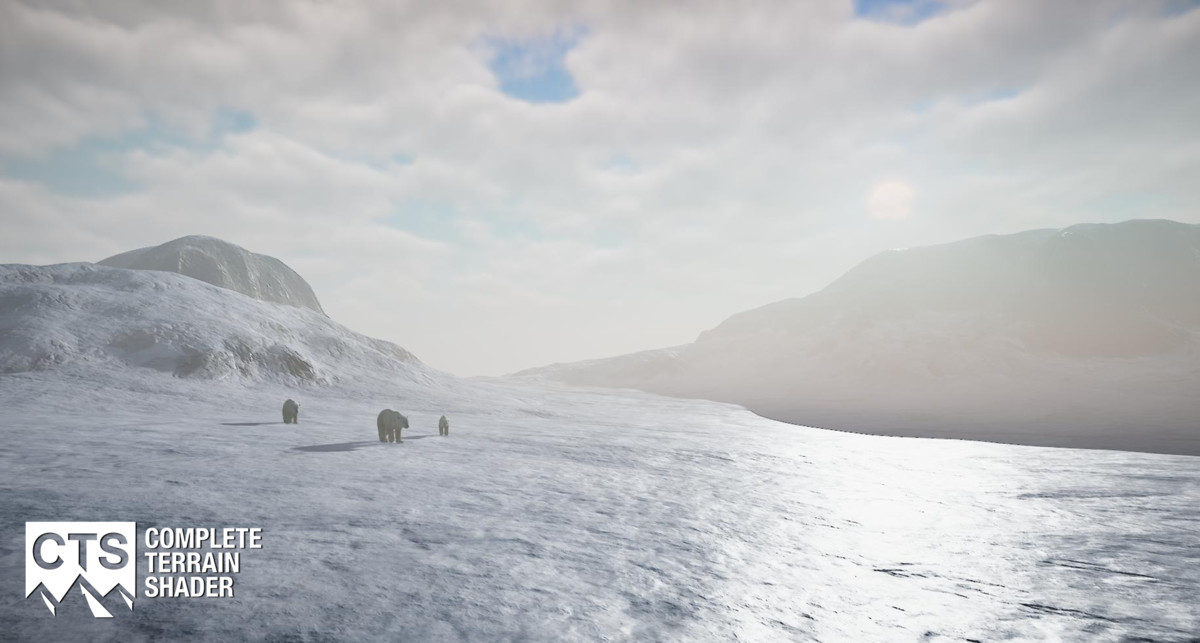
- Dynamic Snow Cover - with a slider;
- Dynamic Snow Glitter - with a slider;
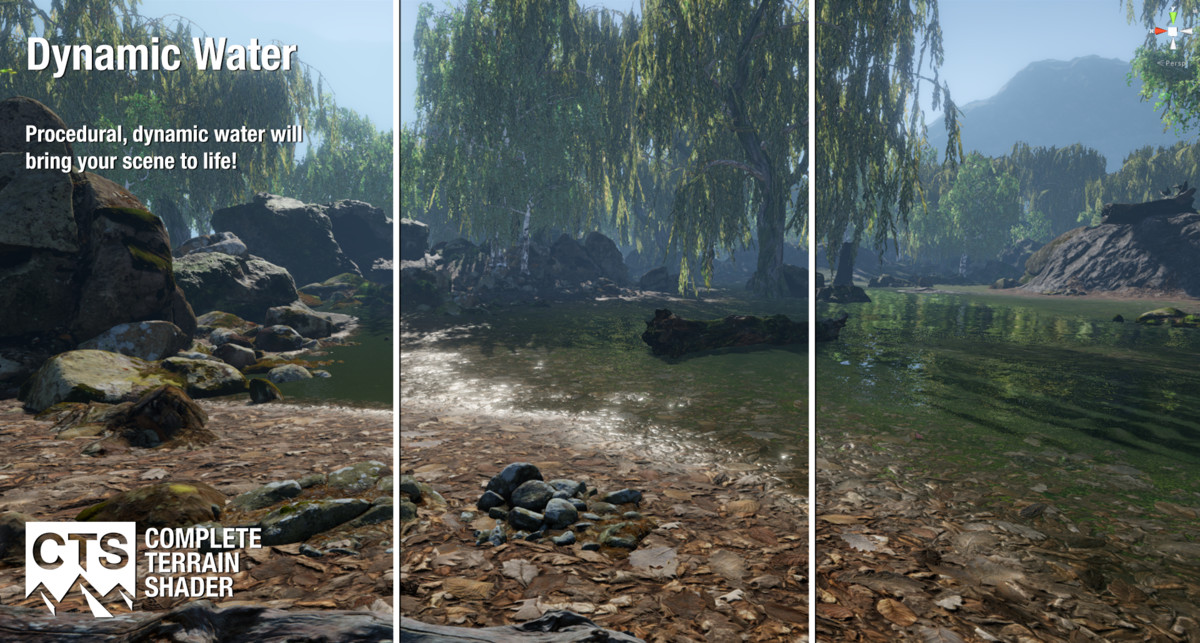
- Dynamic Water Cover - with a slider;
- Height Blending - relative texture blends;
- Lite, Basic, Advanced & Tessellation;
- Ambient Occlusion - realistic shadows;
- ColorMaps - enhanced terrain coloring;
- GrassMaps - tint colormap from grass;
- Cutouts - height and mask based;
- Mesh Support - see note (#1) below;
- Profile Based - similar to Unity Post FX;
- Texture Library - 48 quality sets, 20 helpers;
- Profile Library - matched profile sets;
- Substance Support;
- MegaScans texture support;
- MapMagic and runtime terrains;
- Weather - Simulate wetness & snow;
- Seasons - Tint your terrain by season;
- Sample scenes included (excl models);
- VR Compatible;
Per Texture Control:
- Albedo, Normal, Smoothness, Roughness, Height, AO;
- Near and far tiling - reduces tiling;
- Tinting - matching & seasonal variation;
- Brightness - texture matching;
- Smoothness - reflection & wetness;
- Height blending - relative texture heights;
- Height depth - relative texture depth;
- Triplanar - no more terrible cliffs;
- Detail strength - use it as needed;
- Geo strength - use it as needed;
- Snow amount - control snow cover;
- Snow / Water - angle, height, hardness;
- Snow / Water tint - vary color by usage;
- ColorMap strength - near and far;
- ColorMap masking - controlled maps;
Our Customers Say:
"Wow.. amazing results. My co-workers couldn't believe I did this!"
"Best shader terrain, best support reply in 5h."
"This is the best solution and I have tried THEM ALL on unity asset store and only CTS gave me the results I wanted."
"Add CTS to your terrain, create a profile, add some extra texture maps (height, spec, ao etc) and see your terrain pop."
"This should be considered part of your default stack when working with terrain in Unity. With very little effort you can improve the graphics performance of your terrain tenfold, it is essential."
Hardware Support:
- Shader model 3.5+ (basic + advanced);
- Shader model 4.6+ (tesselation);
- Direct X 11 / 12;
- Open GL ES 3.0;
- WebGL 2.0;
- Metal;
Shaders are limited by texture array support and consequently do not support DX9, OpenGLES 2.0 or Web GL1.0.
NOTE #1: Meshes are supported, but the workflow to generate and configure the texture and splat arrays used by CTS is still a terrain based workflow. You can however remove the terrain and replace it with a mesh as last step in process. Please visit our Discord channel if you want more clarification.
NOTE #2: CTS is fast, however old cards without dynamic branching support have had issues with this, so please download and run our demo's before purchasing to ensure your system is compatible.
Upgrade Policy:
Every year as we further develop our products we will charge a nominal upgrade fee which is usually around 20% of the normal purchase price for the next major release of our software. These upgrades are aligned to the major Unity versions they support. For example CTS 2019 will be enhanced and supported for the full Unity 2019 product cycle. You are not obliged to update to newer versions of our products if you do not need to, however old versions of our products will not be supported on new versions of Unity. All upgrade money is fed back to the team to ensure that we can continue to update, grow and support our products and customers over time.
Want to ask a question or know more ?
Unity Forum
CTS Tutorials
Have A Chat
Ticketed Support
Some Of Our Product Suite:
As environmental specialists NatureManufacture and Procedural Worlds have much more to offer. Here is a small sample of our tools and content:
Gaia - A world generation system for creating, texturing, planting and populating scenes from low poly mobile, VR and through to high end desktop.
GeNa 2 - A sophisticated localised level design tool that augments Gaia’s broad brush strokes, by working intuitively to give fine grained control.
Ambient Skies - An integrated Skies, Post FX and Lighting system that makes it easy to create visually beautiful scenes.
Real Ivy 2 - An awesome procedural ivy and plant generation system.
Ambient Sounds - A tool that makes it easy to create interactive soundscapes, and also comes with a professionally composed sound effects and music library.
Pegasus - A system that can drive anything along a path. Great for cut-scenes, and even has an ambient ai that supports formations, animation and local avoidance for your npc's and animals!
R.A.M. 2019 - River Auto Material - A powerful and beautiful river, waterfall and lake creation tool to decorate your terrains.
L.V.E. - Lava & Volcano Environment - A massive pack that allows you to create volcanos, caves, interiors and lava rivers.
Meadow Environment - A massive realistic meadow environment pack with photo scanned trees, bushes, flowers, grasses, rocks and textures.
Mountain Tree Pack - A collection of stunning trees to add interest to your scenes.
Advanced Foliage Pack - A collection of gorgeous foliage and ground textures to bring your scenes to life.
Advanced Rock Pack 1 - A collection of fantastic rocks and matching ground textures to add interest to your scenes.
Release Notes
v2019.1.7 - Removed old experimental Mesh blending scripts which could cause issues in newer Unity Versions. If you are still seeing errors related to faulty .meta files, please delete CTSMeshBlender.cs and CTSMeshBlenderEditor.cs from your installation. - Fixed obsoletion warnings in Unity 2020.1 and higher - Changed the pipeline installation info popup to only appear once - Added a news and product update box in the CTS component and CTS profile, you will be asked if you want to use this feature upon installation. v2019.1.6 - Changed URP shaders to prevent an unity issue with URP shadow cascades (black ring artifacts being rendered on the terrain) - Support for SRP versions 7.2.0 to 7.3.1 added. The summary of supported SRP versions is: SRP 4.8 in Unity 2018.3 & 2018.4 SRP 5.7.2 in Unity 2019.1 SRP 6.9.1 in Unity 2019.2 SRP 7.2.0 - 7.3.1 in Unity 2019.3 We will continue to support higher Unity & SRP versions with future releases. v2019.1.5 - Support for SRP 7.1.8 added. This release includes new URP/HDRP shaders that are compatible with SRP 7.1.8 and therefore CTS can be used in URP / HDRP under Unity 2019.3 now. The summary of supported SRP versions is: SRP 4.8 in Unity 2018.3 & 2018.4 SRP 5.7.2 in Unity 2019.1 SRP 6.9.1 in Unity 2019.2 SRP 7.1.8 in Unity 2019.3 We will continue to support higher Unity & SRP versions with future releases. - Support for the unity terrain hole system added in Built-in and URP rendering. Activate the "Use Cutout" feature in the CTS component to display terrain holes drawn with the terrain inspector. The original controls for cutouts / holes in CTS still work so you can use them in addition to the hole painting system. - Optimizations for Snow and Detail normal maps: If the snow and / or the detail normal map feature is not used, CTS will now remove those textures from the texture array to save memory - Fixed a bug where baking an array with the normal map resolution being higher than the albedo map resolution could result in an error - Fixed a bug where switching the hole texture back to "None" would not update the CTS material. v2019.1.4 - Support for HDRP / LWRP 6.9.1 in Unity 2019.2 added. - Improved shader installation: CTS will now install only the shaders of the rendering pipeline that is currently in use, and will prompt you before doing so. - Added window menu entry for manual shader installation at will. - CTS now uses per-pixel normals on "Draw Instanced" terrains to improve visual quality on distant terrains. - The weather manager has now a list of texture IDs to exclude from seasonal tinting. - Added options to bake normal maps and color maps for all terrains in one go in the CTS Window menu. - Fixed various Unity 2019.2 related warnings and issues - Fixed a bug where activating the "use cutout" checkbox would not automatically update the CTS shader - Fixed a rare bug where the Ambient Skies window would not open properly when installed together with CTS and multiple rendering pipelines being installed. v2019.1.3 - Support for changed treatment of scripts in Unity 2019.1 import process - Support for SRP 5.7 added. This release includes new LWRP/HDRP shaders that are compatible with SRP 5.7 and therefore can be used under Unity 2019.1. These shaders require the LWRP / HDRP packages in version 5.7 installed. - Shader library added: To support multiple versions of the SRP CTS now contains a library of shaders for the different SRP versions. - Disconnecting Profiles will export the resulting splat maps uncompressed - Improved stability for package import in Unity 2019.1 and above - Demo scenes were reviewed to better function across the different SRP versions. - The "Strip Textures" optimization setting is now disabled by default for profiles in 2019.1 - The CTS texture arrays are now created with an anisotropic filtering level of 4 per default - Terrain normal maps are now being added to the CTS component directly after baking them - Added an entry field for custom render queue order for the CTS Shader. - Changed the warning message for missing profile when adding CTS to the terrain to a "softer" info message - Fixed a potential bug for the new Unity 2018.4 LTS release - Asset database refresh / saving is now only performed once after texture baking when both albedo and normal arrays are being updated - Fixed a bug that would invert normal maps when instancing was disabled in HDRP - Fixed a bug where splatmaps would not be updated in the CTS shader when a new profile was created based on an existing profile v2019.1.2 - Support for changed treatment of scripts in Unity 2019.1 import process - Made the directory check for old versions of CTS less aggressive, should only find folders called CTS now - Added a check for maximum texture limit - Fixed an error when CTS 2019 is installed in versions earlier than 2018.3 - Fixed issue with the LOD snow shader when individual textures had set a low snow power - Fixed an issue with snow noise when individual textures has set a low snow power - Fixed a potential cause for seeing a black terrain when selecting a CTS profile - Disconnecting Profiles sets the texture wrap mode to "Clamp" for the resulting splat maps v2019.1.1 -Fixed a bug where CTS would throw a compilation error after installation First release of CTS 2019. Biggest new features include support for Unity 2018.3, terrain instancing, LW and HD SRP, and Substance.





Basic Information
- Latest Version
- 2019.1.7 (14 Nov 2020)
- Publisher
- Procedural Worlds Inc
- Category
- Tools/Terrain
- Size
- 2.39 GB
- Price
- free
- Asset Rating
- ★ ★ ★ ★ ★ (40)
Extended Information
- Unity Versions
- 2018.3.0
- State
- Deprecated