Shader Forge
Shader Forge v1.38
Note: Shader Forge is no longer actively being developed
Links: Website | Forum thread | Nodes | FAQ
简体字 | 正體字
Note: Unity 4 support dropped after v1.06
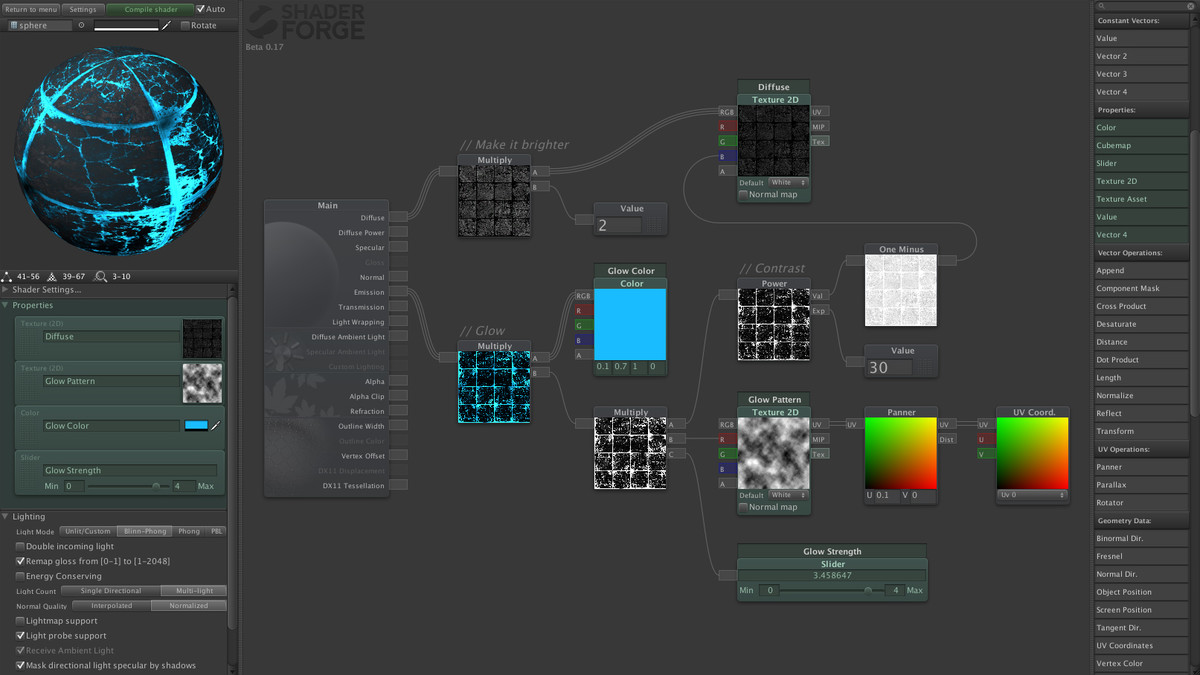
Shader Forge is a node-based shader editor, aiming to push the visual quality of Unity to new heights, giving you the artistic freedom of shader creation in a visual and intuitive way - no code required!
What am I buying?
• Commercial license of Shader Forge + upcoming updates
• A pack of example shaders to study and use freely
Workflow:
• Create shaders visually, without any coding needed
• No extra files to sync over your version control system; Shader Forge uses a single file for shaders - the .shader file itself
• SF writes CG shaders that can be used in any project, without installing Shader Forge
• Works in both Unity Pro and Unity Free
• Documentation and support center, for contributing feedback and bug reports
Some of the features:
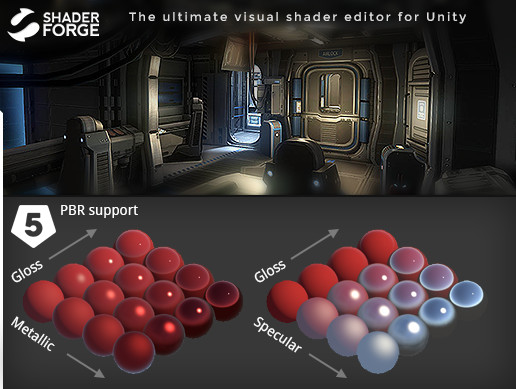
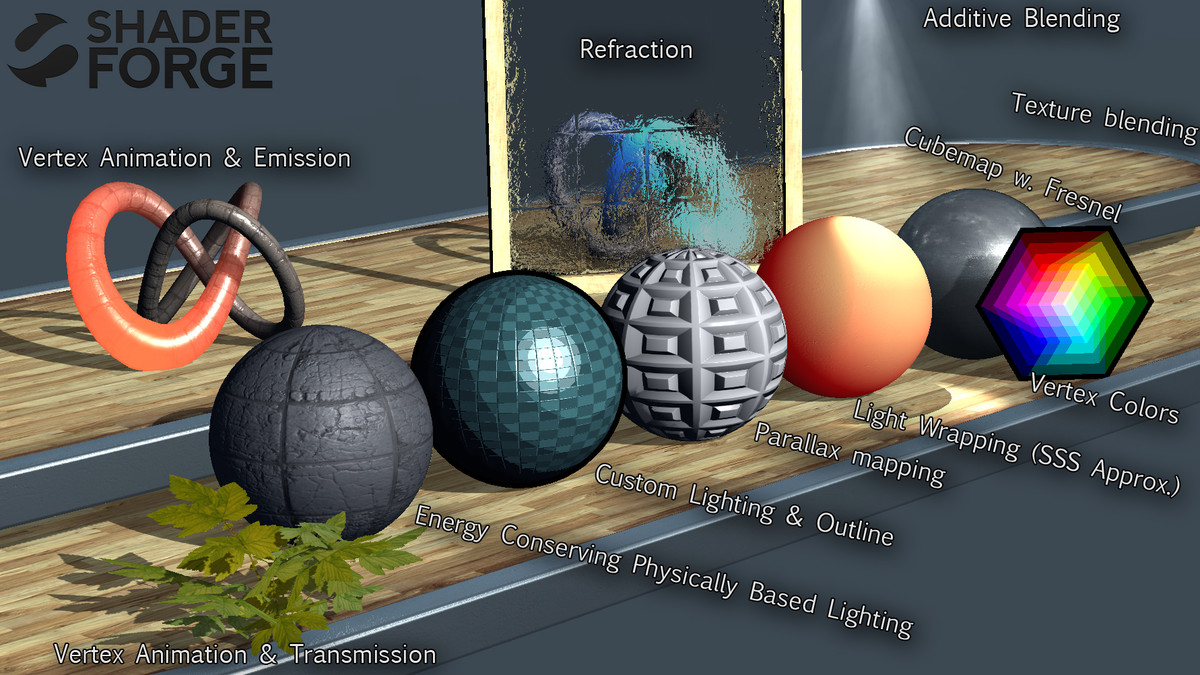
• Built-in Physically Based Lighting mode and energy conserving shading
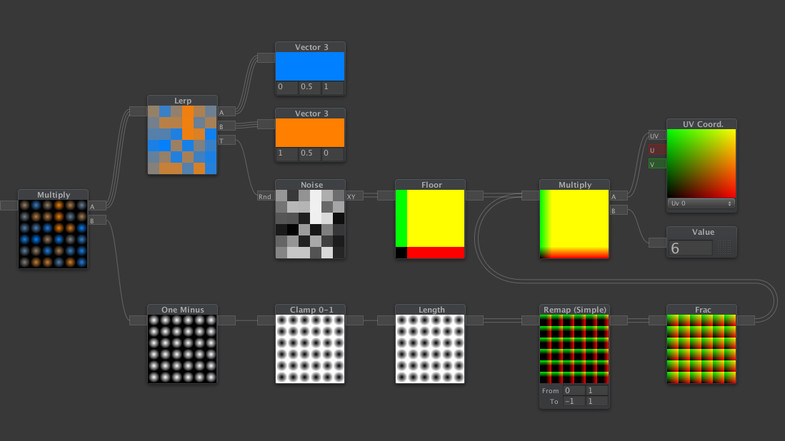
• Visual and intuitive interface - Get a clear overview of what each node does
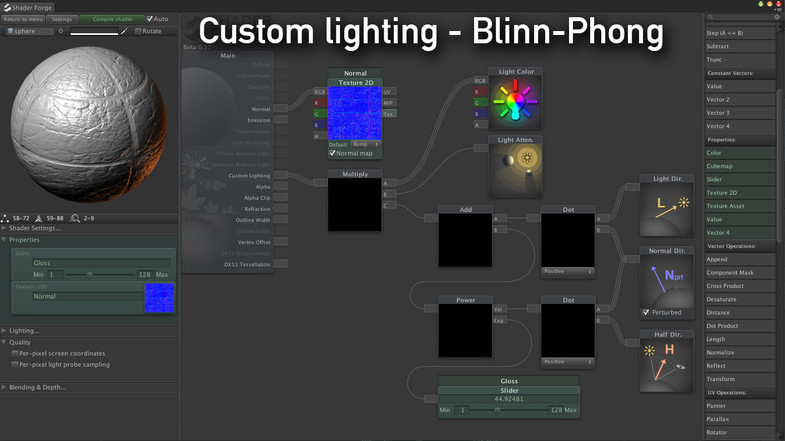
• Custom lighting nodes and IBL support
• DX11 Tessellation & Displacement
• Transparency; both partial and alpha clipping
• Refraction & Render Textures
• Optionally use lightmapping and light probes / Spherical harmonics
• Plus all the essentials such as cubemaps, custom blending modes, depth sorting, fog control, and much much more!
Alpha/Beta tests so far:
Shader Forge has been alpha-tested by a wide range of developers at companies ranging from several large studios such as Valve, Blizzard, DICE, Ubisoft, Bungie, EA, Avalanche Studios, Rovio, to indie studios such as Killbrite, InXile, The Chinese Room, and even developers like Marmoset, Samsung and Unity themselves.
I'm super excited about this, as it's my first asset release; which I hope is the start of a longer commitment to keep this up-to-date and as good as possible :)
// Joachim Holmér
Release Notes
New in Shader Forge 1.38: • Source code is now included • Added node: Pixel Size • The Scene Depth node now has a UV input • Stencil buffer properties can now be exposed to the inspector • Fixed a bug where time animated twice as fast while Shader Forge was open • Removed unnecessarily compiled screen position interpolator New in Shader Forge 1.37: • The 3D preview now runs much faster and is no longer capped at 40 fps (it is now 60) • Fixed a bug that prevented SF from opening in Unity 2017.x • Fixed a bug causing errors in the shader inspector in Unity 5.6+ • The post effect preset is now properly constructed to match Unity's OnRenderImage post-process system • Fixed a bug that added unnecessary view reflection code to shaders • Shader code is now using UnityObjectToClipPos(x) instead of mul(UNITY_MATRIX_MVP,x) New in Shader Forge 1.36: • You can now include custom .cginc files. Useful for calling functions in the code node • Fixed a bug where the node browser was invisible on retina monitors • Fixed a bug where the settings panel didn't get a scrollbar on retina monitors • Renamed the incorrectly named "world space" vertex positioning to "local space" • Added experimental "skip model projection" flag, for world space positioning New in Shader Forge 1.35: • The meta pass can now optionally be disabled • Fixed a bug where shadows didn't use the correct face culling • Removed directional light specular masking hack that caused shadow artifacts • Custom shadow passes are now generated when face culling is anything but backface culling New in Shader Forge 1.34: • You can now read UV coordinates as 4-component vectors • Fixed a bug where deferred shaders didn't compile New in Shader Forge 1.33: • Added support for "alpha to coverage" blending • Updated physically based lighting to match Unity's • Fixed a bug when transforming from local to world and local to tangent • Render platform Direct3D 11 more appropriately renamed to Direct3D 11 & 12 New in Shader Forge 1.32: • Fixed an issue where shaders didn't compile properly for OpenGL • Updated the OpenGL render platform to OpenGL Core • Added render platforms: Nintendo 3DS, Nintendo WiiU New in Shader Forge 1.31: • Fixed a bug where reflection probe support broke in Unity 5.5 • Fixed a bug where using float4x4 as the return value in a code node sometimes broke the shader • Removed PS3 and Xbox 360 support, since they are now deprecated as of Unity 5.5 • Various minor code fixes to adapt to Unity 5.5 New in Shader Forge 1.30: • Fixed an issue in the 3D preview that caused errors in Unity 5.5 New in Shader Forge 1.29: • Fixed a bug where entering play mode with SF open caused various errors New in Shader Forge 1.28: • Fixed a bug where specular color was applied twice for point lights • Fixed a bug where specular color wasn't applied properly to directional lights • Fixed script serialization errors with the Append and Component Mask nodes when running in Unity 5.4 New in Shader Forge 1.27: • PBR lighting is now using GGX and should match Unity's PBR much better • Fixed several script serialization errors when running in Unity 5.4 • Fixed a bug where double-sided shaders with deferred enabled didn't compile • Fixed a bug where changing blend preset would sometimes make the viewport stop rendering properly • Fixed a bug where the code node wrote matrix4x4 instead of float4x4 into the shader New in Shader Forge 1.26: • Fixed a bug where PBR shaders didn't compile in Unity 5.3 • Fixed a bug where TextureAsset didn't respect its Tiling & Offset parameters • Fixed a bug where you couldn't use the same node in tessellation and displacement at the same time New in Shader Forge 1.25: • You can now make invisible links in order to make your node trees more clean - Added node: Get - Added node: Set • Fixed a bug where scene objects were rendered into node previews • Fixed a bug where the Fresnel node caused errors when it had multiple outputs • Fixed a bug where the Fresnel node couldn't be used for refraction New in Shader Forge 1.23 & 1.24: • Hiding scale & offset of Texture2D nodes has now been replaced with being able to disable scale & offset altogether • Added two new experimental options, both useful to disable shadow passes in shaders: - Force no custom shadow pass. (If your shader is alpha clipped or vertex offset, it will write a custom shadow pass) - Force no fallback. (If a fallback has shadows, so will your shader. This can help avoid that problem) • Fixed a bug where some PBR shaders didn't compile • Fixed a bug where the offset line wasn't added to the shader if one of the two values were set to zero • Fixed a bug where the fallback picker would cause errors after the first time you use it New in Shader Forge 1.22: • Node preview rendering is now a bazillion times faster: - You can now render nodes in real-time - Dragging sliders and changing values will no longer cause framedrops - Note: Some nodes are missing a GPU renderer, most notably, the Cubemap node and matrix operations • Optimized several parts of the interface, making it more performant • Fixed a bug where the RGB to HSV node didn't properly load • Fixed a bug where some lightmapped/reflection probed shaders didn't compile • The Shader Forge inspectors are no longer part of the .dll Previous versions: http://acegikmo.com/shaderforge/changelog/


Basic Information
- Latest Version
- 1.38 (30 Apr 2018)
- Publisher
- Freya Holmér
- Category
- Tools/Visual Scripting
- Size
- 11.0 MB
- Price
- free
- Asset Rating
- ★ ★ ★ ★ ★ (1302)
Extended Information
- Unity Versions
- 4.5.0, 5.0.0, 5.1.0, 5.2.0, 5.3.0, 5.5.0, 5.6.0
- State
- Deprecated