Peek - Editor Toolkit
Important: Peek will be deprecated on March 31st, 2022. No support is provided for this plugin anymore. More information: https://ludiq.io/blog/deprecation-of-peek-and-chronos
Peek takes the Unity editor to the next level with a collection of tools designed to improve your workflow.
⭕ Manual: Get started in 15 minutes with this quick overview.
⭕ Forum: Submit feature requests or bug reports.
⭕ Discord: Chat and ask questions to the community.
⭕ FEATURES ⭕
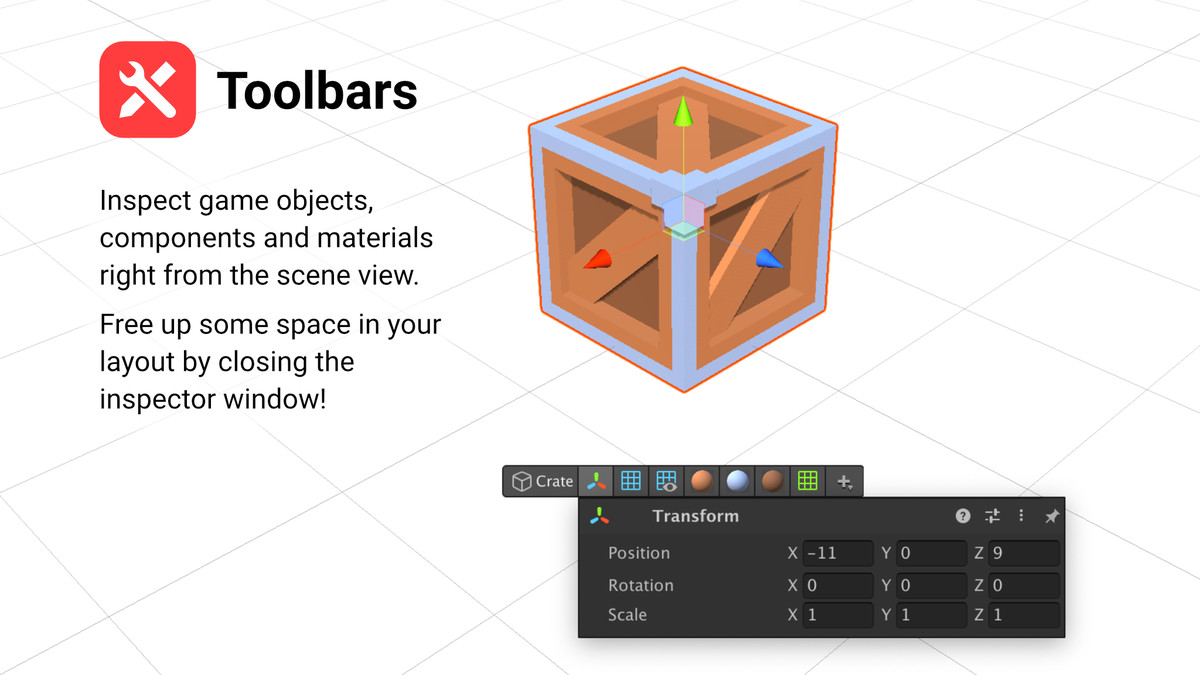
- Toolbars: Inspect game objects, components and materials with contextual toolbars without having to open the inspector. Available everywhere: in the scene, hierarchy and project window.
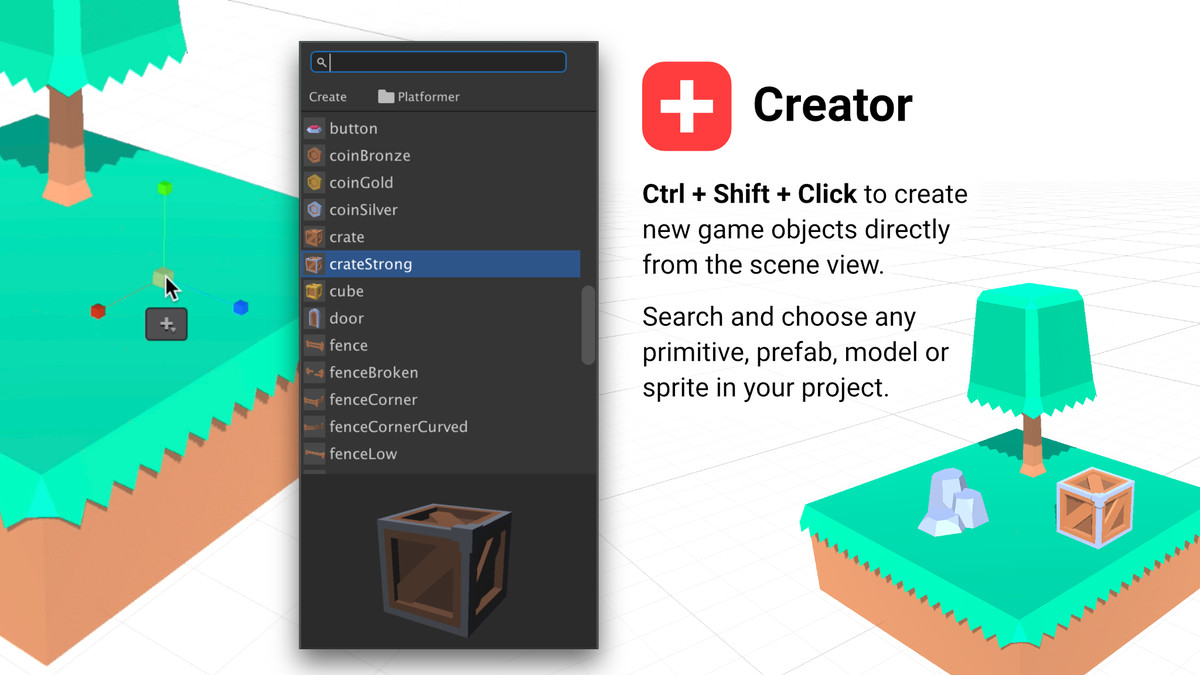
- Creator: Ctrl+Shift+Click to create new game objects directly from the scene. Browse or search for any primitive or prefab in your project with the fuzzy finder.
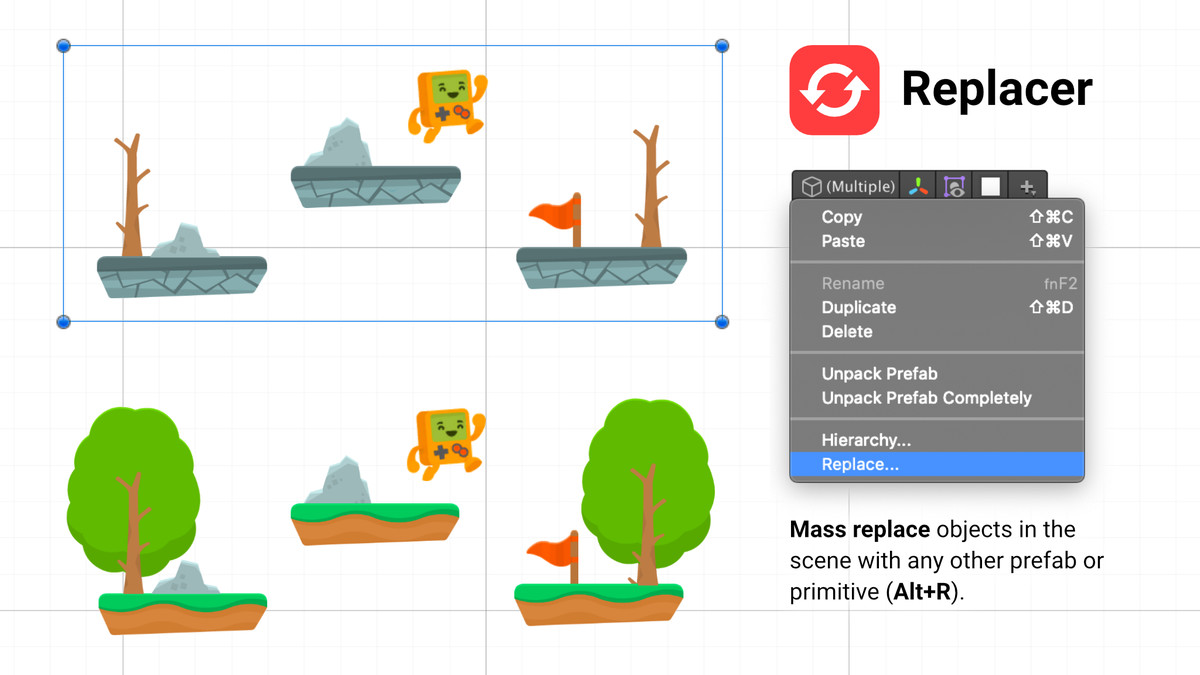
- Replacer: Mass replace multiple objects at once (Alt+R) with any other prefab or primitive.
- Tabs: Go full screen by maximizing the scene view (Shift+Tab or double-click) and tabs will appear to let you navigate your windows.
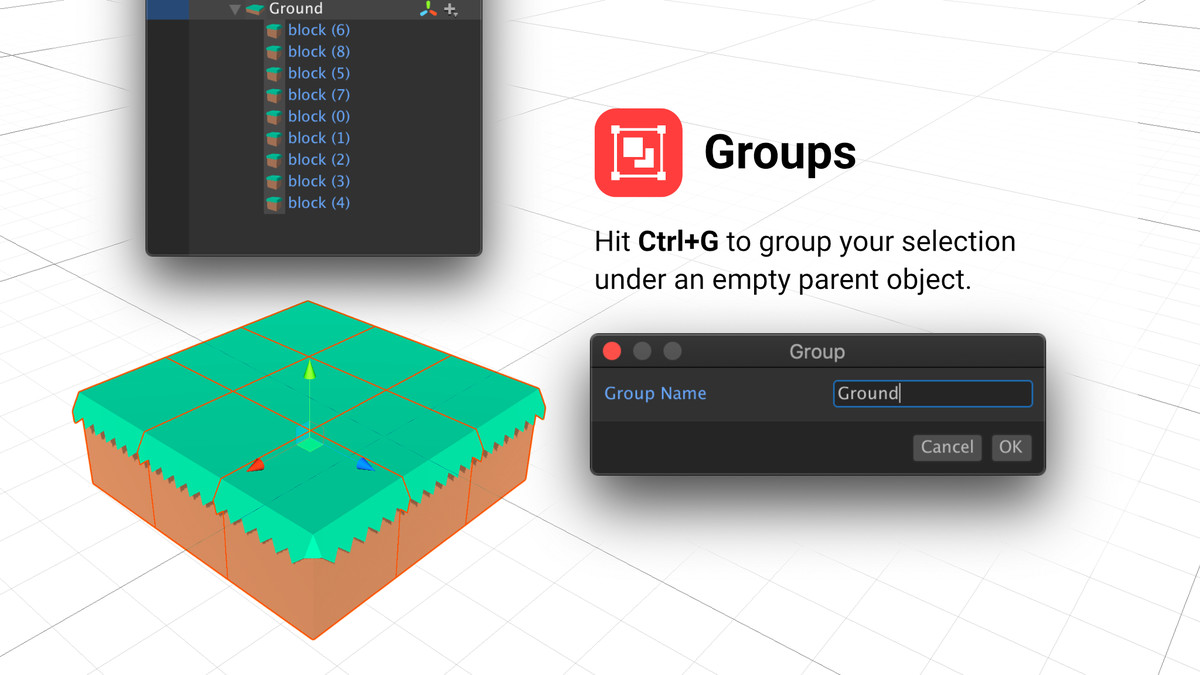
- Groups: Use Ctrl+G to quickly create an empty parent game object centered around your selection. Use Ctrl+Shift+G to ungroup.
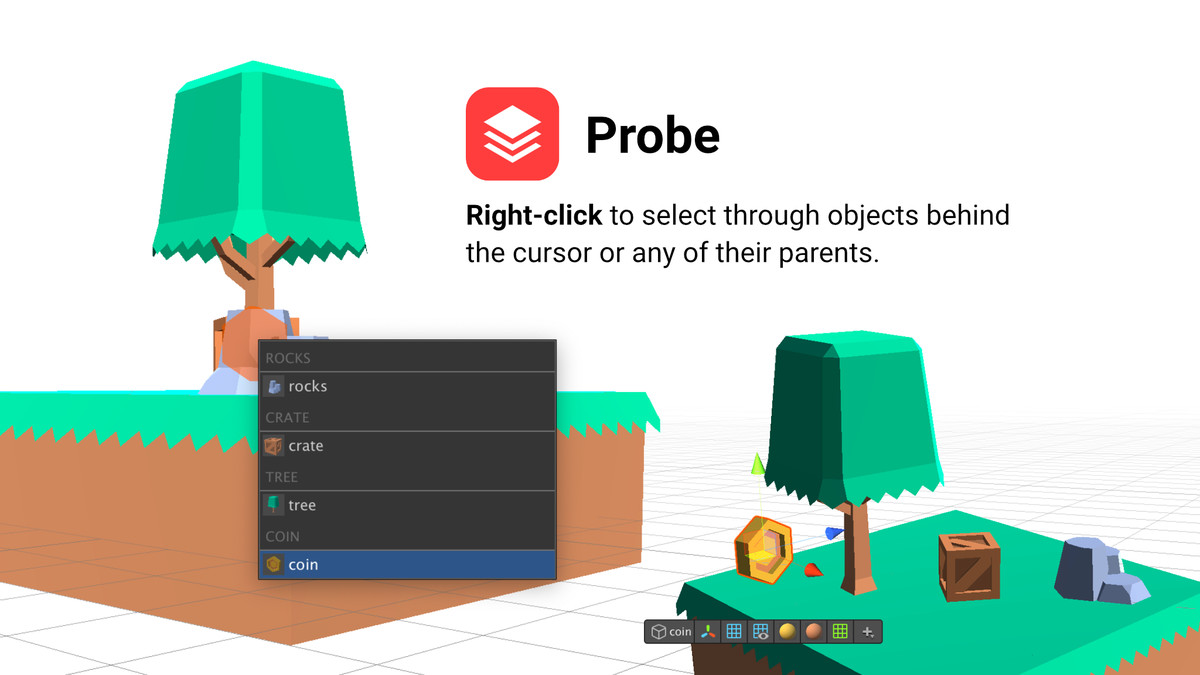
- Probe: Right-click to select any overlapping object behind the cursor with a clear menu.
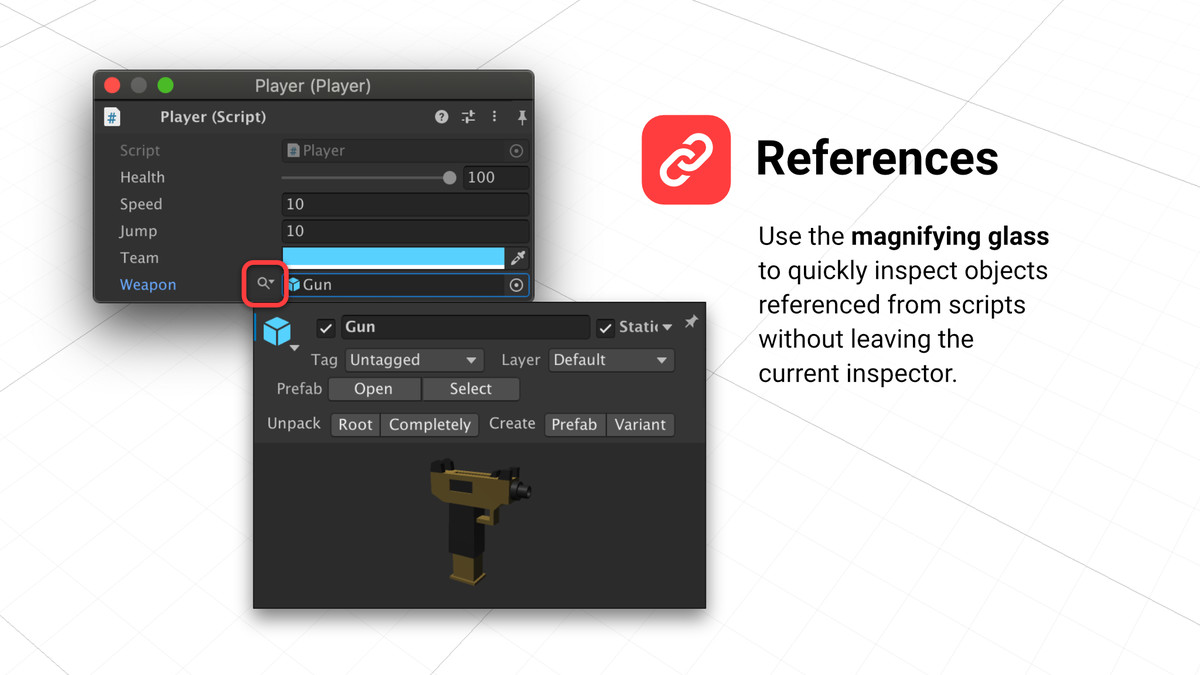
- References: Use the magnifying glass to quickly inspect objects referenced from scripts without leaving the current inspector.
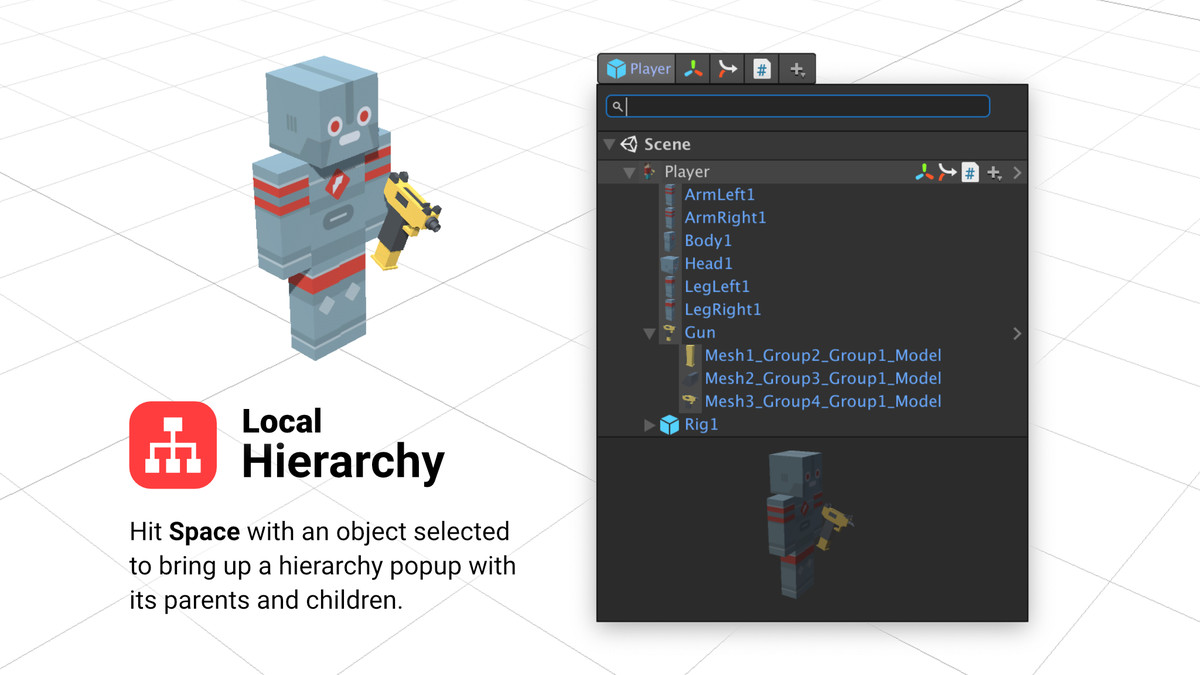
- Local Hierarchy: Hit Space with an object selected to bring up a hierarchy popup with its parents and children.
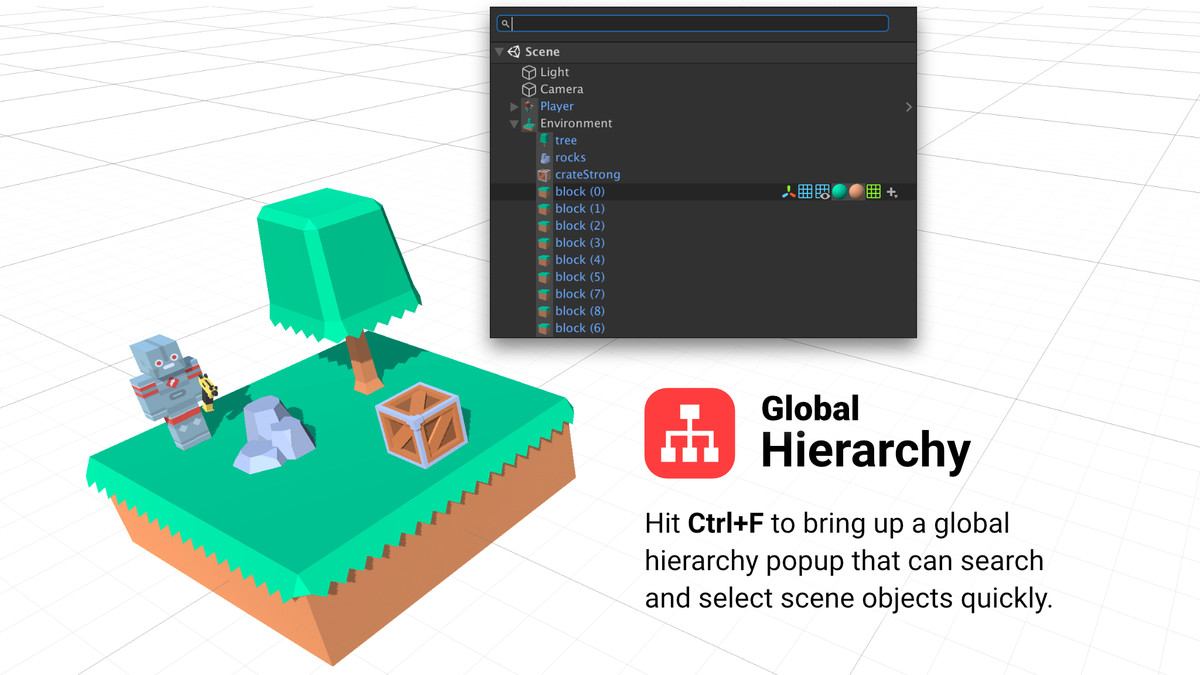
- Global Hierarchy: Hit Ctrl+F to bring up a global hierarchy popup that can search and select scene objects quickly.
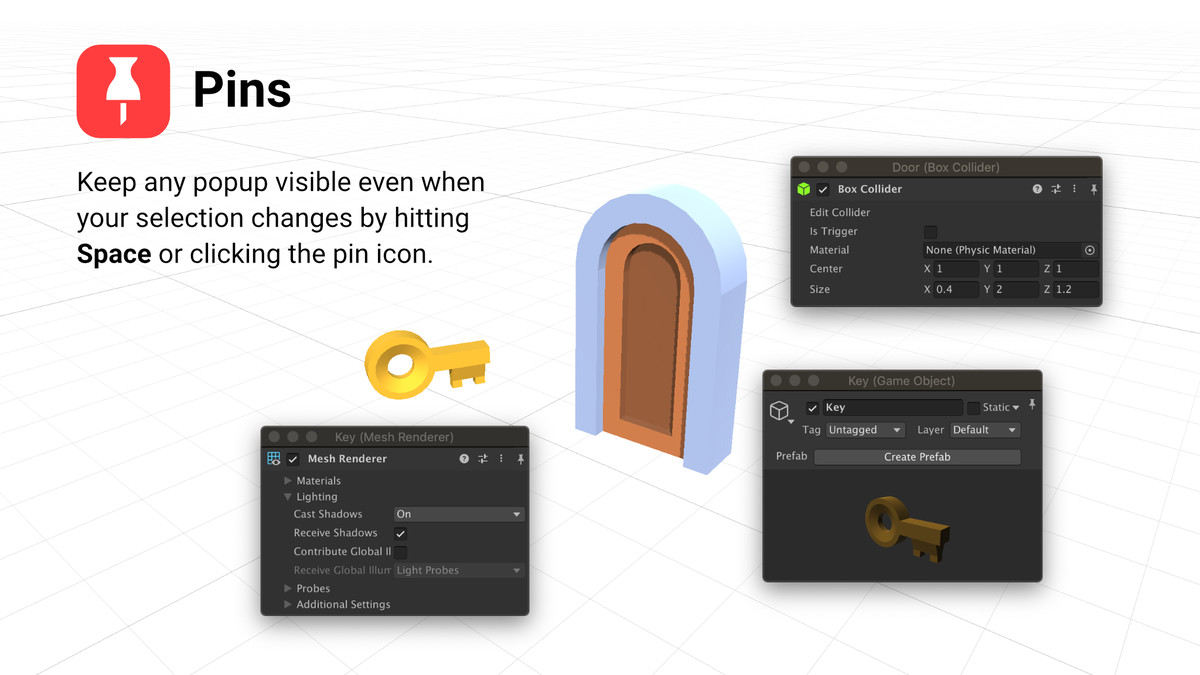
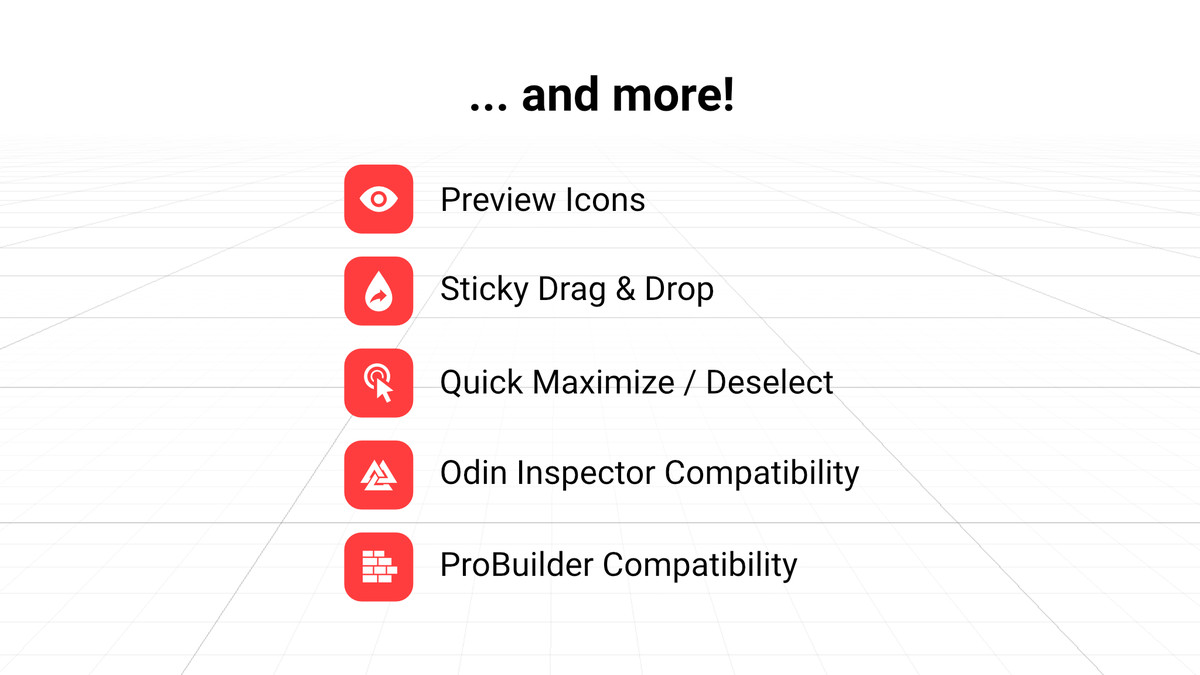
- Sticky Drag & Drop: Drag references across objects without having to pin or lock the receiving inspector beforehand.
- ... and more! Quick maximize, quick deselect, preview icons, hierarchical creation. Dive in and explore!
⭕ COMPATIBILITY ⭕
- Requires Unity 2018.4 or above and .NET 4.x
- Compatible with Unity 2019.4 LTS
- Compatible with Unity 2020.3 LTS
- Compatible with Unity 2021.1
- Compatible with Unity 2021.2
- Compatible with Odin Inspector
- Compatible with ProBuilder
⭕ CREDITS ⭕
Assets used in featured images by Kenney: More Kenney Assets...
Release Notes
Important Upgrade Note
Always delete the Ludiq/ folder before upgrading to newer versions.
Do not delete the Ludiq.Generated/ folder to keep your project settings.
Why? Unity packages don't allow their publishers to automatically delete files across versions, so when we remove a file from the plugin, it does not get removed for the users automatically. This can cause warnings and even errors. The only safe and easy way around this is to delete the plugin and import it again.



Basic Information
- Latest Version
- 1.4.2 (29 Nov 2021)
- Publisher
- Ludiq
- Category
- Tools/Utilities
- Size
- 26.0 MB
- Price
- free
- Asset Rating
- ★ ★ ★ ★ ★ (80)
Extended Information
- Unity Versions
- 2018.4.36
- State
- Deprecated