Realistic Car Controller
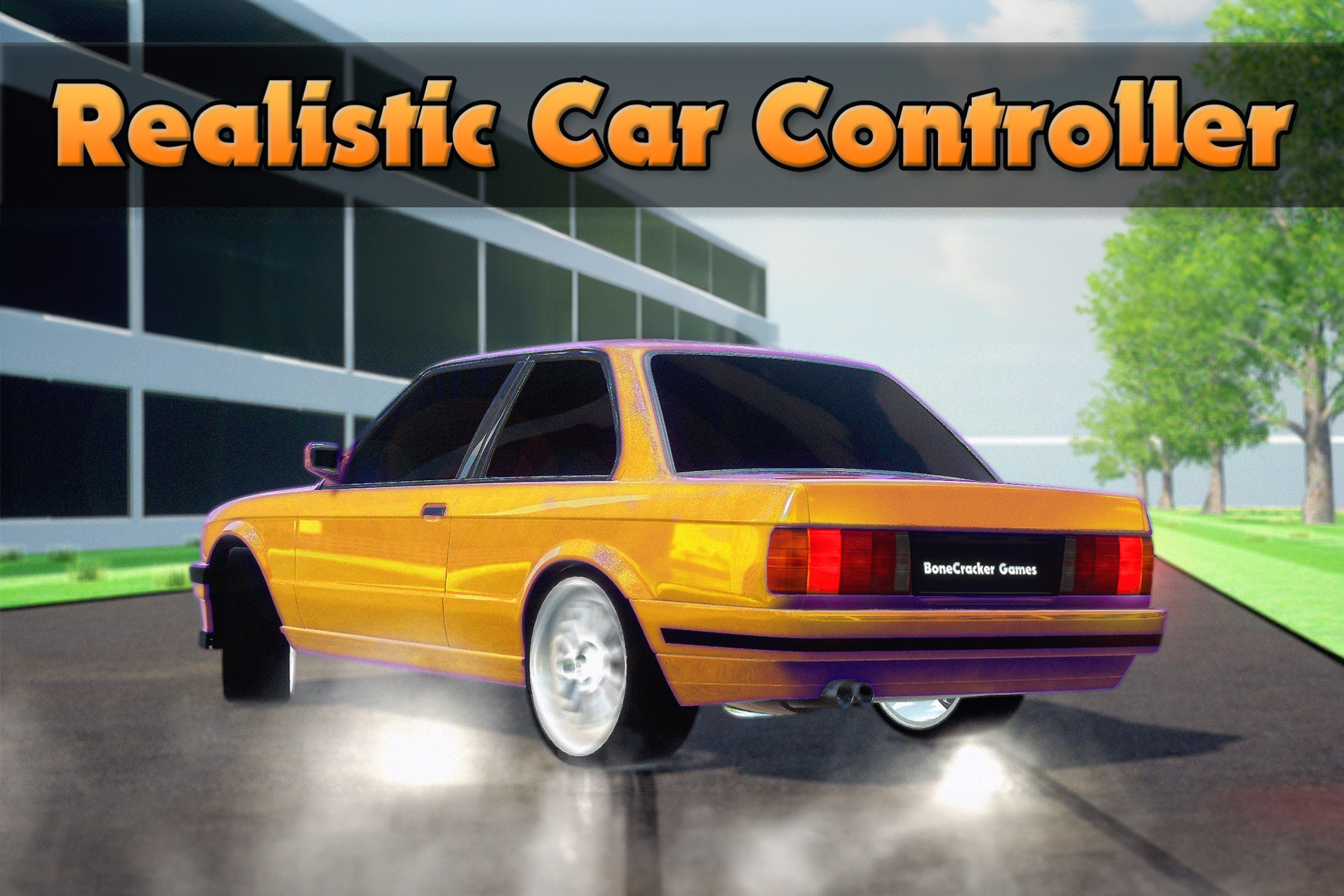
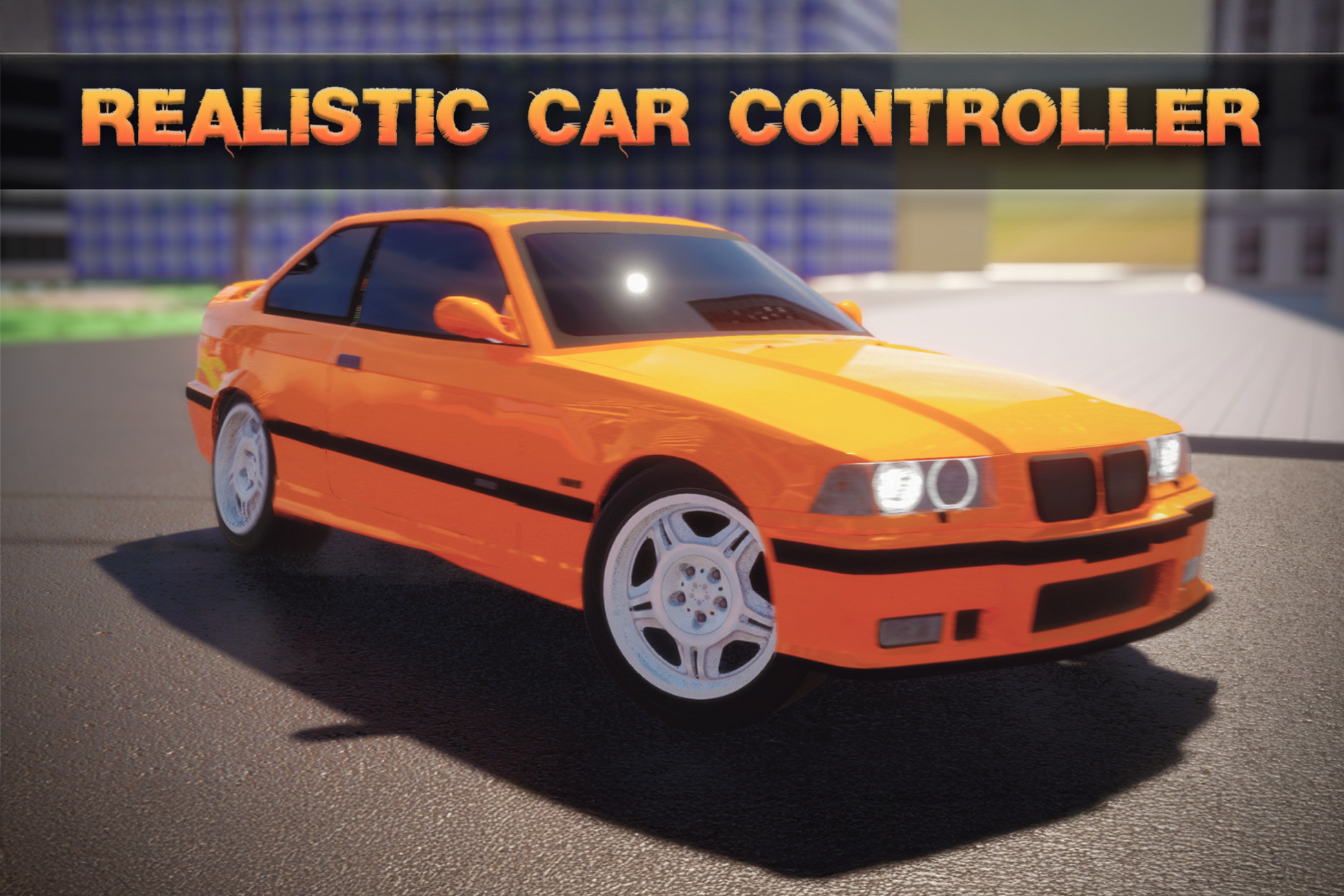
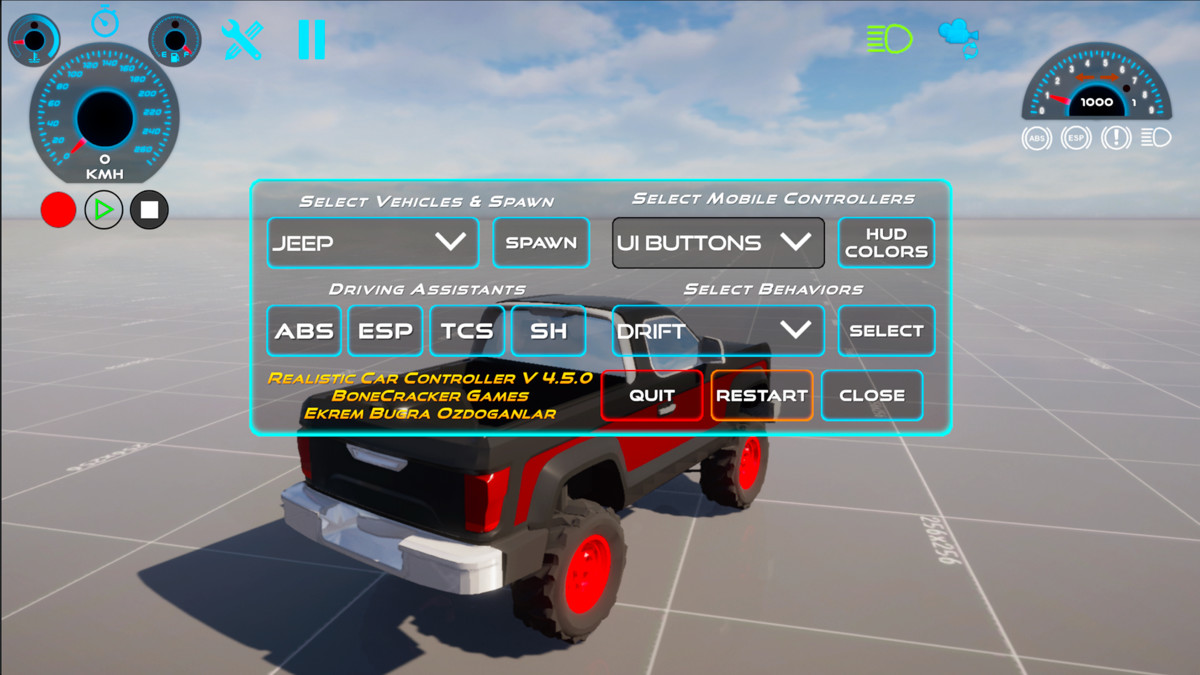
Creating your own realistic vehicle has never been so easy. Fully functional vehicle creation takes just about a few minutes only! With one click, you can set up, switch controllers, switch behaviors, and customize your vehicle. Easy to use and highly customizable. Including full demo content to kickstart your project.
🎮 Demo & Documentation
PC Demo - WebGL Demo - Android Demo
🚀 V4.5.0 [Major Update] - Released on 15 July 2025
The asset has been fully reviewed and improved in many ways to make it better and more efficient. For a full list of updates and changes, please check the release notes.
🔥 Upgrading from Realistic Car Controller to Realistic Car Controller Pro is 50% off for a limited time.
📦 Compatibility
- Compatible with Unity 2022.3.51 --> Unity 6 (Latest LTS) versions.
- Compatible with Builtin, URP, and HDRP.
🔥 Exclusive Discounts
- Realistic Car Controller Pro (50% Discount for RCC users)
- Realistic Traffic Controller (50% Discount for RCC users)
📌 Check out the projects have been using Realistic Car Controller Pro!
- City Car Driving Simulator
- Highway Racer
- Highway Racer 2
- Burnout Racers
- Burnout Drift Multiplayer
- Burnout Drift Lite
Leading Features
- Compatible with Unity 2022.3.51 --> and newer versions, including latest LTS versions of Unity 6
- Compatible with Render Pipelines: Builtin, URP, and HDRP
- Compatible with all build platforms
- Input system
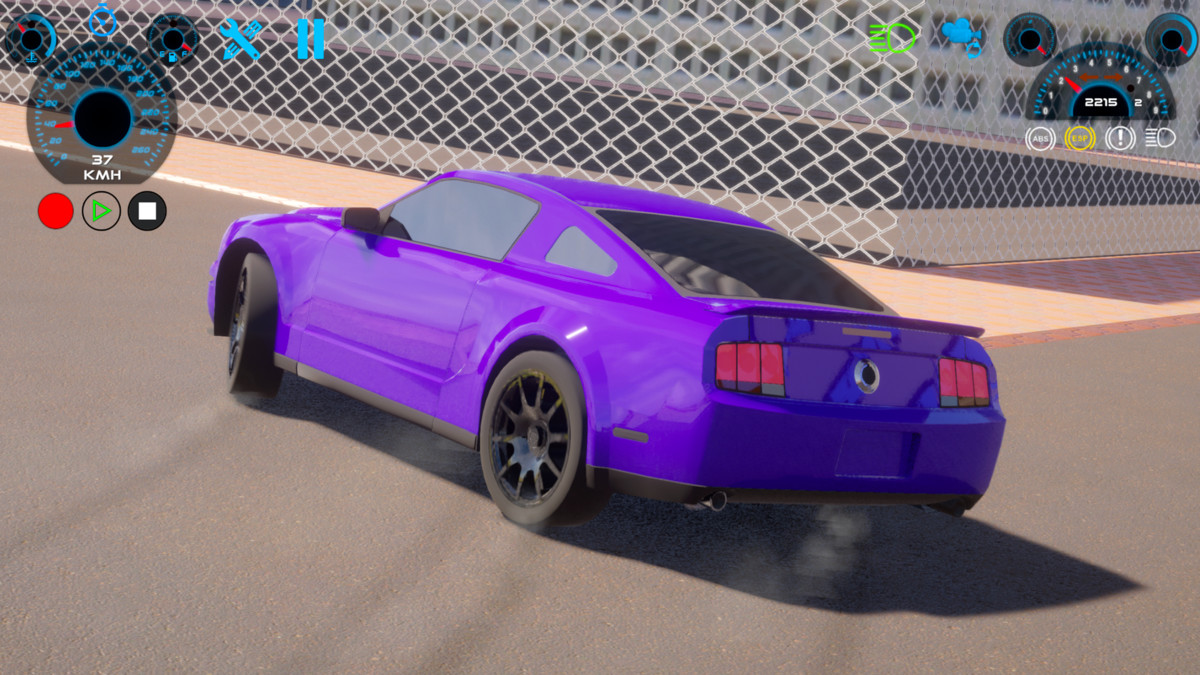
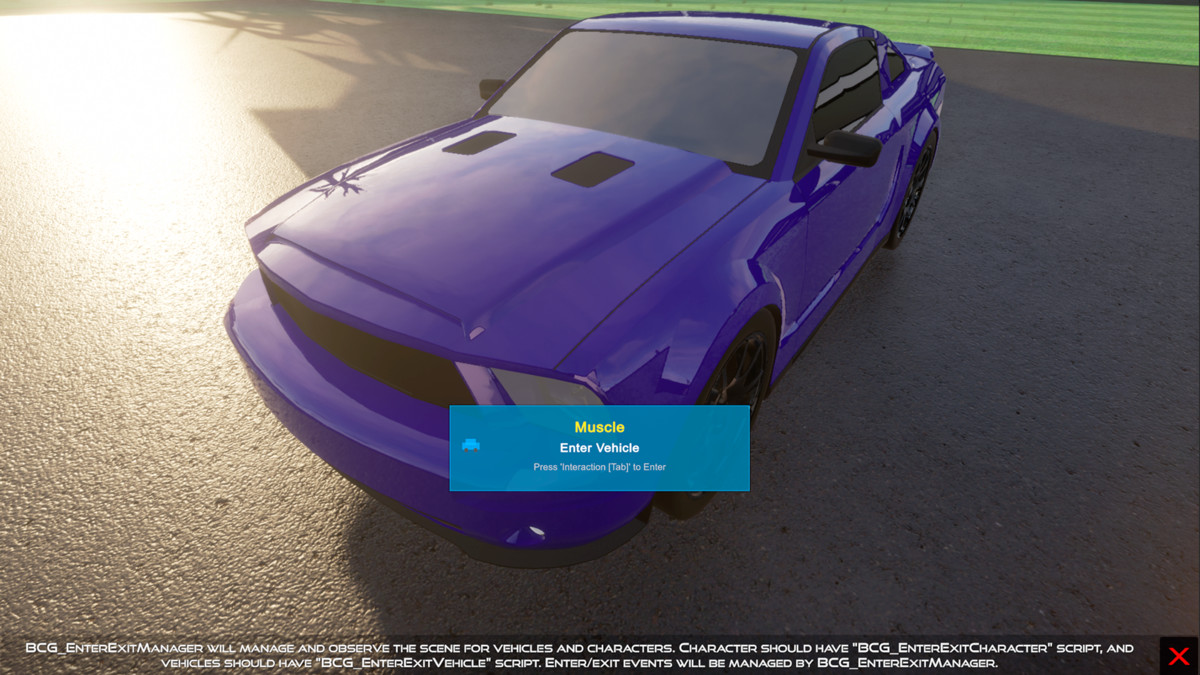
- Record & replay, enter & exit, lights, camera modes, various behavior presets, customization, damage system, and more...
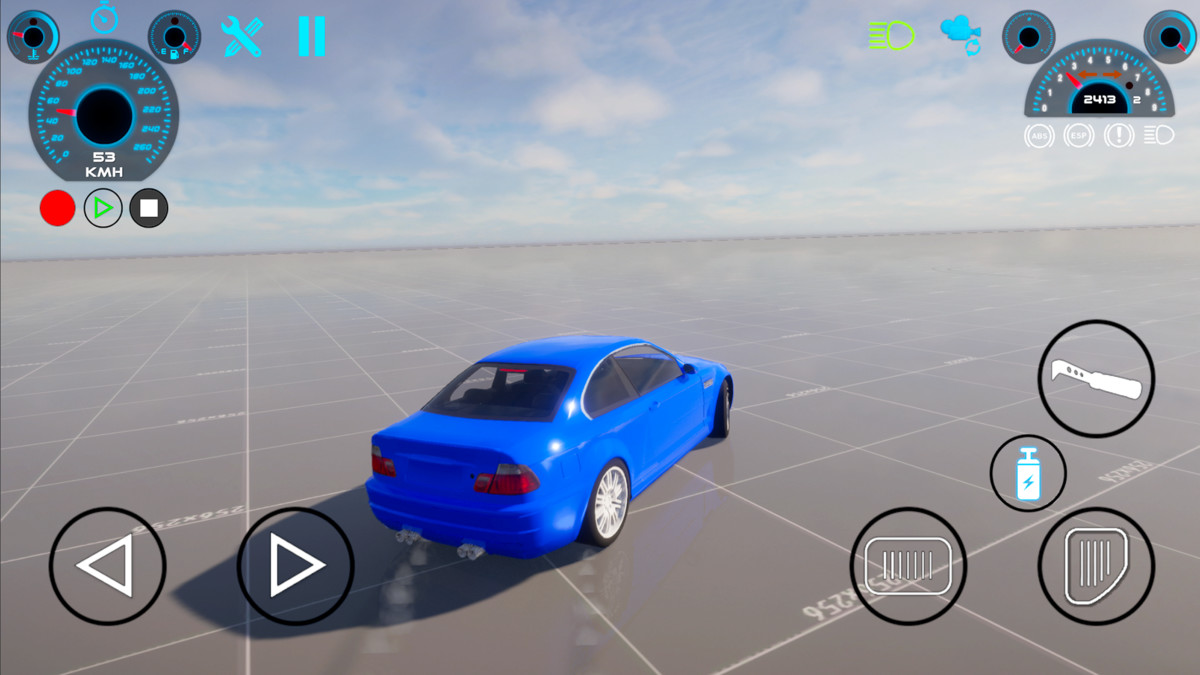
- Complete UI management including customizable mobile controllers
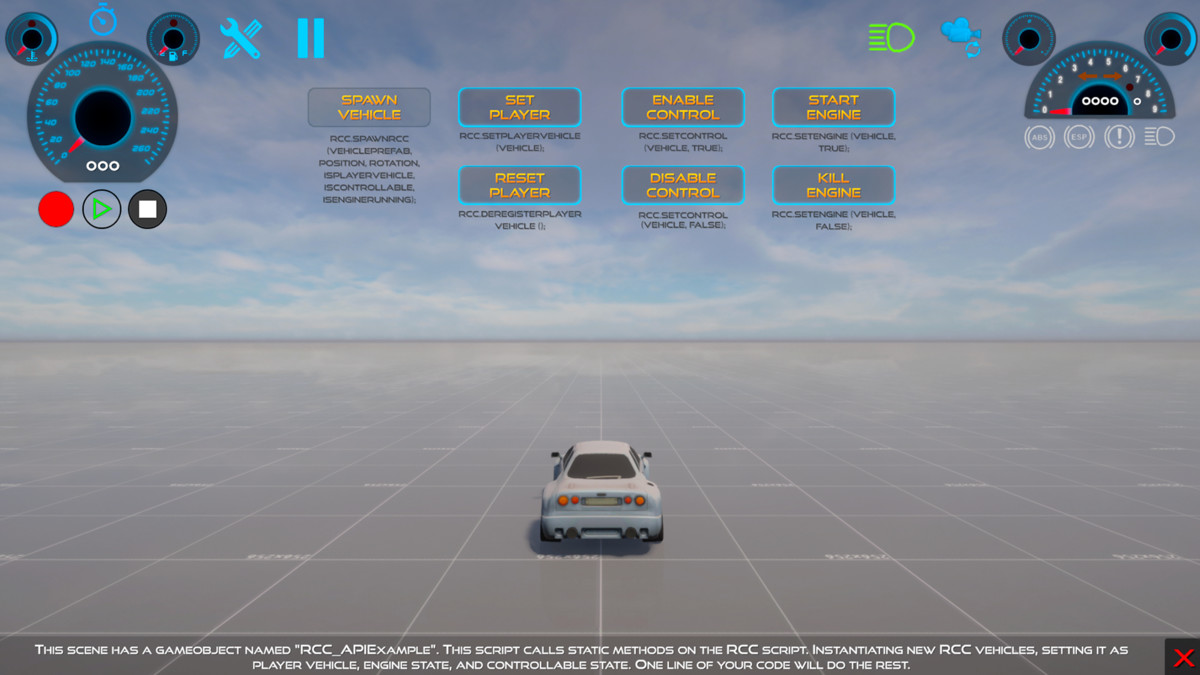
- Simplified API script to spawn and manage RCC vehicles at runtime with only one line of code (spawn, repair, refill, destroy, register, unsubscribe, set controllable state, etc...)
- Vehicle creation wizard with automated methods to shorten the development time.
- Editor asisted controller and manager scripts
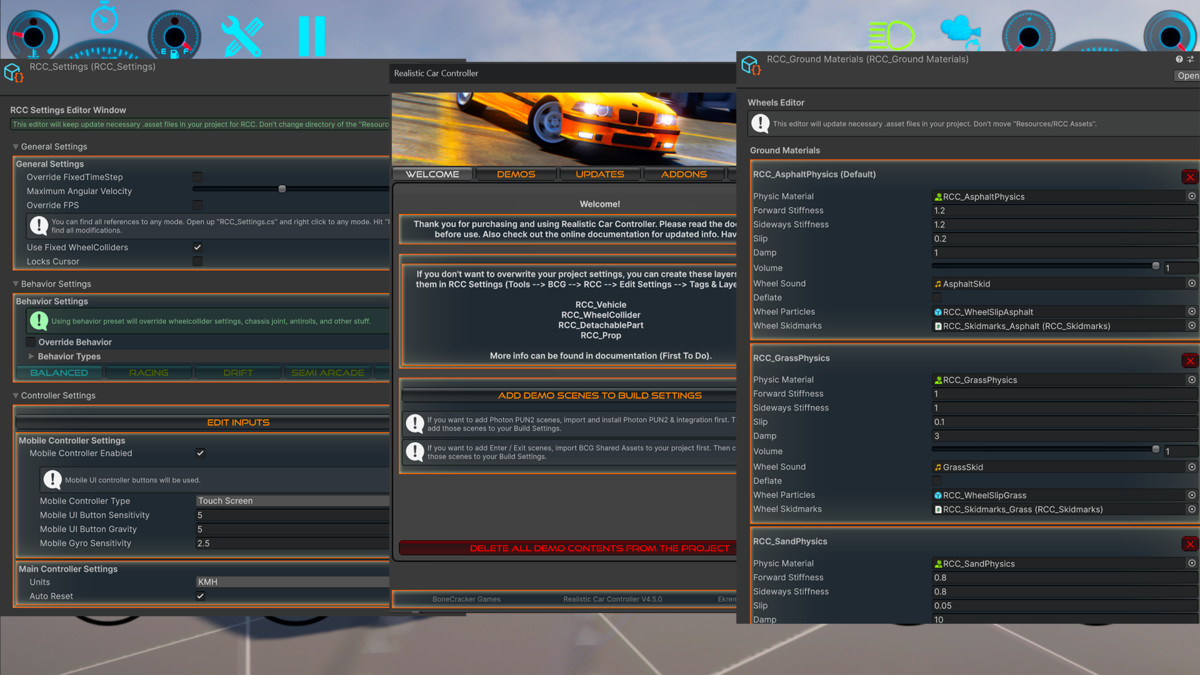
- Shared global settings via scriptable objects (RCC_Settings, RCC_GroundMaterials, RCC_ConfigurableWheels, RCC_DemoVehicles, etc...)
- Customizable behavior presets such as simulator, drift, race, arcade, etc...
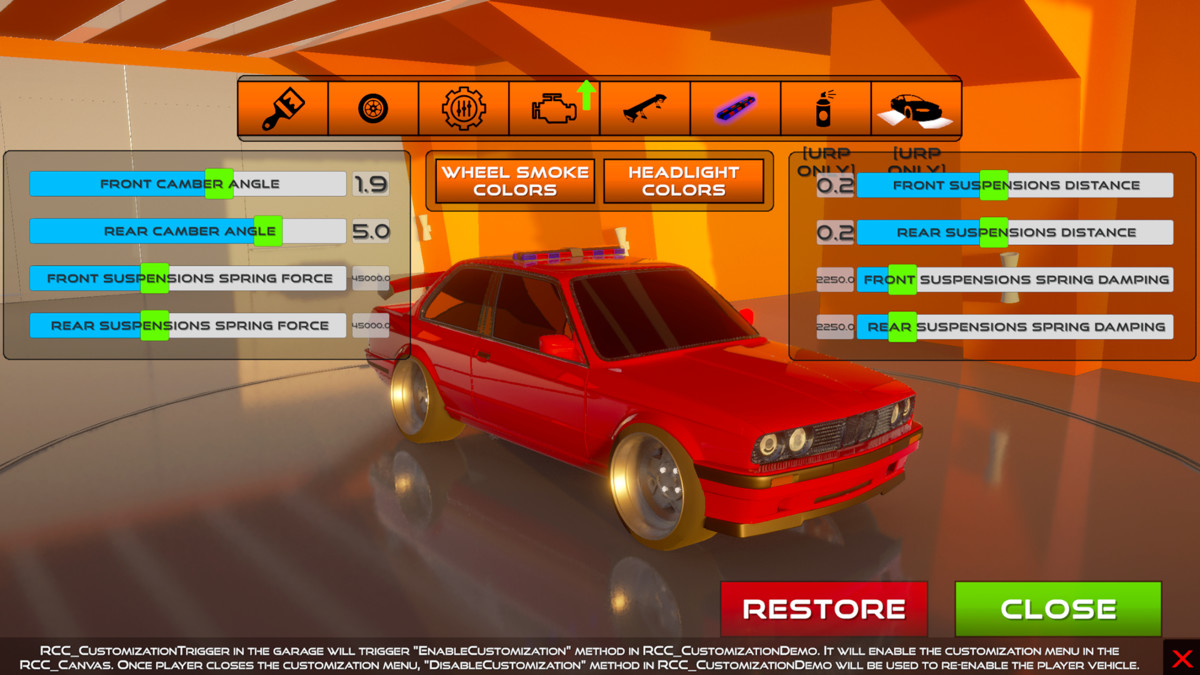
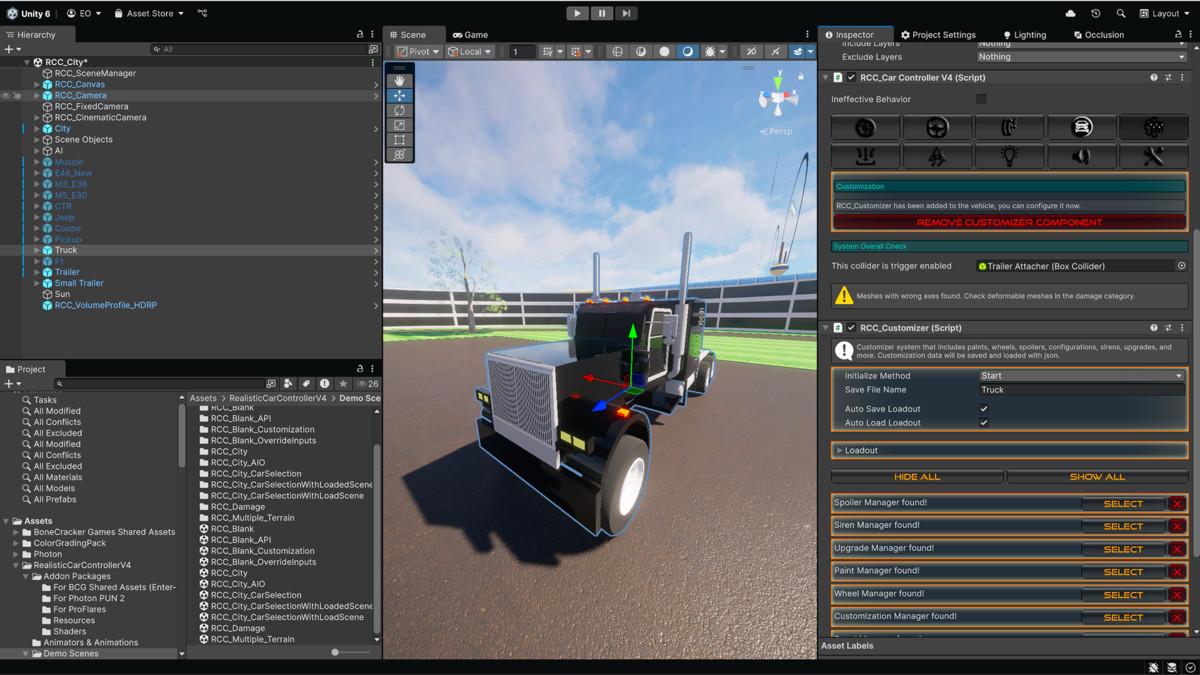
- Customization system that includes paints, upgrades, modification, spoilers, sirens, decal, neon, and more...
- Stability systems: ABS, ESP, TCS, steering and traction helpers
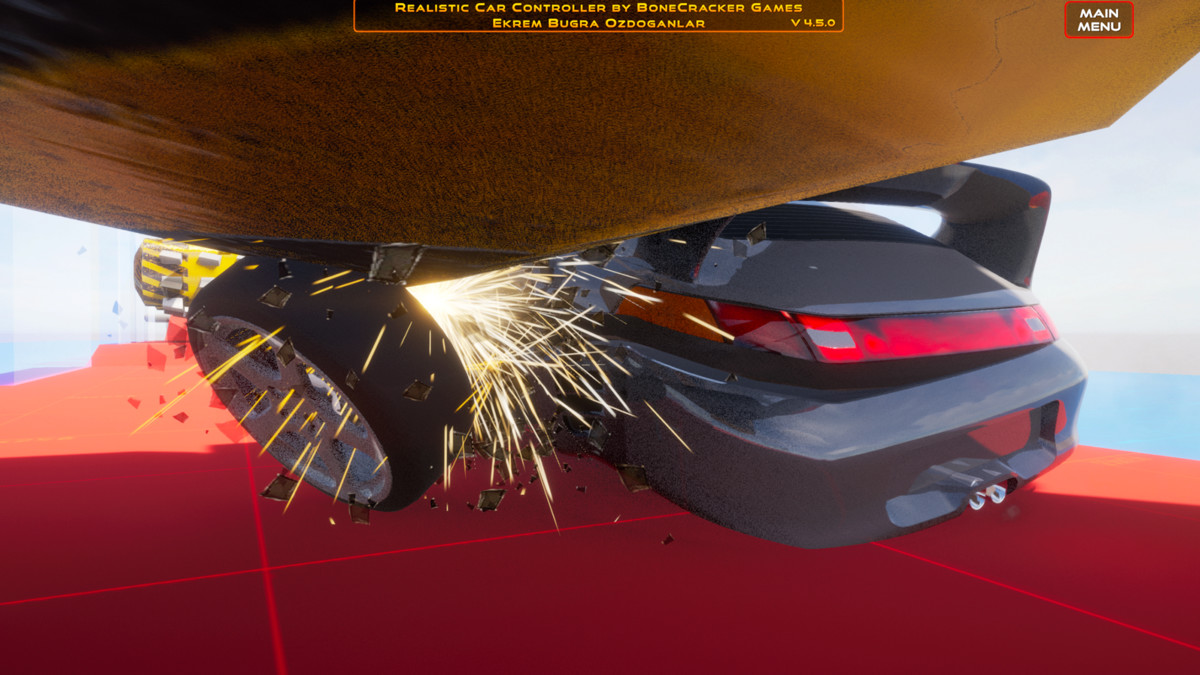
- Optimized damage: Mesh, wheel, part, light
- Configurable ground physics
- Easy to use, and highly customizable
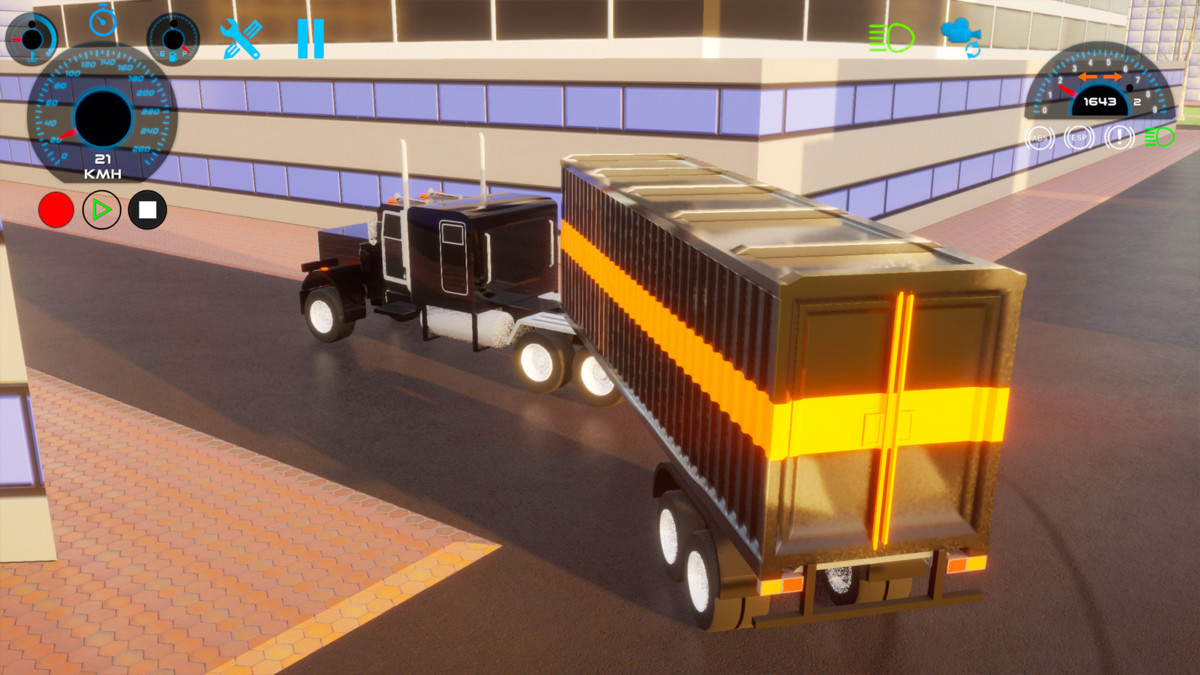
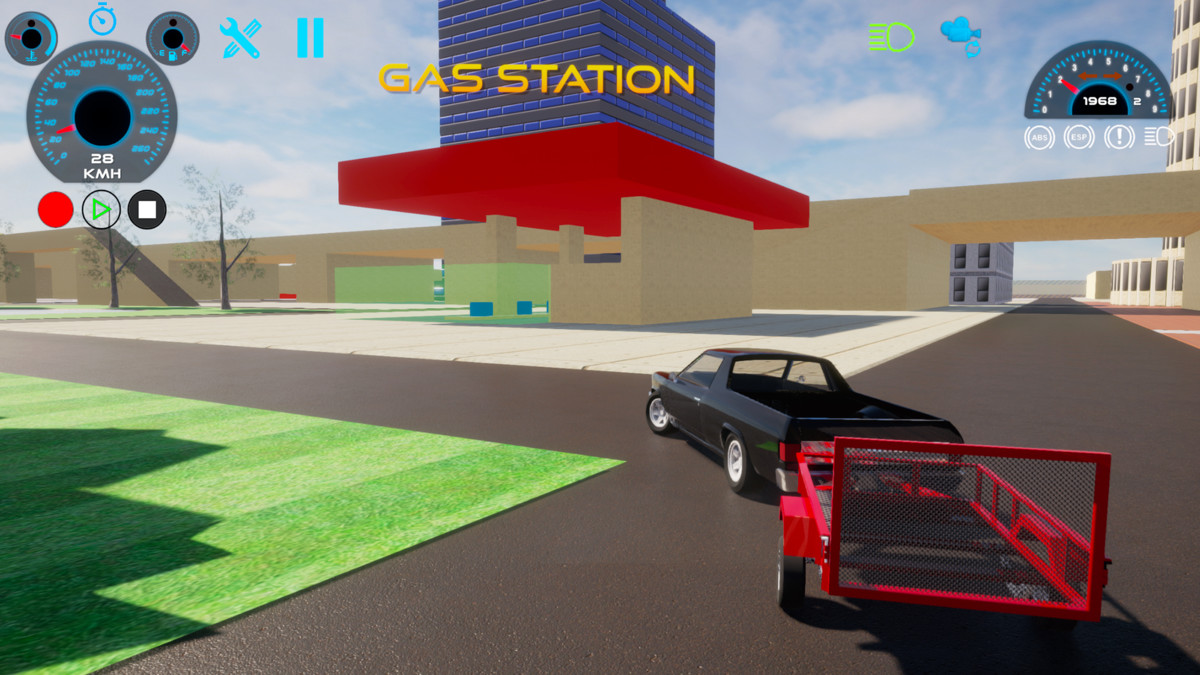
- Ability to use in a very wide range. Can be used on a toy car, or even truck with trailer
- Ready to use prefabs such as fuel station, repair station, etc...
- Integration packages for Photon PUN2, ProFlares, and BCG Shared Assets (Enter-Exit)
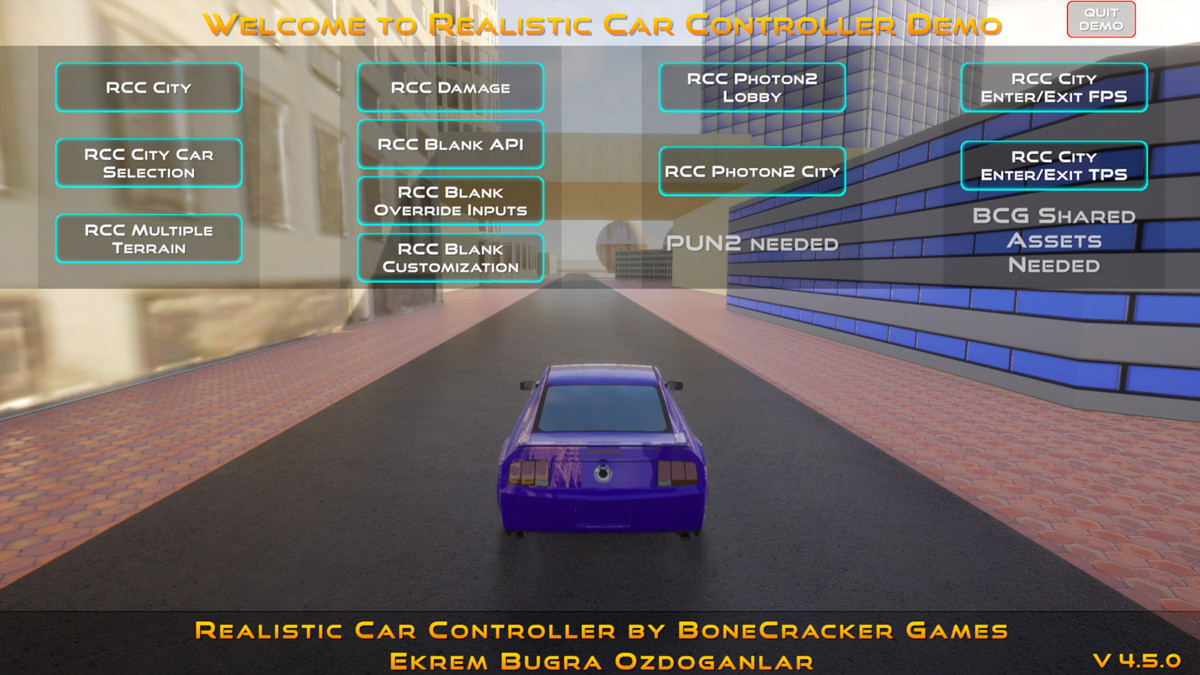
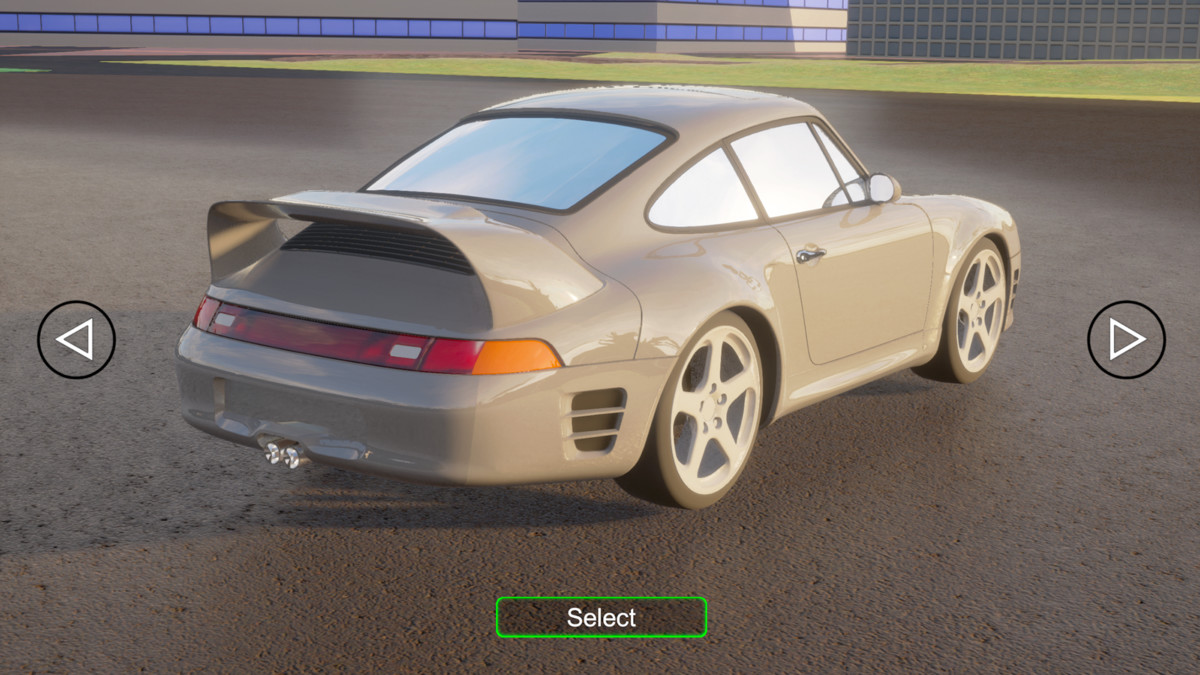
- Over 15 demo scenes for presenting regular city, enter-exit scenes (FPS/TPS), vehicle selection scenes, damage scenes, photon scenes, customization, overriding inputs, and more...
- Over 10 completely configured vehicle prefabs ready to use
- Completely documented and commented scripts
➡️ Restricted to prefab vehicles?
❌ No!
➡️ Forced to mod existing prefab vehicles or just change the model of the prefab to create new vehicles?
❌ No!
➡️ Wasting time editing complex curves, hardcoded lines, and values to get fun physics, or dealing with dozens of scripts to modify the package?
❌ No!
This is not a game template or a simple editor extension. You are not limited by asset restrictions. This asset is designed to help you create and use your own vehicles,
not to modify or publish a game using the existing example content.
📚 Check the "Documentation" for a step by step tutorial on setting up your realistic vehicle from scratch!
Release Notes
[Important] Always back up your project before updating!
- Before Updating: Move any custom assets outside of the "RealisticCarControllerV4" folder. Delete the entire "RealisticCarControllerV4" folder before importing the updated version.
- Editor Scripts: The editor scripts rely on the folder's path, so it’s recommended not to change the directory of the "RealisticCarControllerV4" folder.
- Input System: RCC now uses the new Input System. Set "Active Input Handling" to "Input System" or "Both" in your project settings.
V4.5.0 [Major Update]
- Fixed major issues in RCCP_Recorder that could cause crashes after running for a while.
- Fixed memory leak issues in RCCP_Damage related to repeated octree usage.
- Improved input management and fixed critical issues for more stable and responsive controls.
- Added null reference checks and debug logs to all scripts to help developers quickly spot and fix issues.
- Fixed all obsolete API warnings to ensure full compatibility with recent Unity versions.
- Fixed shader issues that caused problems across different URP and HDRP versions.
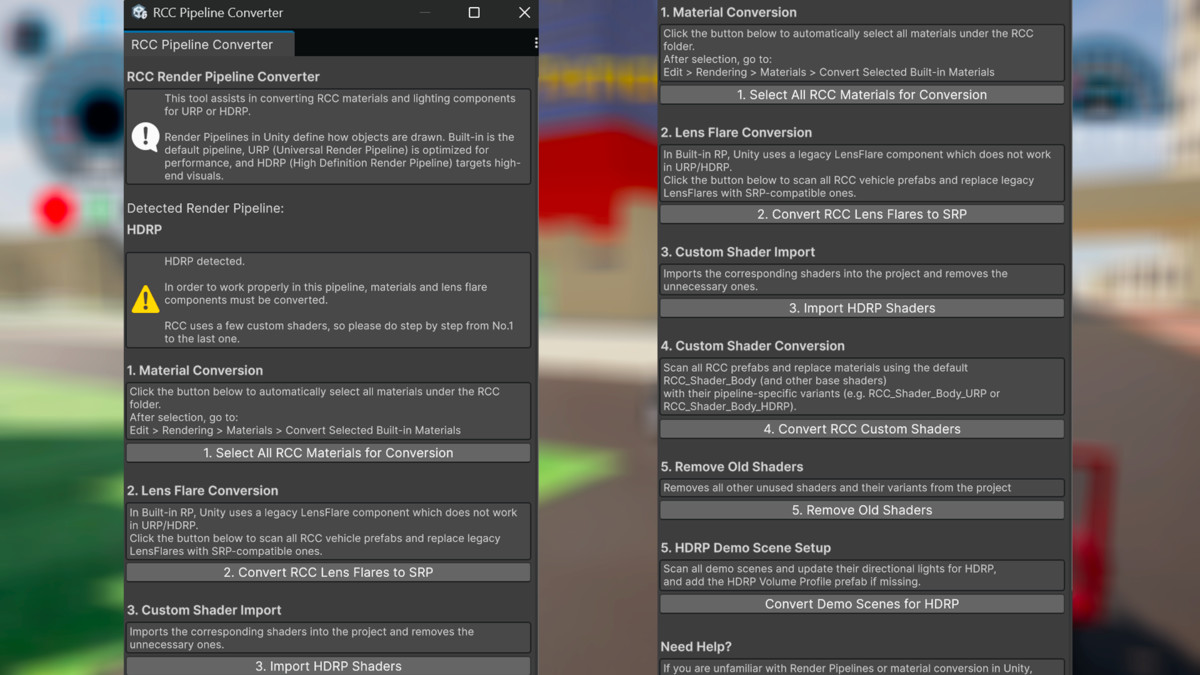
- Added a new URP/HDRP converter tool that automatically upgrades the asset to the selected render pipeline.
- Removed unnecessary URP and HDRP installer packages, reducing the overall asset size by about 35%.
- Removed outdated URP upgrade steps and replaced them with a new render pipeline converter.
- Added a version checker script that warns the unstable Input System versions below 1.11.2.
- Replaced repeated Camera.main calls in update loops with a cached reference to improve performance.
- Improved overall performance by approximately 15%.
- Improved Photon Networking Scripts for smoother multiplayer synchronization.
- Improved BCG Shared Assets, including enter/exit managers, player controllers, and utility scripts. Fixed critical bugs and potential runtime errors.
- Fixed a bug in the sea transport script on the city demo scene that incorrectly affected all vehicles instead of only the target one.
- Corrected vehicle spawner methods in the RCC_Demo script to behave more reliably.
- Updated all vehicle prefabs and demo scenes. Minor collider bugs in demo scenes have been fixed.
- Fixed camera stuttering caused by occlusion issues in RCC_Camera.
- Added null checks for accelerometer and gyro input handling to prevent runtime errors.
- Cursor lock and unlock now works automatically based on the settings defined in BCG_EnterExitSettings.
- Fixed warning messages caused by demo models using the same mesh names.
- Overall project check-up, cleaned unnecessary assets, corrected import settings, fixed other minor issues, and reduced the demo build size along with the asset's size.
V4.4.0 [Minor Update]
- Fixed minor issues.
V4.3.2.1 [Major Update]
1. Editor & Scripting Improvements
- Improved Editor Scripts: Improved readability and visual layout of editor-assisted scripts.
- Comment Additions: Added missing comments and refined existing ones in both runtime and editor scripts, making code easier to understand.
- Script Simplification: Simplified and reorganized core scripts for better maintainability and performance.
- Global to Local Settings: Moved Automatic Gear, Automatic Clutch, and Automatic Reset options from global scope to local vehicle settings for greater customization.
- Max Speed Variable Update: Going forward, maxSpeed refers to the calculated maximum achievable speed of the vehicle rather than a hard limit. Renamed maxSpeed to (float)limitMaxSpeedAt with a corresponding (bool)limitMaxSpeed.
- Layer Mask Fix: Fixed glitched LayerMask selections in the inspector due to missing GUI.skin elements.
- Resource Configuration: Added missing settings and resources under Tools → BCG → RCC → Configure.
2. Vehicle Creation & Wheel Handling
- Wheel Detection: Improved methods for finding available wheels when creating new vehicles.
- Creation Process Fixes: Addressed rare but possible errors that occurred during vehicle creation.
- WheelCollider Additions: Added forward and sideways grip parameters to RCC_WheelCollider. Exposed more customizable settings to fine-tune wheel behavior.
3. Physics & Performance
- Gear Speed Accuracy: Fixed an issue causing vehicles to exceed the maximum gear speed, including reverse gear.
- Drifting Physics: Improved drifting physics.
- Skidmarks Manager: Improved overall skidmark appearance and performance. Fixed misbehavior at very high speeds (above ~220 km/h).
- Transport Issues: Fixed various transport-related issues.
4. Camera & Visual Enhancements
- TPS Mode Improvements: Improved the third-person camera mode (RCC_Camera) with smoother tracking, especially during aggressive maneuvers.
- Drift Tracking: Added a new TPS tracking mode specifically optimized for drifting.
- Orbit Input Fix: Resolved inaccuracies when using the orbit camera multiple times.
- Scene Updates: Smoothed curb geometry in city demo scenes. Fixed pool edges in city demo scenes.
5. Demo Content & Prefabs
- Obsolete Scripts: Updated or removed obsolete scripts to keep the codebase clean.
- Demo Vehicles: Updated demo vehicle prefabs.
- Custom Shaders: Updated custom shaders to ensure compatibility and better performance.
- Particle Systems: Adjusted particle system prefabs and settings for more realistic and optimized effects.
6. Photon & Multiplayer Integration
- Lobby Demo: Fixed missing room button in the Photon Lobby demo scene.
- Sync Fixes: Fixed an issue where the muscle demo vehicle failed to sync properly.
- Photon Scripts: Further improvements to Photon-related scripts for more reliable networked gameplay. Added a collision RPC method (RCC_PhotonSync) to handle realistic collisions between vehicles in realtime.
7. Audio & Input Enhancements
- Normalized Audio: Readjusted audio clip volumes for a more balanced sound experience.
- Input Handling: Fixed an issue where FPS/TPS character controllers ignored inputs after exiting a vehicle at high speed.
8. Documentation
- Core Docs: Updated the main documentation.
- Scripting Reference: Added dedicated scripting documentation for easier integration and customization.
9. Others
- Integration Packages Update: Updated integration packages of third party assets.
V4.1.3 [Minor update for Unity 6]
Fixed custom shaders on WebGL (URP) platform.
V4.1.2 [Minor update for Unity 6]
- Compatible with Unity 6 (6000.0.25f1) and newer versions.
- Added RP installer for Unity 6 version.
- Added support for URP and HDRP for Unity 6 version.
- Fixed custom shaders on WebGL (URP) platform.
V4.0 [Major Update]
- The asset has been upgraded from V3 to V4. Your old vehicles will still work without issues after the update. Make sure to read the documentation before updating!
[Changes and Improvements]
- Complete overhaul: The project was completely reviewed and improvements were made.
- New Vehicle Model: Added a Muscle car.
- Vehicle Removals: Buggy, Sofie, and Van models removed.
- Customization Overhaul: Easier and more flexible customization system.New Customization category in the RCC_CarControllerV4.
You can now add the RCC_Customizer directly to vehicles.
Simplified API for customization.
Added options like "Show All", "Hide All", "Save", "Load", and "Apply" to the Customizer.
New Customization Presets for demo vehicles.
Added decals and neon lights for URP.
Vehicle customization via a new UI panel in RCC_Canvas. - Vehicle Shaders: New Realistic Car Body Shader with flakes, rims, and cloud reflection for both Built-in and URP.
- Camera Improvements: Fixed misbehaving orbit rotation in RCC_Camera.
[New Features]
- Quick Vehicle Setup Wizard: Create a new vehicle in less than a minute.
Wheel Finder: Automatically finds wheels, no need to manually select.
Axis Orientation Check: Warns if the vehicle model has incorrect axis orientation.
Layer Check: Ensures RCC prefabs have proper layers even if layer order changes. - Damage System: Improved damage methods with options to "Save", "Load", and "Restore" damage states.
- Performance and Optimizations: General performance improved by ~20%.
Optimized mobile controls and eliminated lag.
Improved NOS/boosting effectiveness.
Reduced editor lag with optimized scripts.
Audio clips normalized and adjusted.
Improved and stabilized vehicle handling for a balance between gameplay and realism. - Photon Managers: RCC Photon Managers and synchronization scripts are now more efficient.
- Renamed and organized all assets for clarity.Other Updates: Low Poly Colliders: Added for all vehicles.
URP Upgrade Automation: Lights and cameras automatically configured for URP.
Editor Version: Minimum version now 2021.3.2f1.
---V3.95---
- Fixed misconfigured anchors of some UI elements.
- Fixed missing sprites on decals (customization menu).
- Fixed misconfigured scale of some UI elements.
- Fixed misaligned colliders on some vehicles and environment.
- Fixed and improved FPS / TPS character controllers (Enter - Exit).
- Fixed camera FOV while selecting vehicles.
- Fixed not working customization menu on the vehicle selection scene.
- Updated demo assets, prefabs and scenes.
---V3.82.1---
- Updated demo assets and scenes.
- Updated vehicle prefabs.
- Fixed misaligned colliders on vehicles and environment.
---V3.81---
- Added Z offset to TPS Camera mode related to the vehicle acceleration.
- Removed unnecessary editor features such as shortcut buttons for the settings and in scene gui buttons.
- Improved editor script of the AI waypoint creator.
- Added right click menu items to hierarchy panel.
- Fixed an issue where interaction button for the custom character controllers of FPS / TPS where not working (Failure to get in / get out of the vehicle).
- Updated all integration packages and prefabs.
- Reduced package and build size.
















Basic Information
- Latest Version
- 4.5.0 (15 Jul 2025)
- Publisher
- BoneCracker Games
- Category
- Tools/Physics
- Size
- 0.59 GB
- Price
- €36.8
- Asset Rating
- ★ ★ ★ ★ ★ (466)
Extended Information
- Unity Versions
- 2022.3.51
- Render Pipelines
- ✔ BIRP ✔ URP ✔ HDRP
- State
- Published