Figma Converter for Unity
With this asset, you can transfer your layout from Figma to Unity in one click!
ALL ASSETS FROM THE DEPENDENCIES TAB ARE OPTIONAL
Figma Converter for Unity:
- Preserves the hierarchy of the Figma project;
- Imports PNG, JPG and SVG files;
- Creates 9-Sliced sprites (manual via free Figma plugin or automatic detection);
- Creates prefabs;
- Downloads TTF fonts and creates TextMeshPro, UI Toolkit and UniText font assets;
- Auto-detects required Unicode subsets (Latin, CJK, Cyrillic, etc.) from project text;
- Supports offline import — no error 429 on Figma free plans. The offline import helper is sold separately, and the release will be announced as a tooltip in the asset UI;
- Generates a localization file;
- Generates scripts. Automatically serializes GameObjects into the generated scripts or into your own scripts;
- Doesn't create sprite duplicates;
- Auto-colorization of single-color sprites to white for color overlay;
- Creates scene backups;
Automatically creates components:
- Image, RawImage, SpriteRenderer, SVGImage;
- UI.Text, TextMeshProUGUI, UniText;
- UI.Button;
- UI.InputField, TMP_InputField;
- HorizontalLayoutGroup;
- VerticalLayoutGroup;
- GridLayoutGroup;
- ScrollView;
- Toggle;
Works with:
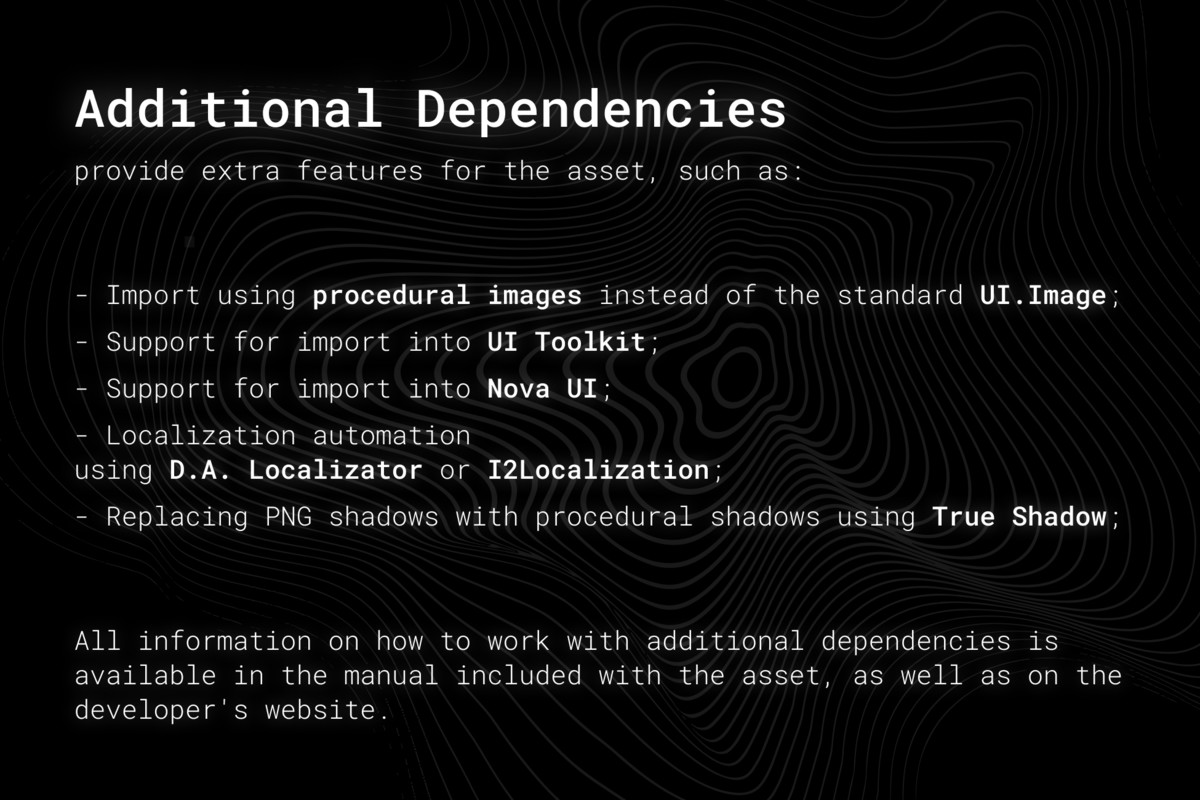
- Additional assets from the "Dependencies" tab;
- Unity UI Extensions asset;
- UI Toolkit (extension to support UITK sold separately);
- Cursor, Antigravity, Coplay and Codex via the built-in MCP Server, which can help you navigate the asset's documentation and answer frequently asked questions.
- Supports any OS;
- The asset UI and logs are localized into the following languages: English, Japanese, Korean, Chinese, Spanish, German, French, Indonesian, Hindi;
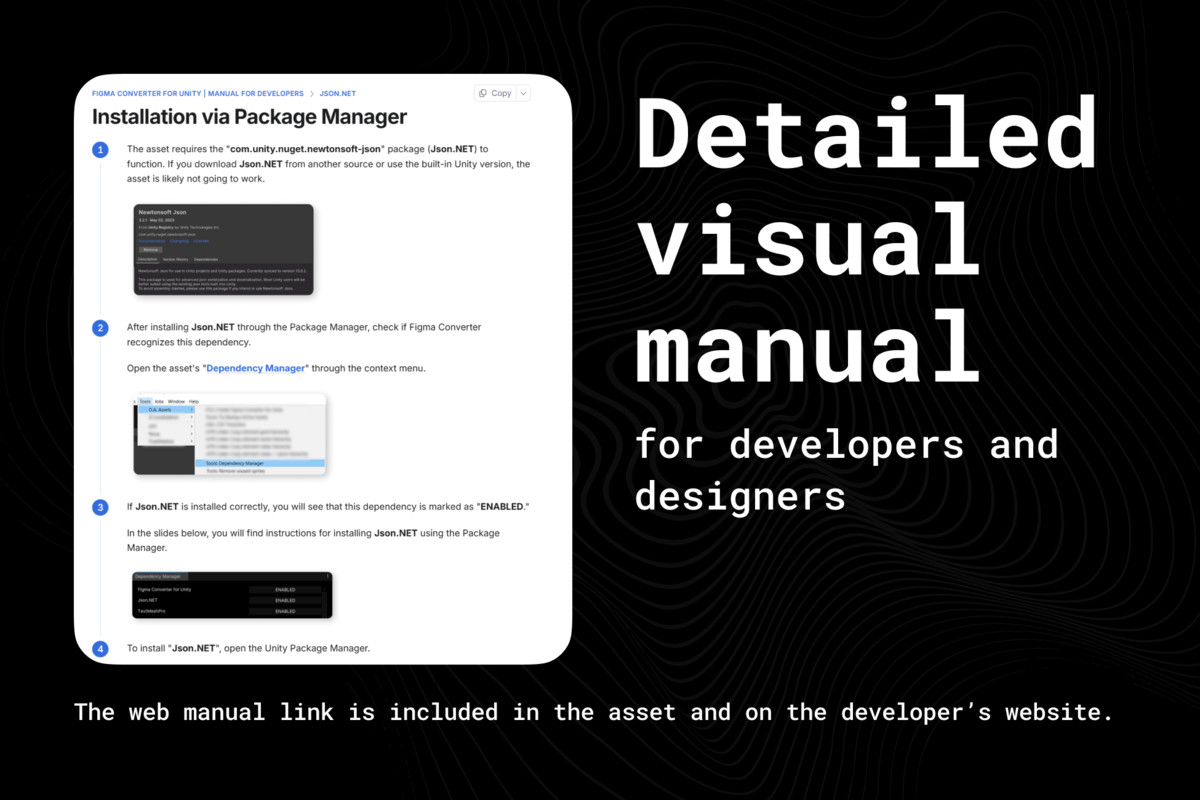
- Detailed manuals are available on the developer's website;
- Live technical support.
I will consider any of your suggestions for integrating new functionality.
Please, always update to the latest version of asset.
Release Notes
7.0.0:
NOTE:
• Before installing this version, delete the "D.A. Assets" folder.
ADDED:
• Support for importing from a local ZIP copy of a project (offline import), which helps avoid the 429 error;
The feature is already implemented, but creating the ZIP archive requires a Figma plugin that has not been released yet;
A notification about its release will appear in the main asset interface once it becomes available;
• Support for the new UniText text component, which allows the most accurate reproduction of Figma text and its effects;
• Import diagnostics system — the SyncHelper component now displays detailed information explaining why a component was imported in a particular way;
• Layout Grid support (disabled by default);
• FontSubset expansion:
— previously, 22 Unicode subsets for fonts were supported;
— 8 more have now been added, including CJK-related languages/scripts: Georgian, Ethiopic, Lao, Tibetan, Japanese, ChineseSimplified, ChineseTraditional, Korean;
• New languages for the asset UI and logs: Indonesian, Hindi;
• Support for the built-in version of Newtonsoft.Json — you no longer need to install a separate Newtonsoft.Json package for the asset to work;
• UI improvements for asset settings:
— added visualization of modified values;
— added the ability to reset each individual value to its default;
— added the ability to reset individual settings sections.
Reset management works similarly to prefab revert — right-click a field to open the context menu.
CHANGED:
• 9-slice logic:
— added automatic slicing for all rounded rectangles;
— manual slice and auto slice no longer reduce an image to its minimum size if it contains a gradient;
• HashGenerator:
— fixed bugs;
— changed the hash collection algorithm.
Because of this, during re-import, existing sprites in the project that were imported by previous asset versions will not be recognized;
• The asset has been fully moved to an asmdef assembly and now references asmdefs of other dependent assets.
If a dependency does not have its own asmdef, it will be generated automatically using the Dependency Manager.
IMPROVED:
• Overall import accuracy, especially AutoLayout and text components;
• TextMeshPro import support:
— added JUSTIFIED alignment;
— added maxLines;
— added lineHeightUnit;
— added VertexGradient for vertical linear gradients for single-line texts only;
UPDATED:
• Compatibility with FlexibleImage;
• Compatibility with Figma to UITK Converter.
RENAMED:
• Oriya → Odia (with an [Obsolete] alias) according to the official Unicode and Google Fonts naming.
FIXED:
• An issue when downloading images whose names start with a dot.
----------------------------------------------------------------
The changelog for previous versions is available on the developer's website.



Basic Information
- Latest Version
- 7.0.0 (15 Mar 2026)
- Publisher
- D.A. Assets Publisher
- Category
- Tools/Utilities
- Size
- 56.6 MB
- Price
- €118.69
- Asset Rating
- ★ ★ ★ ★ ★ (51)
Extended Information
- Unity Versions
- 2021.3.45
- Render Pipelines
- ✔ BIRP ✔ URP ✔ HDRP
- State
- Published