MegaBook 2
Note: MegaBook 2 can also be found in The Big Bundle along with 4 others of our latest assets.
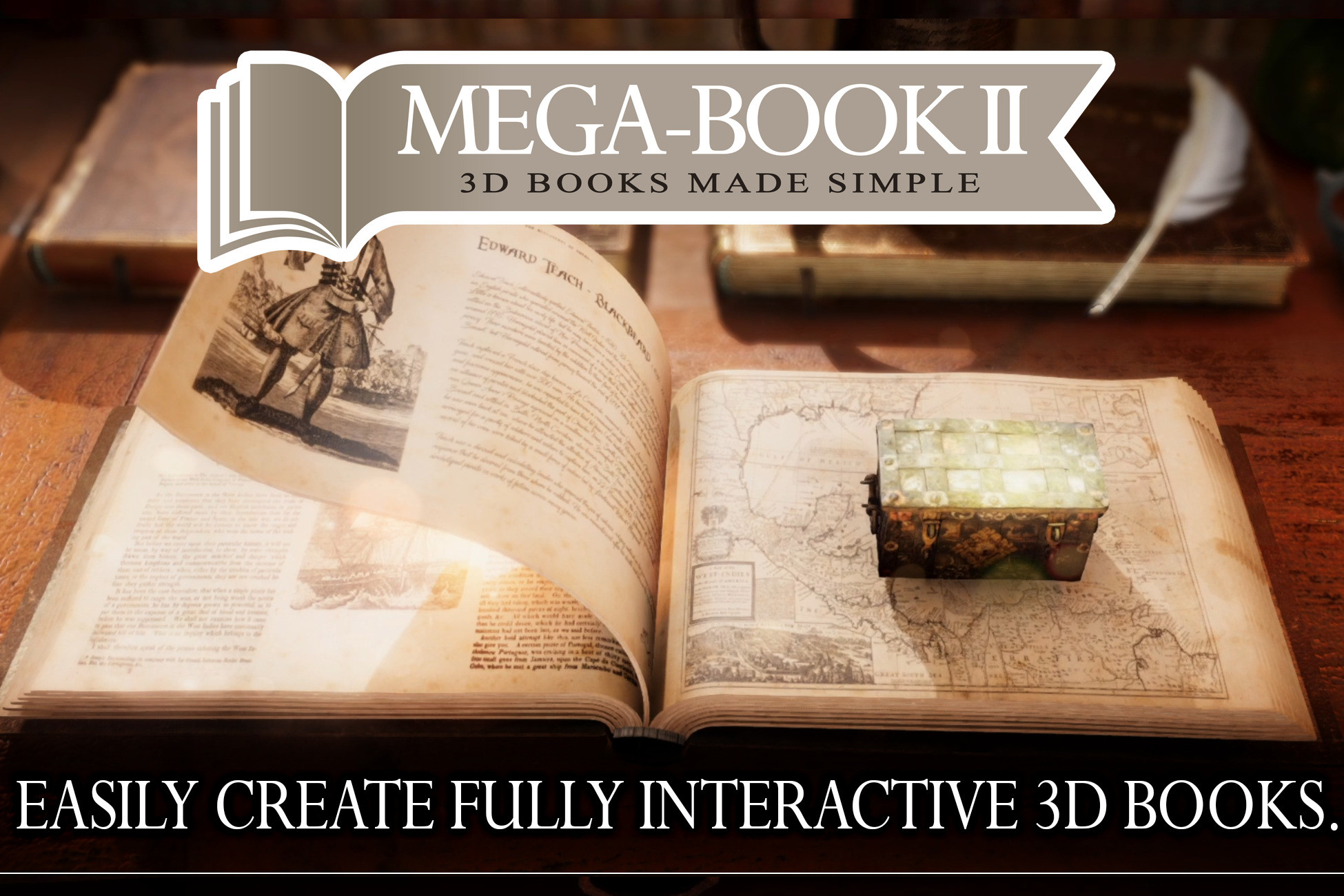
MegaBook 2 allows you to quickly and easily create books with page turning animation in Unity. MegaBook will create pages and other objects for your book. You can choose to provide your own page meshes as well and they will be animated as well. You have complete control over the textures and materials used for the pages and there are options to allow you to have background textures and content textures merged with a mask option. You also have complete control over the generated page meshes with options to control the size of the page and how many vertices are used to build it.
This is version 2 of our popular Book creater and animation system. It has been rewritten to take advantage of the big peformance gains that Unity Jobs and Unity Burst can add, giving a reduction in CPU usage of between 200% to 300%.
We have also added a Book Cover skinning system to make it easy to add your own custom book cover meshes. The skinning is done in a couple of clicks inside Unity, or you are free to make your own skinned meshes in your 3d package and import them or use any normal mesh and the built in Cover Skinning system to easily create your own covers.
Another new feature in MegaBook 2 is support for Video content, you can pick a video to play on the front or back of each page in the book. Also supports Text Mesh Pro content and Unity UI objects can be attached to pages.
The page turn animation system has been improved with numerous more controls to allow you to tailor the animation effect the way you need.
Also new is the Headband and Spine Fabric systems where custom meshes will be generated and applied to the book for you and they will deform correctly as the book is read.
And a new Book Maker wizard so adding a new book is just a couple of clicks. Pick a book style and cover style and click Create.
Also you can make books with objects that appear or popup on each page to make interactable books simple. Full control on how the objects appear and vanish. And with the Message system the objects can receive messages to say they have been turned on, and the state of the page they are attached to for even more control of the content.
The Book Builder inspectors have been improved making them easier to use with full Undo support. Also added are gizmos in the scene view for changing various params of the book as well as turning the pages.
If you have ever needed an animated book in your game then MegaBook 2 is what you need, it is a complete procedural book builder and animator with an advanced page turning animation system and content builder.
And an all new Demo Scene with a numerous books included.
MegaBook 2 also includes several ready to go Book styles and sizes with different cover options. Also included are a few page textures and several textured props such as table top, Candlestick, Pewter Mug, Quill, Prop books, Rum Bottle, Inkwell. And a few extra scripts such as a Book Shelf filler.
Note: The Pirate Ships, Chest, Guns and music shown in the videos are not included in the Asset but apart from the guns are Free assets and links are below.
New Features in MegaBook 2
- Megabook 2 rewitten to use Burst and Jobs for big speed improvements.
- Editor code rewritten for better performance.
- Undo fully supported.
- New demo scene.
- Support for Video content
- Text Mesh Pro content support
- Add Unity UI objects to pages
- All code for older versions of Unity removed streamlining the code.
- Code all in MegaBook namespace
- Includes example old books in different styles to get you started.
- Books can now use the new cover system which uses skinned meshes for much nicer looking books.
- Built in skinning of your own book covers utility.
- Adjust the cover pivot locations, rotation axism scaling to suit your needs.
- More control over the page spread animation for better looking books.
- Added a Turn slider for finer control of page turn while editing the book.
- Attached object system improved, can now add scaling, translation and rotation to have objects appear and vanish nicely.
- Attached object offset can be controlled by a curve as the page turns to stop poke through off objects.
- New 'BookAppeared' and 'BookVanished' messages for when attached objects are turned on and off by the book.
- New 'BookAppear' and 'BookVanish' messages which pass the amount the object is appearing or vanishing so you can control effects like fade in/out something.
- Can add Unity UI world space elements to pages using the attach system.
- All key params have tooltips to explain what they do.
- The spine radius can now be controlled via a curve as the book is read so the curve of the pages at the binding can change.
- Added headbands option so the ends of the pages at the spine can have a decorative cover as found in old books.
- The headband will deform to match the pages spine radius so will change along with that.
- Added Spine fabric option so you can cover the ends of your pages nicely, deforms corectly when the book is read.
- New animation option control the max and min angles as the book turns.
- Example scripts showing use of book messages to control objects attached to a page.
- Noise option for page mesh creation to add rough look to pages, full control over how much and where noise is added.
- Create Book wizard, select a few options and click create. Select from book styles and cover styles.
- Easily add your own book and cover styles to the system.
- Improved page edge UV options.
- Autofit covers from one size book to another book
- Autodisabling of page turners so no CPU used it pages not turning, have dozens of books in the scene with no extra CPU usage.
- Includes old antique style blank page textures
- Several 3d assets included, such as book props, table, candlestick, inkwell etc.
- Numerous other small improvements and optimizations.
- Book Shelf Filler Helper Script
- Works with all Render Pipelines
- Fully Animated 3D pages
- Add any mesh objects as page content
- Control where and how pages turn
- Natural Page turning with extensive controls
- Create a book in a couple of clicks
- Any number of pages
- Easy control of book thickness
- Masked texture content
- Procedural page meshes
- Option to use custom page meshes
- API for controlling your book
- Full source code included
Release Notes
v1.18
Fixed a bug when the Num Pages in the book was greater than the number of actual Page Params which caused an exception when trying to increase the number of pages.
Also fixed an exception in the book builder inspector that was caused if you removed unused page params
v1.17
MegaBook 2 made comaptible with Unity 6
v1.16
Objects attached to pages will now correctly move with the book.
v1.15
Added a MapPoint method to MegaBook builder and MegaBookPage. You can use this to find a position for a point on page. Vector3 p = book.MapPoint(pagenum, pos); Will return the position on the page in local space of the book. There is also a MapPoint(pagenum, u, v) where us anv and values 0 to 1, so normalized position on the page.
v1.14
MegaBook now defaults the Texture name for content to _BaseMap instead of _BaseColorMap, so the books should work fine in URP and HDRP after the materials have been converted.
v1.13
Fixed an error if the inspector was made wider than the MegaBook logo image.
Added warnings for when you use a custom page mesh to inform if the mesh has enough materials and is readable.
v1.12
Fixed an issue if you tried to add a mesh as content that had no uv mapping at all.
v1.11
Fixed an exception which would happen if you set the number of pages to more than 30 in the Book Create Window.
v1.10
Fixed a bug where if the book was rebuilt at runtime the pages would not be set to the correct position until the page value was changed.
v1.09
Added support for RenderLayerMask for the page meshes.
v1.08
Rewrote the system that finds exisiting book and cover styles in a project for the CreateBookWindow, in big projects the old way was too slow.
Updated the same system in the Book Editor script as well for cover styles
v1.07
Removed the GameObject/Create Other/MegaBook option left over from MB1, to create a book use the 'Window/Create Book/ window.
Cover finder now doesn't use a fixed folder for finding cover styles in the project will find them in whole project
The above issue meant the MegaBook folder could not be moved in a project without causing an error that is now fixed.
If you are not using the builtin pipeline the BookCamera.cs script may give errors about PostProcessing, if comment out the first line to fix that
v1.06
Made MegaBook 2 compatible with Unity 2023
Made MegaBook 2 compatible with Unity 2023
v1.05
Added an 'active' option to the Page Objects, if you need to control the object in somewhere set this to active to stop the book controlling it
Added a Layer system for the Page Objects, allowing you to have different layers of objects that can be turned on and off by using the page front and back layerid values
Noticed a jitter in the mesh when turning a page very slowly when it first starts caused by large bend angle values, now def system will auto switch to a double instead of float job if it needs extra precision
v1.04
PageParams fully copied when making a new page
Fixed hole mesh being shown if prev page was a reduced width custom page mesh
Further tooltips added to Foldouts, buttons and other missing params, each value, button etc now has its own tooltip to explain it.
Further improvements to workflow and inspector
Adjusted inspector sensitivity of some params for easier editing
Fixed when undoing headband and spine fabric changes the meshes would update to the new values
Fixed an issue when recording an animation of the book being read with the Page value not playing back correctly.
v1.03
Added a cancel progress bar to the 'Make Pages' button as it can be a little slow.
Each page can now have its own Mask texture if making textures for that page is on.
Improvements to the layout of the 'Page' section of the inspector to make it clearer
Each page can now override the Book collider option to can set per page if collider is generated and updated
Option to subdivide Text Mesh Pro meshes, useful if large text is clipping through a turning page.
Each page can override the book Text Mesh Pro setting
If using custom meshes for pages added a Pivot value in case your custom mesh has a pivot position in a differnt place
Mesh content can now be added to pages that use custom meshes
Fixed a rendering issue where wrong edge material could be shown of pages in middle of book.
Added Custom page meshes effected by Noise values.
Added tooltips the various buttons in the inspector and a few other params that were missing them.
Page textures now automatically update when you change their properties
v1.02
Fixed a bug when using the 'Set' buttons for Object visibility when editing the first page, the values would be set wrongly.
Added support for fading in and out UI objects if the object has a CanvasGroup component attached
Add options to the Page settings to control the Width and length segs used to make a page mesh. If values are > 0 then those values will used for that page, if 0 or less then the book values will be used
Fixed false message regarding memory leaks when entering and exiting play mode
Automated the detection of which Pipeline is being used and setting the texture name value accordingly, this can be overruled by the shader texture name still for custom shaders
Relocated the 'Use Alpha as Mask' check box to its correct position under the Back textures section
Changed and improved the Mesh content system, no longer have to add MCComplexPage to an object to get the content, now each page allows you to pick the objects you want to add and each one can have its own scaling, rotation and position
v1.01
Put limit of 1 on low values for the height,width and length seg counts
Fixed a small bug if spine radius set to 0 causing headband to go wrong
Added a wire gizmo to show the new size of the book when dragging the size handles
Fixed error if Use Hole Mesh option was turned off
New option to highlight the page being edited.
Added Scale Mesh Width option to the page param, this is used if you select a custom mesh for the page, useful for say a torn out page.
Added support for video content for pages to the system
You can now select a PhysicMaterial to apply to any page colliders


Basic Information
- Latest Version
- 1.18 (25 Mar 2026)
- Publisher
- Chris West
- Category
- Editor Extensions/Modeling
- Size
- 145.9 MB
- Price
- €55.2
- Asset Rating
- ★ ★ ★ ★ ☆ (91)
Extended Information
- Unity Versions
- 2019.4.14, 2020.3.44
- Render Pipelines
- ✔ BIRP ✔ URP ✔ HDRP
- State
- Published