Ragdoll Animator 2
⚡ Bring physical behavior for your characters
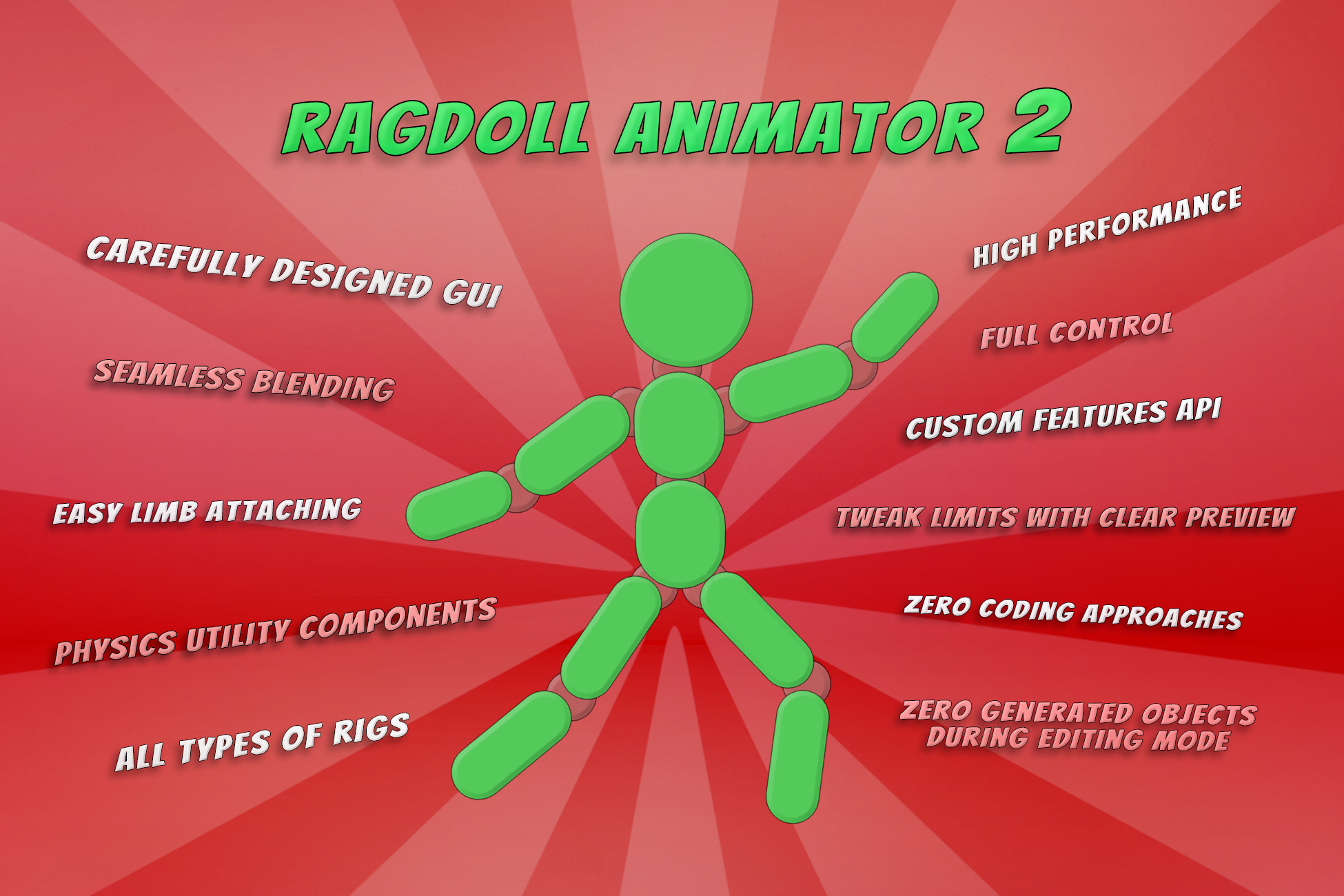
Animate your models using physics, make them fall and get up seamlessly, apply physical hit reactions, and interact with environment in an easy, controlled way.
⭐ Quick setup
Set up humanoid characters with just a few clicks. Set up other rigs with a lot of automatic assistance and scene gizmos. Tweak all settings with a clear preview of physical reactions.
💡 Ease of use
A carefully designed GUI will help you quickly navigate between setup stages.
Check out tutorials for a quick dive into the Ragdoll Animator system.
Check additional documentation files for user helper methods and a list of extra features.
☄️ Use along with Unity physics components
Ragdoll Animator uses rigidbody and joint physics, so you can easily apply Unity's components with ragdoll animator rig. Use spring joints to simulate a character attached to a rope. Use fixed joints to attach physical items to the ragdoll animator rig.
✍ Extra Features API
The plugin comes with an "Extra Features" API which allows you to apply custom scripts in Ragdoll Animator update loops without modifying the core code. This enables many cool behaviors, and you will find more than 25 extra features included in the release version.
⚙️ Equipables API
Thanks to this API, you can attach helmeds / hand items to the ragdoll character, including their physics, and also apply custom heavyness of the items to influence the physical animation of the skeleton.
🔧 Helpful Utility Components
Ragdoll Animator 2 comes with additional components, like Magnet Points: for rigidbody manipulation, and a Joint Chains Generator / Single Animated Chain, which you can find really useful for designing custom physical interations.
⌛ Great Performance
Thanks to the plugin's fidelity, you can switch On and Off features you don't need to save performance. You can constantly preview cost of each Ragdoll Animator within the inspector window by hitting green debug icon. You can enable camera view and distance-based or level of detail optimization using Extra Features.
Check demo scenes: Windows x64
Android APK (not all demo scenes included)
Package works on all SRPs! It's not shader related package.
(You just need to covert standard Demo materials for demo examples)
Built In ✅ LWRP ✅ URP ✅ HDRP ✅ Custom RP ✅
⚙️ Ragdoll Animator 1 reminder:
This is full rewrite of Ragdoll Animator 1, giving much better control, cleaner setup and adding many new features. All owners of Ragdoll Animator 1 can do a free upgrade to the Ragdoll Animator 2! That also means, you need to setup Ragdoll Animator 2 on your characters again. Ragdoll Animator 1 and body generated components, need to be removed from your character before using Ragdoll Animator 2. You can remove Ragdoll Animator 1 directories from your project now.
⚙️ Unity versions below 2022 info:
Ragdoll Animator 2 will work on earlier unity versions, like 2019, but there can be issues with demos, caused by scene downgrade conversion. You will find "Demos - Unity Versions Below 2022 fix" unitypackage in the ragdoll animator directory, which fixes most of the conversion problems. (first unpack demos, then unpack fix)
⚙️ Unity 6 warning:
Configurable Joints limits are bugged since Unity v6.0 to version 6.0.9
Check bug tracker to see if it is fixed in your version.
Release Notes
version 1.0.4.2
- Added experimental 'Hard Disable' toggle (off by default) which enables full unity physics optimization on ragdoll animator disable (check its tooltip for more info)
- Added support for drawing bones gizmos which are detected as bones in source skinned renderers of edited character
version 1.0.4.1
- Added Clay Beasts example in the demos unitypackage (only for Unity 2022+)
- Added SetJointMatchingParameters and SetJointMatchingParametersPosition 'useAcceleration' possibility for Unity 6+
- Added myRagdoll.Handler.GetBoneSetupByBoneID method
version 1.0.4.0.7
- Added anchor update modes, to allow handling amchor bone-to keyframe animation sync using different algorithms
Added in patches before 1.0.4.0.7:
- Now ragdoll presets can be exported when having Animating Mode = Off
- Added Motion Influence Multiplier variable to the ragdoll dummy bone instance
- Added toggle for magnet point to release isKinematic on magnet remove/disable
- Fixed ragdollHandler.ParentObject property
- Added User_UpdateBoneJointPlayParameters() to apply JointPlay parameters on the single bone (Thanks to Enes from our discord server)
version 1.0.4.0.6
- Fixed bone direction calculation for get up detection, which could trigger wrong get up animation in exception cases.
- GUI fix for missing bone gui layout issue
- Added few extra comments in User_ methods
version 1.0.4.0.5
- Added "Auto Scale Handles" toggle under Construct -> Colliders bookmark, which you can toggle off, when you experience giant scene colliders editing handles with your model
version 1.0.4.0.4
- Added 'StartNonPhysicsCollision()' method to collision handlers to force colliding flag without need for unity colliders colliding
- When disabling Ragdoll Animator, the attachables objects will be disabled as well
- Added PhysicalImpactAtPosition and ExplosionImpact User_ utility methods
version 1.0.4.0.3
- Added 'User_TranslateTo(Vector3 newPosition)' helper method, to translate physical body during falling mode
version 1.0.4.0.2
- Fixed collisions memory on ragdoll enable/disable toggle
- Added spherecast and boxcast option for the Auto Get Up Extra Feature
version 1.0.4.0.1
- Fixed few GUI bugs
version 1.0.4.0
- Added improvements for the Attachable objects, which will give better motion when attachable mass is set to zero
- Added 'Smooth Change' option for the Connected Mass Scale parameter, to avoid unity physics glitch which was happening on get up when character was pushed far away from the sight
version 1.0.3.9
- Feet Middle repose mode for extra features
- Standing Restore repose mode selector for 'Get Up Animate' extra feature
- 'Needs Core Grounded' property for 'Auto Get Up' extra feature
version 1.0.3.8
- Added Coroutines optimizations
- When fall impact was called in the same moment when Get Up action occured, in the same time with kinematic feet extra feature, the feet bones was stuck - fixed
- Fixed muscles power value refresh on instant calls on muscle power multipliers
- Fixed duplicated Bone Indicator components on the ragdoll dummy bones
- Removed unneccesary GC alloc caused by procedural ()=> action call
- Added protection for using no-collider on BlendOnCollisions extra feature.
version 1.0.3.7
- Possibility to use bones with no Collider, for example for shoulder bones to improve physical animation match.
To use no Collider, under Construct bookmark select collider type 'Other' and left reference field empty.
version 1.0.3.6
- Now if component has chain with no bones, there will be no errors in console
- When Ragdoll Animator is re-enabled, the rigidbodies collision detection mode is refreshed now
version 1.0.3.5
- Fixed collision event trigger, when applying rotation offset to the collider and using just one collider for the bone.
- AddToUpdateLoop and similar methods are public now, so can be accessed by assembly definitions.
- Fixed gui horizontal issue on Motion -> Limbs bookmark which could happen in exception situation
- Dismemberement manager now has extra methods for calling restore on selective bones
version 1.0.3.4
- The 'Repose Base Transform on Falling' Extra Feature is now including new rotation computing options
- New 'Fade on played animator' Extra Feature which allows to mask out ragdoll animator motion when certain animation clip/tagged clip plays in the Animator component
Can be inherited to create cutstom extra feature which animates ragdoll properties when certain animation clip/tagged clips plays.
version 1.0.3 (including all after 1.0.2 patchnotes)
- Added collission detection events support for attachables
- Fixed issue with re-attaching Attachables with multiple colliders
- Fixed auto get up layer mask field
- Fixed blend tree poser layer mask field
- Disabling scene icons of bone indicators
- Fixed Unity 6 Preview Warning
- Ragdoll Animator component's Motion Influence compensation effect will not be applied during fall mode.
- Added object pooling example scene in the demos .unitypackage
- Updated 'Pose Manipulator' Extra Feature with few more parameters
- Fix for rare error on first build when used Pre-Generated dummy, which was caused by OnValidate()
- Switching from Off to Fall mode will work properly now
- Calibration will not be applied on the anchor bone during fall animating mode
- OnEnable during fall mode will not force restoring character pose
- 'Optimize' extra feature now has 'Fade Speed' parameter and 'Store Pose' toggle
- Added link to Ragdoll Animator asset store when hiting "?" button on the right corner of the component
- Fixed few user methods (coroutines)
- Changed restore pose operations on turning Ragdoll Animator ON after being disabled
- Export all Ragdoll Animator Settings and read settings from the file feature
- Thickness Multiplier and Scale Multiplier parameters slider can exceed value 2 now
- 'Copy all extra features' (right mouse button on the extra features title text) is now copying .enabled state properly
- Changing collider types on pre-generated ragdoll dummy will be properly removed during edit mode
- Adjusting colliders on pre-generated ragdoll dummy using scene handles will update scene components
- Fixed mesh collider type support
version 1.0.2
- Added Motion Influence parameter
- Added Motion Influence parameter for Magnet Point
- Added Kinematic Anchor Unaffected switch
- Added Disable Mecanim On Sleep Mode switch
- Added Pose Manipulator Extra Feature
- Removed GUI warning for unity 6.0.9+ versions
- GUI null protections
- Get bone by id methods implemented (using ERagdollBoneID enum)
- Bones without child transforms now can be previewed under Construct -> Physics
version 1.0.1
- There was typo in Auto Get Up Feature property name (Freeze Source Animator Hips)
- Example Shooter Attach Demo bullets will not move already attached ragdolls
- New Utility Extra Feature: Velocity Solver Iterations
- Changing falling mode through inspector window will trigger "On Fall Mode Change" actions properly (helpful for testing and debugging)
- Added "Ragdoll Animator 2 - Demos - Unity Versions Below 2022 fix.unitypackage" file, since demo scenes was made in unity 2022 and opening them in lower versions is causing box colliders reset
- Enabling Ragdoll Animator after being disabled, is teleporting body parts to the source position
- Fixed auto setup making thin colliders radius for scaled skeletons
- Added Colliders Thickness slider
Basic Information
- Latest Version
- 1.0.4.2 (15 Mar 2026)
- Publisher
- FImpossible Creations
- Category
- Scripting/Physics
- Size
- 20.7 MB
- Price
- €34.03
- Asset Rating
- ★ ★ ★ ★ ★ (42)
Extended Information
- Unity Versions
- 2021.3.34
- State
- Published