LipSync Pro
LipSync Pro is an editor extension for creating high-quality lipsyncing and facial animation inside Unity.
Supported on Desktop, Mobile, WebGL, and Consoles.Core Features:
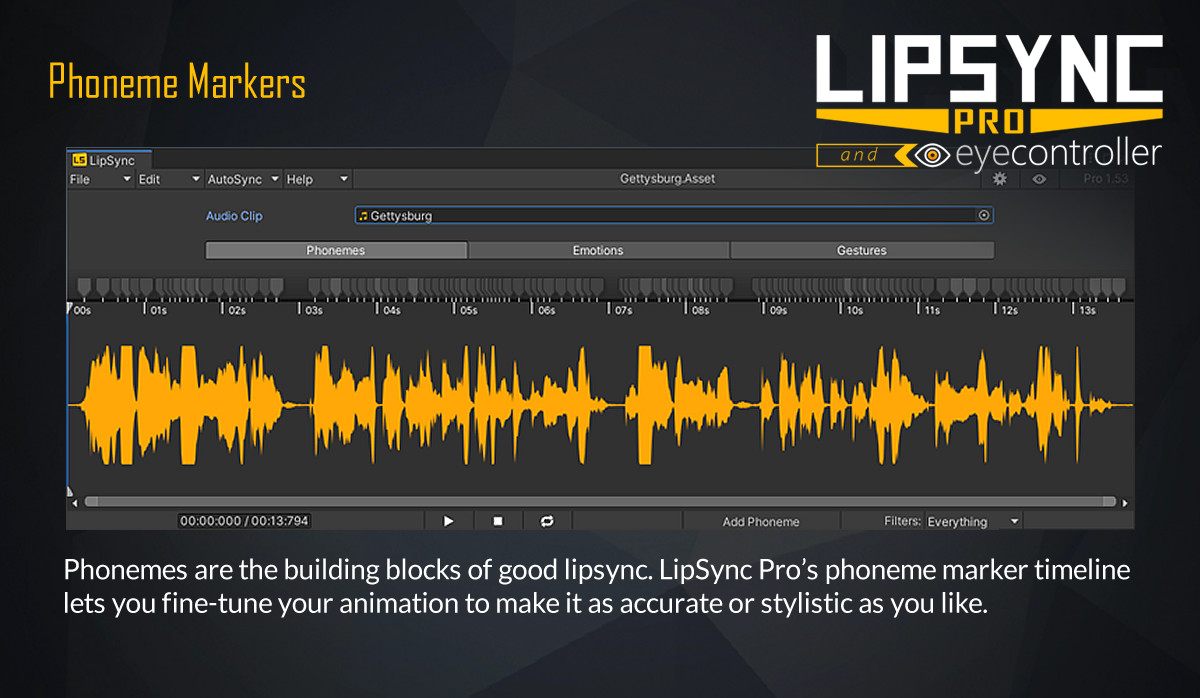
- Easy to use Clip Editor for synchronising dialogue.
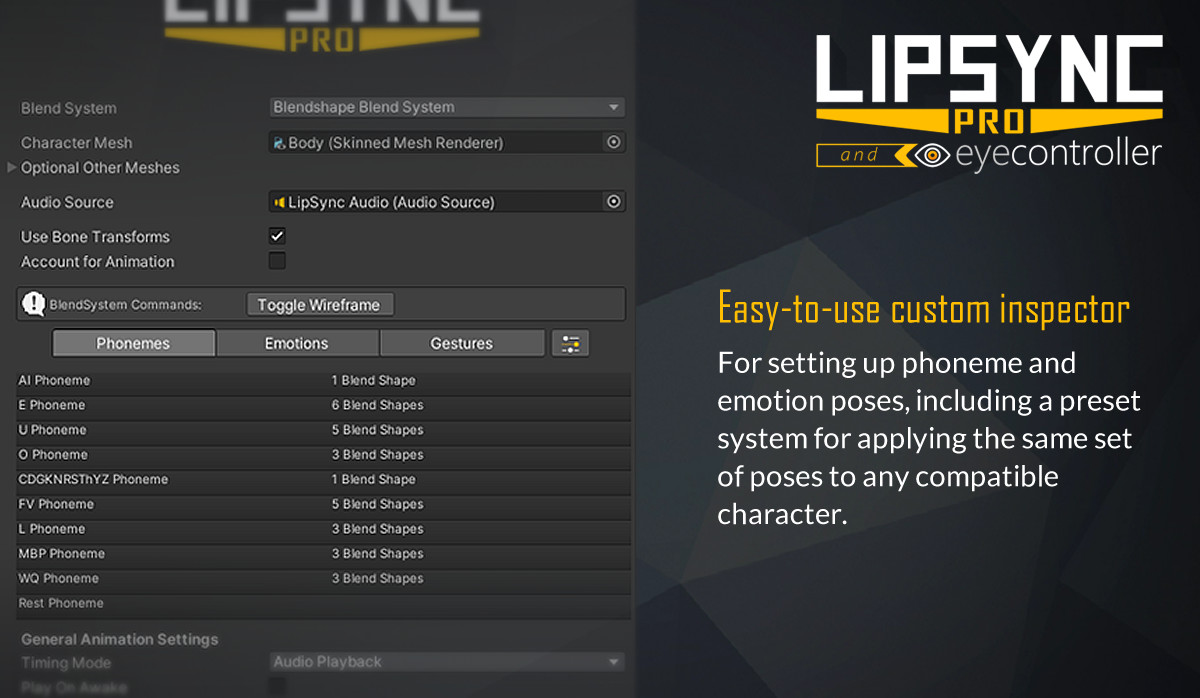
- Custom inspector with Pose Editor.
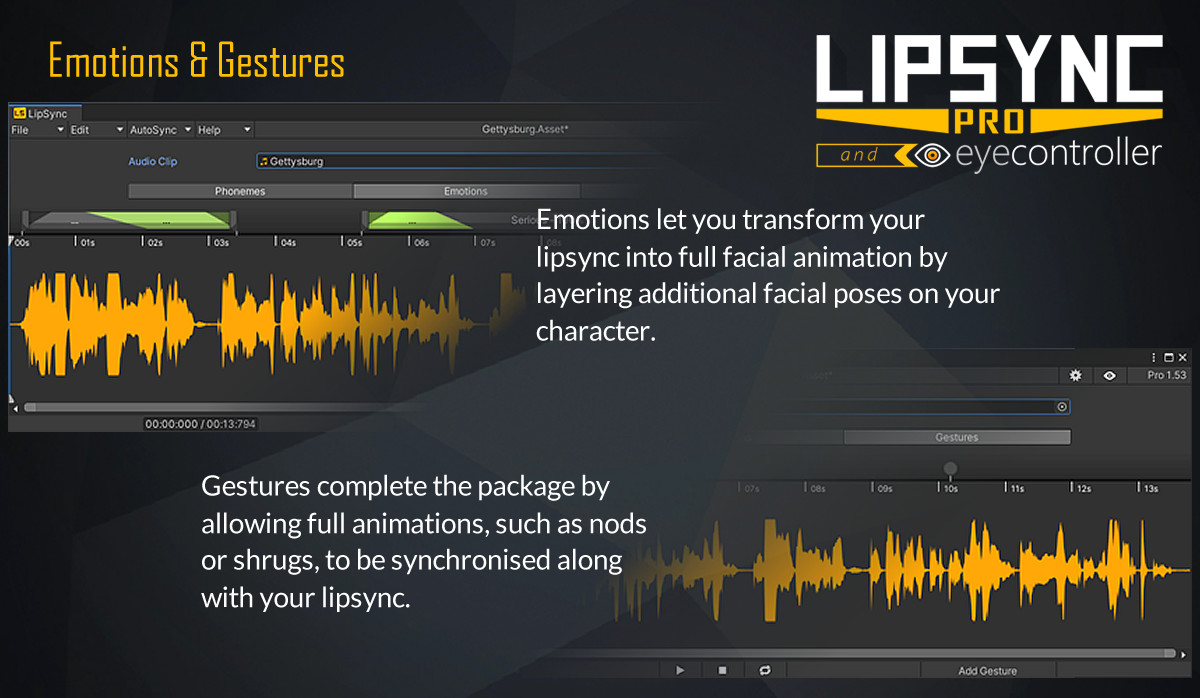
- Also includes Emotion and Gesture Markers, allowing for more nuanced animation.
- Randomness modifiers to create more lifelike movements.
- Presets system allows for quick character setup with many different character systems or on large projects.
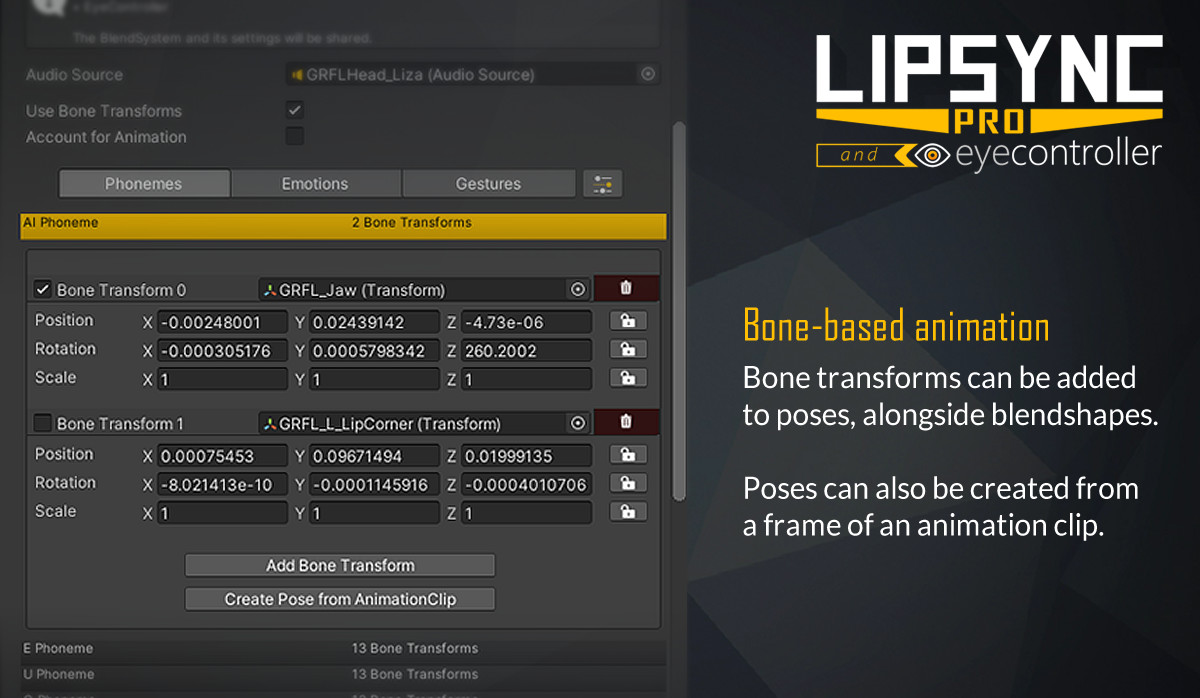
- Supports both blend shape and bone transform based workflows out of the box.
- BlendSystems allow LipSync to work with many different animation systems. Use our own support for several 3rd-party assets, or create your own.
- Animations are not tied to a character, so lines of dialogue can be shared between characters without any further work.
- Includes a free copy of EyeController, to easily add some life to your characters.
Now with support for Animation Clip export*
Clip Editor Features:
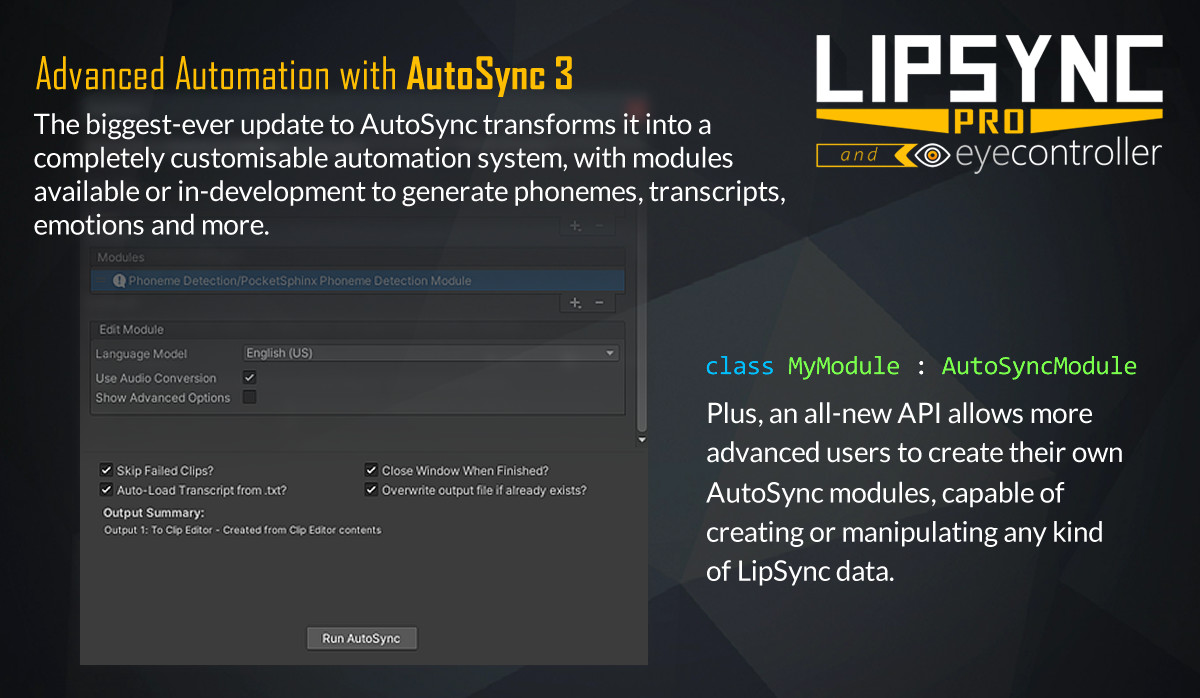
- AutoSync allows you to easily sync clips in just 2 clicks!
- See a real-time preview of your animation as you create it in the Clip Editor.
- Hold a particular phoneme for any length of time, great for shouting or singing.
- Built around ease-of-use, with features such as:
- Zoom/Pan Timeline
- Marker multi-selection
- Rebindable Keyboard Shortcuts
Please Note: LipSync Pro does not support automatic lipsyncing at runtime. Clips must be created in the editor beforehand.
Support
Discord Server
Email
Facebook Messenger
Other Links
WebGL Demo
Documentation
Video Tutorial Series
Unity Forum Thread
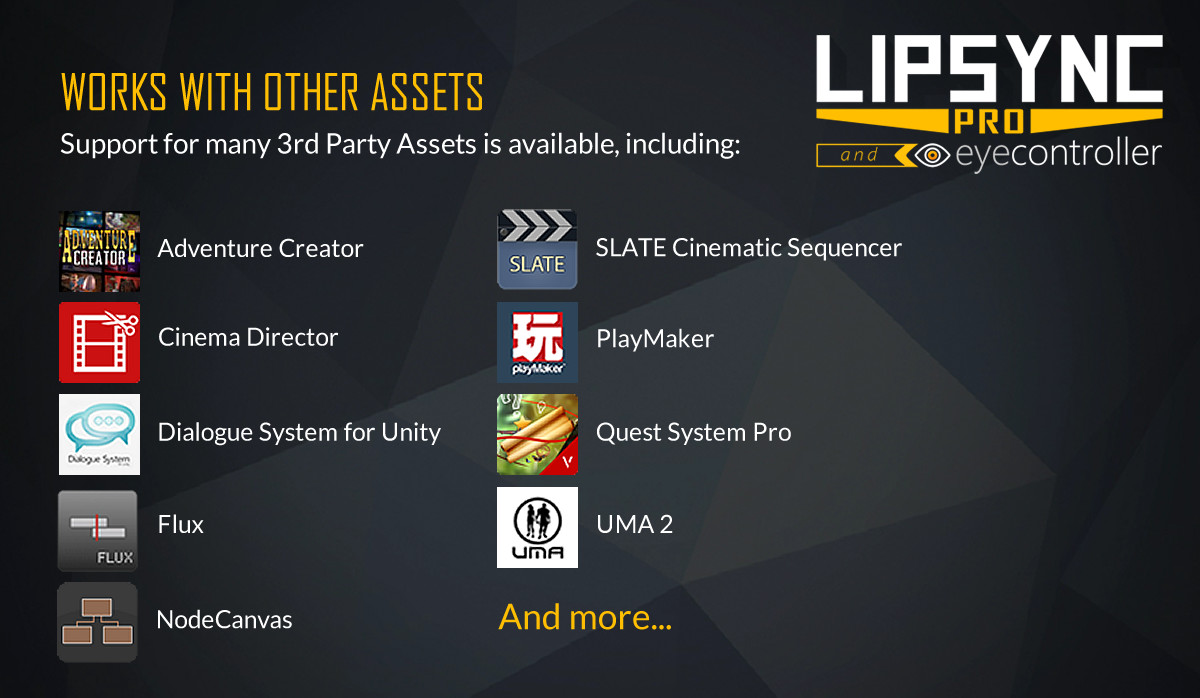
Built-in or downloadable integration with the following 3rd party assets:
- Adventure Creator
- Cinema Director
- Cinematic Sequencer - SLATE
- Dialogue System for Unity
- Flux
- NodeCanvas
- NPC Chat 2
- Playmaker
- UMA 2
And many more!
For more information, please see the website.
* Supported on models using blend shapes or bones for animation. Download from the Extensions Window after installing.
Release Notes
1.532 Fixes - Fixed issue that caused AutoSync batch process to output duplicates of a single clip. Changes - Allow negative values for blendshapes in the Blendshape Blend System & Advanced Blendshape Blend System. 1.531 **IMPORTANT** This small patch fixes a major bug present with Unity 2020.1 - you don't need to update if using an older Unity version Fixes - Fixed breaking issue that prevented PhonemeSets loading in 2020.1 and later. 1.53 Features - Redesigned AutoSync Window: - Combines Batch Processor + Single mode together. - Allows existing LipSyncData assets to be processed. - Supports appending multiple clips together. - More clearly shows cause of incompatible clips. - PhonemeSets can now include a per-phoneme importance setting. - Added "Templates" feature to AutoSync - an example PhonemeMarker & EmotionMarker can be passed to various AutoSync operations for modules to use as a template. - Starting AutoSync from the Clip Editor or the AutoSync Window will use the "Default Marker Settings" as templates for any new markers created. - [Montreal Forced Aligner Module] Added support for phoneme marker template. - [PocketSphinx Module] Added support for phoneme marker template. - [Marker Intensity Module] Added new "relative" mode, applying volume curve relative to loudest and quietest parts of the clip. - [Marker Intensity Module] Added better default volume curve. - [Marker Intensity Module] Added support for keeping phonemes marked as important at full intensity. - Microsoft Azure Speech Recognition Module - Allows automatic transcription of audio for use with the MFA module. [Download from the Extensions Window] - [Montreal Forced Aligner Module] - German (DE) Language Model is now available. [Download from the Extensions Window] Fixes - Fixed failure to trim audioclips from the Clip Settings window under certain circumstances. - Fixed Clip Settings window not showing the adjust markers option when trimming with a start + end time chosen. - Fixed NullReferenceExceptions when opening Unity with the Clip Editor already open. - Disabled marker highlighting when a modal window is open. Changes - PhonemeSets are now stored in a new format to allow for the importance option. Any existing custom PhonemeSets will need updating from the Window > Rogo Digital menu. 1.521 Fixes - Fixed preset bones loading in with incorrect scales. - Fixed preset bones sometimes breaking store neutral poses when loaded. - Fixed relative bone presets setting incorrect scales. - Fixed bone scale lock not showing in the inspector. - Fixed bone scale lock not saving in presets. - Fixed pose editor bar looking broken in the new 2019.3 editor skin. - Replaced use of "onSceneGUIDelegate" with "duringSceneGui" on 2019.2 and later. 1.52 Features - Added support for saving and loading LipSync presets outside a folder named "Presets". - Presets can now be saved anywhere, and a new "Display Name" property is used for sorting into categories. - Added a new custom inspector for presets, showing an overview of the stored data, and allowing the display name to be edited. - Improved AutoSync Preset UI in the AutoSync window to allow presets to be added to, overwritten or saved as copies. - Added AudioClip merging support to AutoSyncConversionUtility. - Added GetAnimationCurves() method to TransformAnimationCurve to support the animation clip export package. Fixes - Fixed bug where deleting pre-processed data from a clip didn't get serialized. - Fixed loading a preset on a prefab in prefab mode not forcing the prefab to save. - Fixed how the "Yes" and "No" options in the "Save File" dialog show up. Changes - Made some data in LipSyncClipSetup public so extensions can access them. - Removed some legacy code supporting Unity 5.3.5 and lower. - Removed old "BlendshapePreset" class that has been deprecated since 1.0. 1.51 Features - Added "Data Preprocessing" support. - New editor window that allows you to select a LipSync component and any number of LipSyncData clips, and process the animation for them ahead of time. - LipSync component will now check if LipSyncData clips contain pre-processed data, and bypass the animation generation step if they do, significantly improving runtime performance. - Rect selection, Select All and Invert Selection options in the Clip Editor now only act on markers that are visible with the current filter setting. - AutoSync modules now show a more informative error when the module compatibility check fails. - The Clip Editor can now also display a message when AutoSync runs successfully, for more info (such as ignored words). Fixes - Fixed ClipSettings window not scrolling with a long transcript. - Fixed bug that prevented batch processing mode from working correctly. - Fixed SetEmotion method producing incorrect animation curves for some bone poses. Changes - Simplified some old code to do with opening LipSyncData files in the Clip Editor. - Included fix to AutoSyncConversionUtility that has been distributed with previous PocketSphinx + MFA modules. - [PocketSphinx Module] Updated included version of PocketSphinx module to latest. - Updated minimum Unity version to 5.6.1 NOTE: This will be the last version of LipSync Pro to support Unity 5, in line with Unity's new asset guidelines. 1.501 Fixes - Fixed bug that prevented SoX from working with the auto-detected path from the Setup Wizard - Fixed bug that caused a "Failed to Connect" message in the Extension Window when certain system languages are in use. - Fixed incorrect version number being added on new LipSync components. - [MFA Module] Fixed bug that prevented the Montreal Forced Alignment module from working with the auto-detected path from the Setup Wizard. - [MFA Module] Fixed bug that made the Montreal Forced Alignment module fail when certain system languages are in use. - [PocketSphinx Module] Fixed bug that prevented the PocketSphinx module from working when certain system languages are in use. Changes - Clicking the "Browse" button next to a path on a settings screen now opens the file browser in the current path's location. - Improved the AutoSync Setup Wizard to lock until the download is complete when installing a module automatically. 1.5 Features - AutoSync 3 - Modular system, allowing different tasks (phoneme detection, cleanup, etc) to be queued and executed in sequence - AutoSync Presets - contains a set of AS Modules + settings for each for easy access - Phoneme Mapping is now seperate from Language Models, and the same phoneme maps can be shared between different modules - Includes new automatic mode, for finding the best phoneme map based on the input module and current PhonemeSet - New AutoSync Setup Wizard designed to simplify the setup process of modules that require 3rd party applications or paths to be set. - PocketSphinx Module - Phoneme detection module that recreates the behaviour of AutoSync2 for legacy purposes (Windows-only). - Phoneme Cleanup Module - Performs very simple marker thinning out process as used by the old High Quality preset in AutoSync2. - Marker Intensity from Volume Module - uses AudioClip volume to set phoneme marker intensities according to a curve. (Previously available from the Clip Editor, but now usable in batch mode.) - Montreal Forced Aligner Module - Brand-new phoneme detection module. Much more accurate than PocketSphinx, works on macOS + Windows. [Download from the Extension Window] - The Clip Editor can now look for a .txt file with the same name when an AudioClip is loaded and use this as the transcript. - API for opening the Extension Window and immediately downloading/installing a specified extension package. Fixes - Improved how the system handles the Project Settings file being deleted. A new file will be created that is identical to the default included one. - Removed Project Settings menu item in the Edit menu to avoid the warning in Unity 2018.3. The file can still be found in the same location as before. Changes - Clip Editor now stores its data as a temporary LipSyncData file for passing into AutoSync. Original API is still preserved as Properties, though with capital first letters for convention (e.g. .length is now .Length). - Removed LipSyncData constructors that were unusable as a ScriptableObject. - Removed legacy code for Unity 5.4 and lower. --------- Full change log can be found here: https://updates.rogodigital.com/AssetStore/LipSync/lipsync_changelog_full.html


Basic Information
- Latest Version
- 1.532 (18 Dec 2020)
- Publisher
- Rogo Digital
- Category
- Tools/Animation
- Size
- 68.1 MB
- Price
- free
- Asset Rating
- ★ ★ ★ ★ ☆ (147)
Extended Information
- Unity Versions
- 2017.4.1, 2018.4.27, 2019.4.11
- State
- Deprecated