Edge Fusion: Smooth Surface Contacts
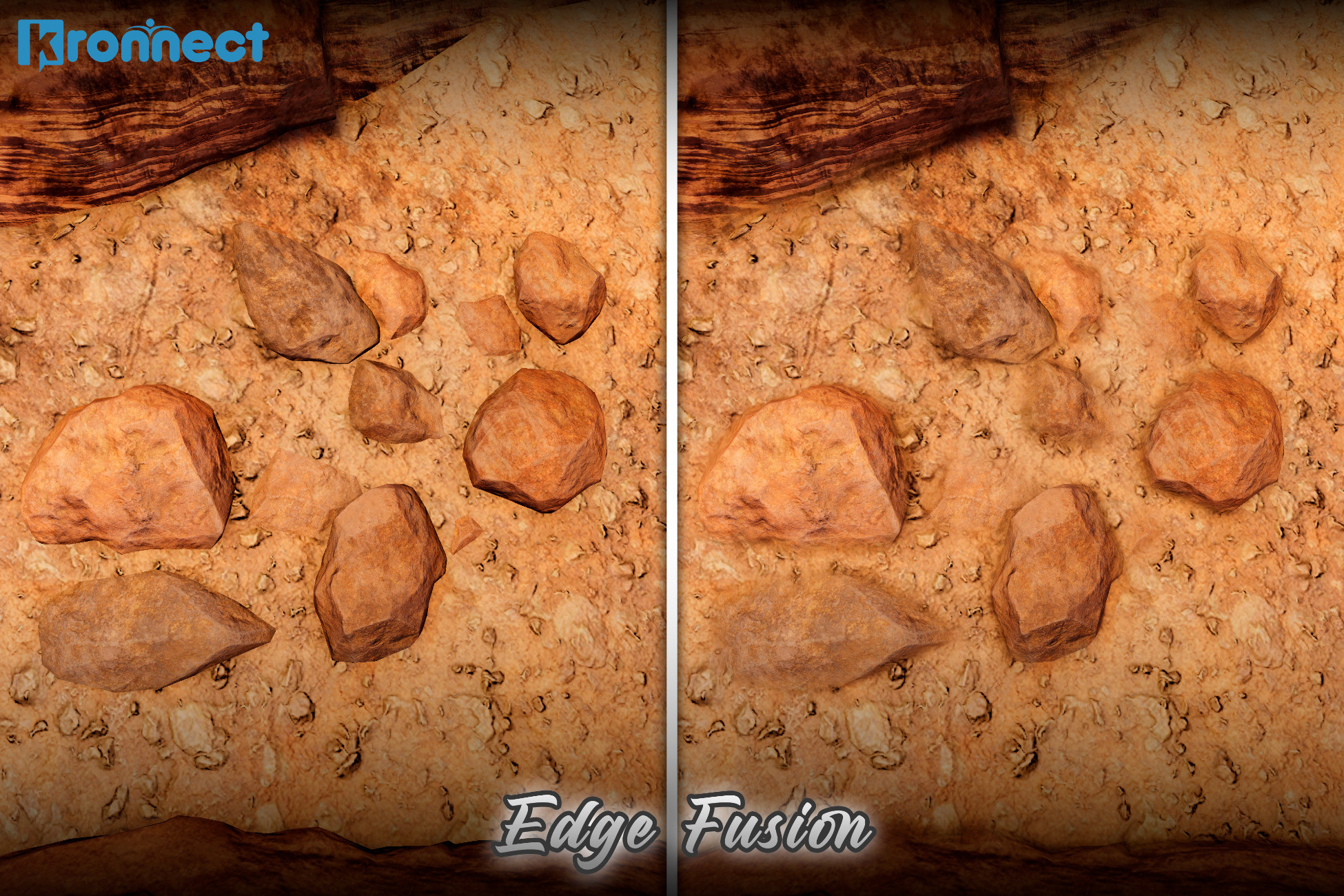
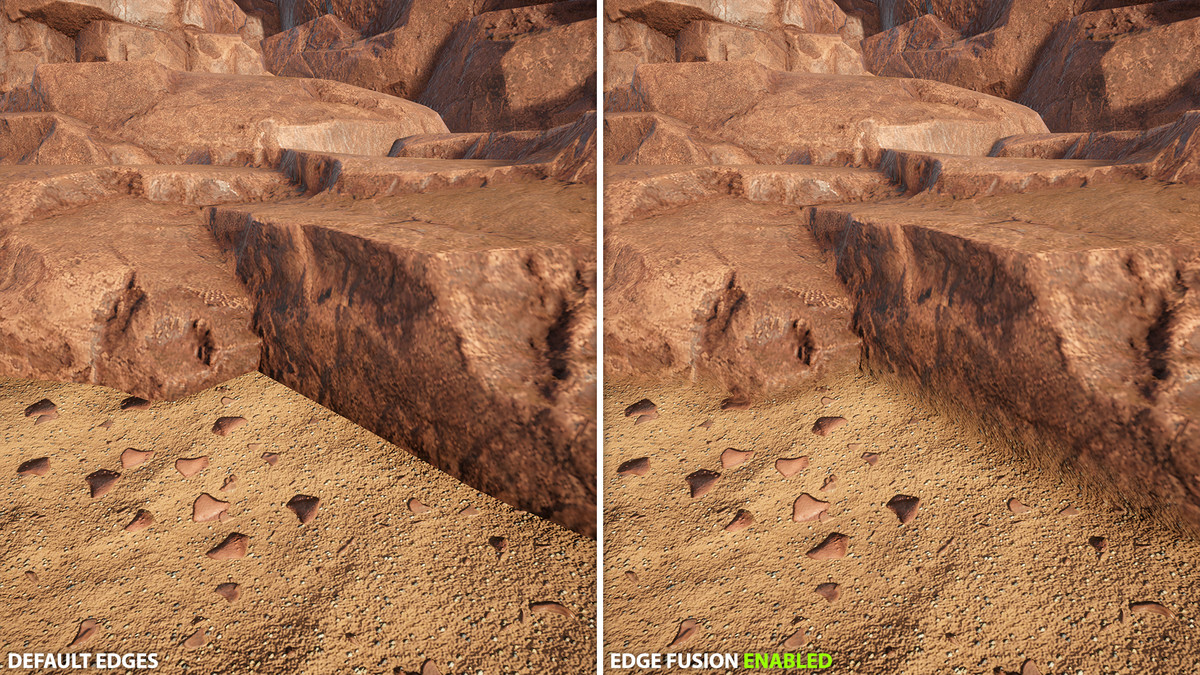
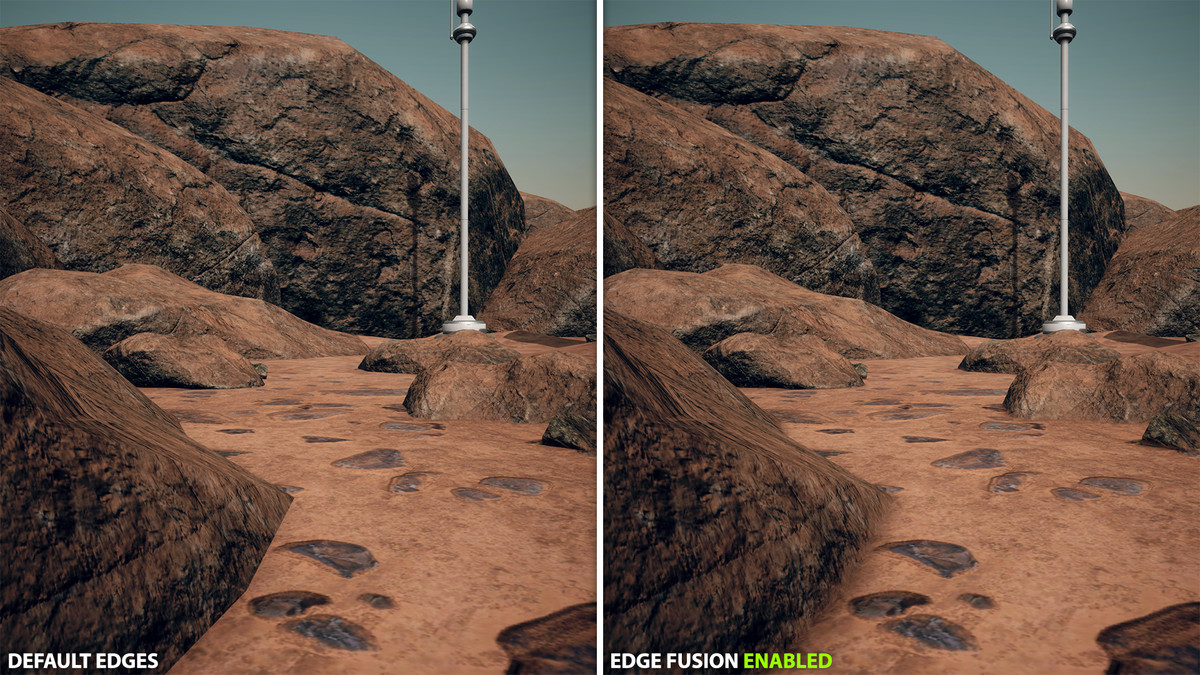
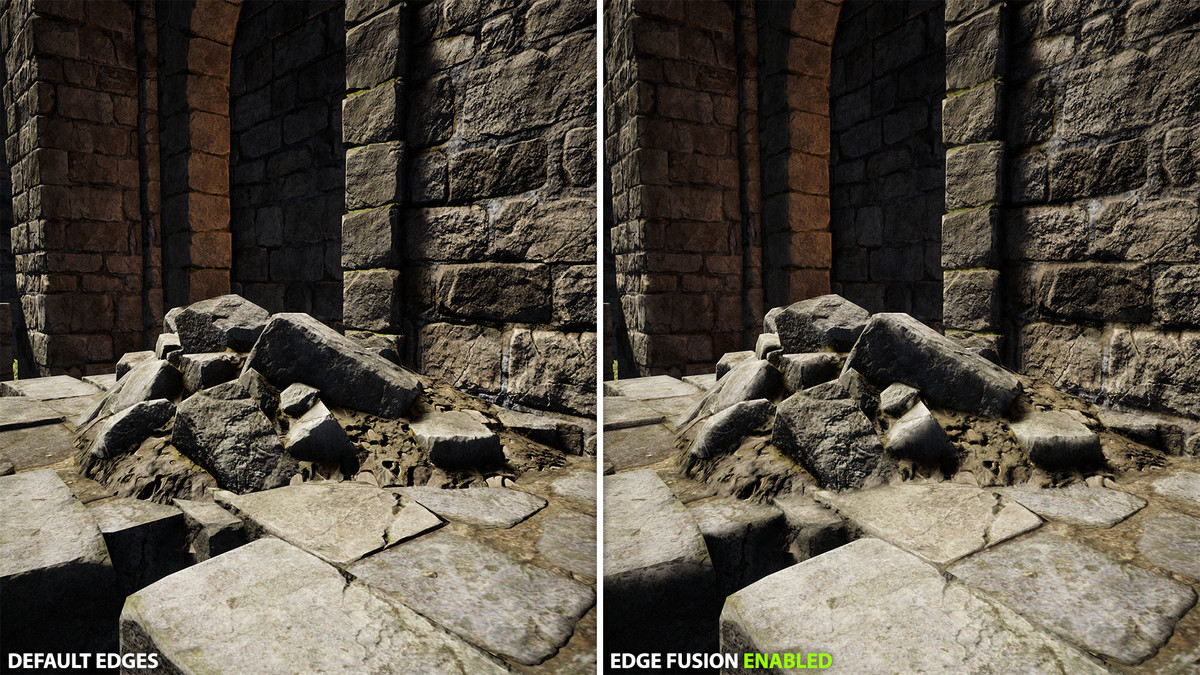
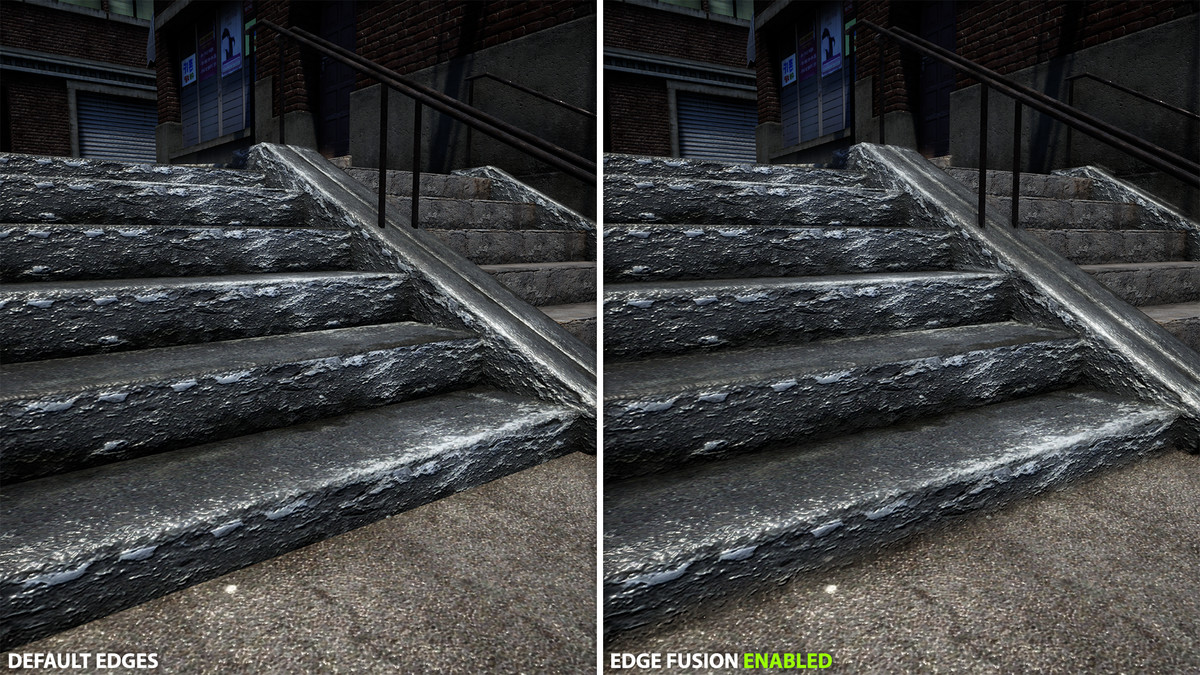
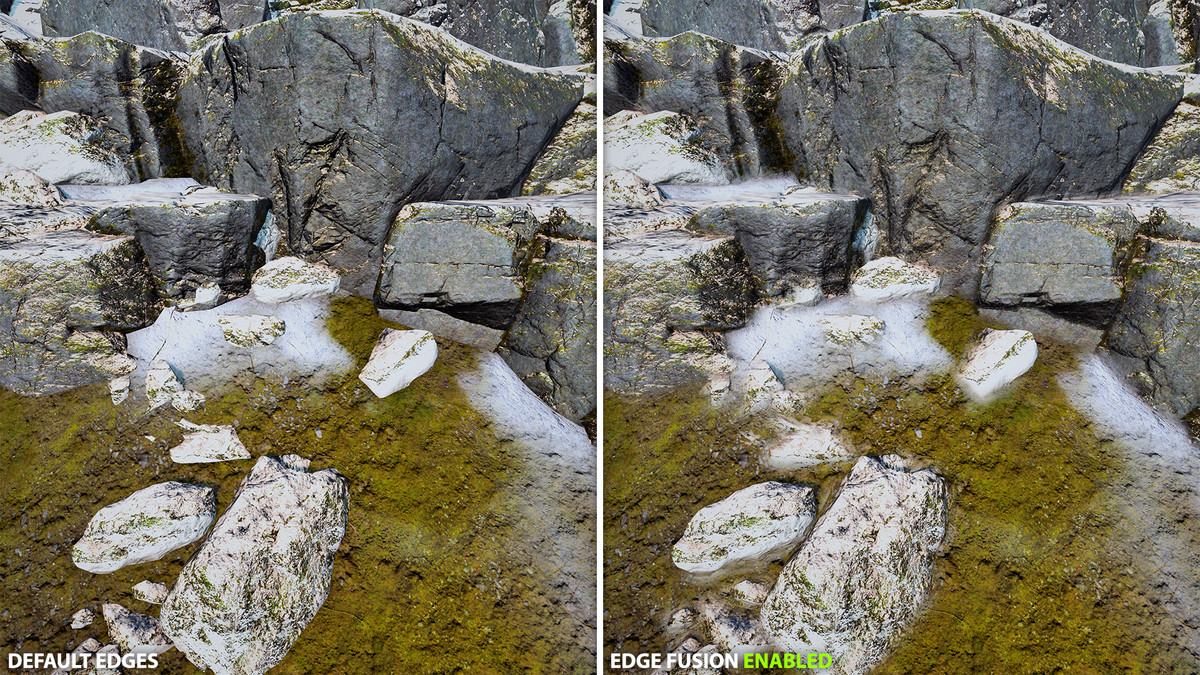
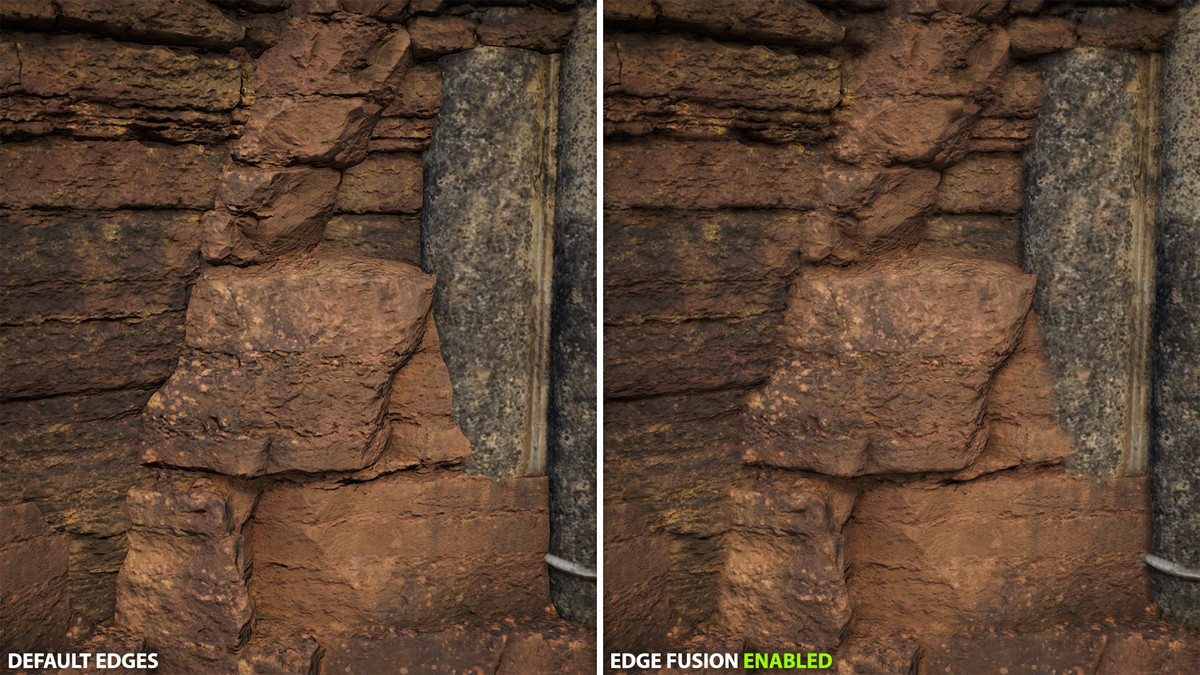
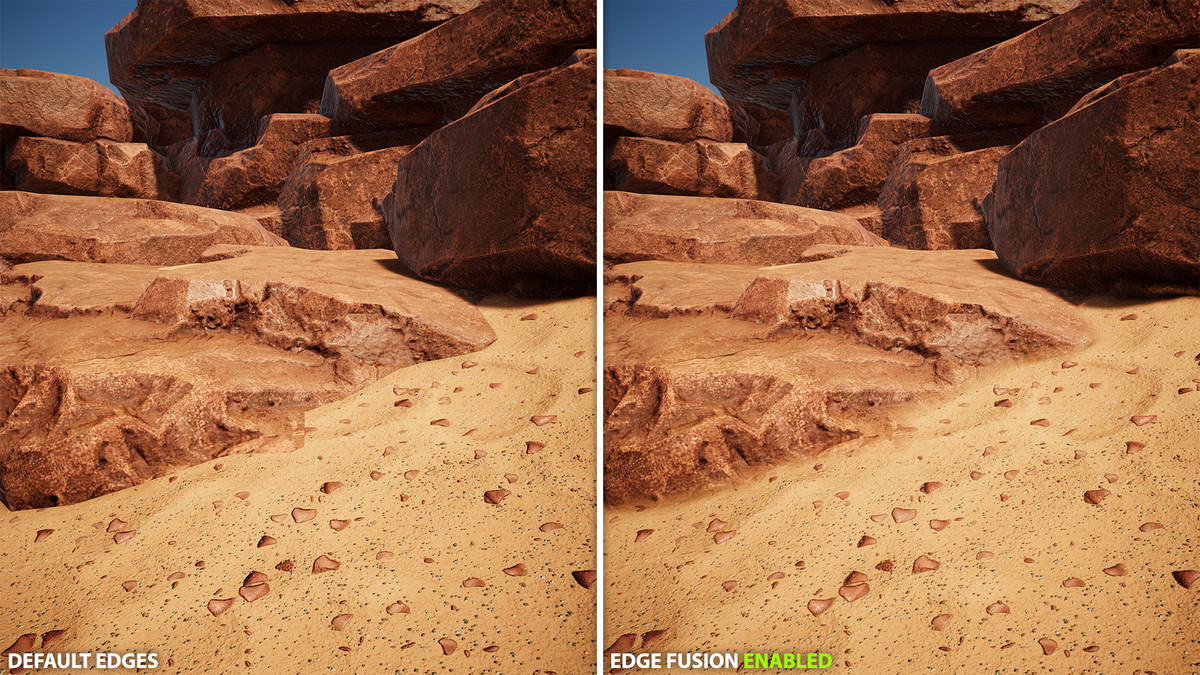
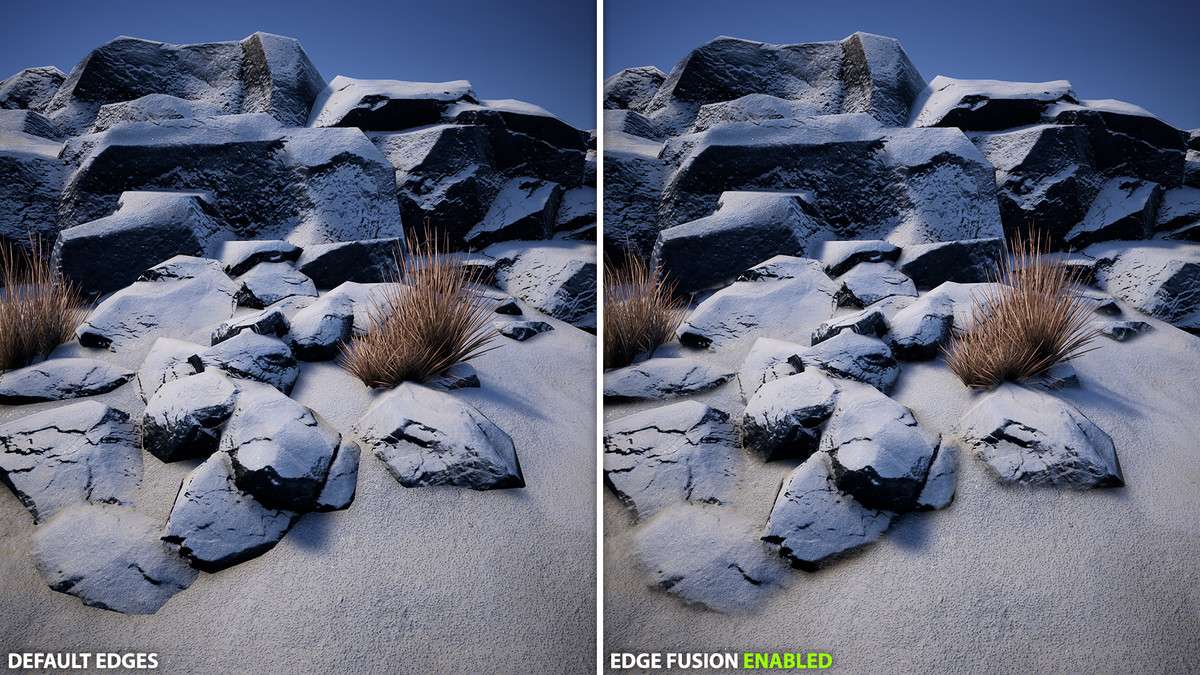
Edge Fusion is a post-processing effect for Universal Render Pipeline that blends edges between objects to eliminate hard seams and produce cohesive, natural-looking scenes. Add it as a Render Feature and control it through a Volume, with both global and per-object settings to target exactly where blending should occur.
🌟 Key features:
- Edge blending: smooths transitions between meshes, terrain, and props without changing materials or geometry.
- Global control via Volume: intensity, world‑space radius, max blend distance, and max screen radius.
- Intra-object fusion (optional): blends within the same mesh based on normal/depth discontinuities.
- Per-object overrides with Edge Fusion Object: custom radius (0 disables), include children with layer mask.
- Performance tuning: sample count, binary search steps, jitter (TAA-friendly), 3D noise (intensity/scale), shadow protection.
- Blend layers: choose precisely which objects participate in blending, including exclusion rules.
- Debug views: object IDs, Edges, Blending, Normals, and Depth.
- Compare mode: realtime side-by-side view to compare the original with the applied effect.
- Editor friendly: optional Scene View rendering; can run even if the camera’s post processing is off.
🎯 Ideal usecases:
- Modular environments: hide seams between tiles, walls, floors, cliffs.
- Terrain + props/materials: blend contacts for rocks, sand, snow, mud, gravel, dust, ice, ash, soil, moss, roots, asphalt/roads, ...
- Kitbashing/mixed packs: unify assets from different styles and PBR setups.
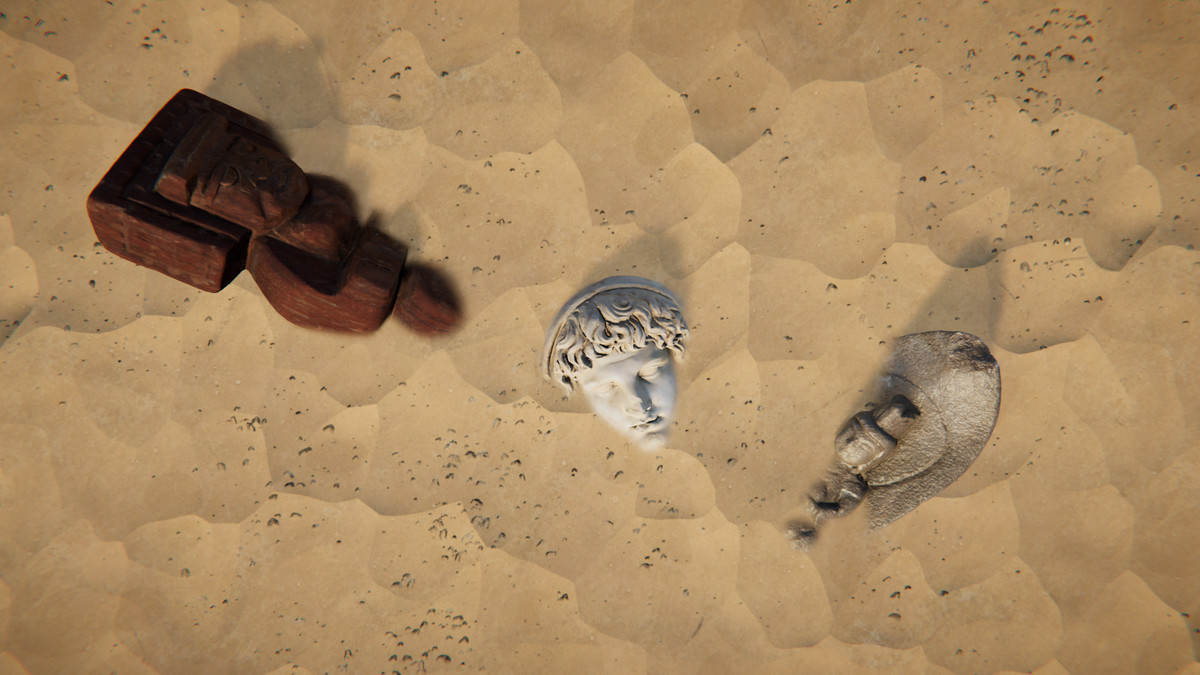
- Photogrammetry: soften scan boundaries when merging with terrain/meshes.
- Foliage/debris contacts: reduce harsh intersections for more believable placement.
- Intra‑object smoothing: reduce visible splits/normal seams on segmented meshes.
- Cinematics/marketing: fast polish without editing materials or geometry.
- Prototyping/blockouts: Instant cohesion while iterating layouts.
➡️ Getting started:
1) Add the Edge Fusion Render Feature to your URP Renderer.
2) Create a Global Volume (or use an existing one) and add “Kronnect/Edge Fusion”.
3) Adjust intensity and radius; set your blend layers.
4) Optionally add Edge Fusion Object to specific GameObjects for fine control.
Related assets:
Edge Fusion is included in our Visual Fidelity Ultra and Ultimate Bundle. You can buy Edge Fusion now and upgrade later to any of these bundles with a discount.
- Looking for HDRP support? Check out Edge Fusion HDRP.
📖 Documentation | 💬 Support | 🎬 YouTube | 🏢 Publisher Page
Kronnect is dedicated to high-quality Unity assets with continuous updates and responsive support.
Release Notes
Version 3.2:
- Added support for Unity 6.4
- Added "Distance Compensation" option. Scales the effective radius with distance from camera, keeping blending smooth up close while increasing reach for distant objects.
- Internal improvements and fixes
Version 3.1.4:
- [Fix] Reflection probes rendering magenta on Mac/Metal - effect now skips non-game cameras
Version 3.1.3:
- Minor inspector changes and internal fixes
Version 3.1.2:
- [Fix] Fixed an issue with Edge Fusion Object component when enabled at runtime
Version 3.1.1:
- Added option for Intra-Object Fusion so it only applies to objects that contain the Edge Fusion Object script
- Added option to Edge Fusion Object script to disallow intra-object fusion per object
- Added DOTS support
- Fixes
Version 3.0.3:
- Special group can now be blended even with blend layers set to nothing
- [Fix] Fixed an issue when excluding objects by overriding the radius to zero
Version 3.0.2:
- Added "Exclusion Pairs" option. Exclude blending between specific objects with custom Ids.
- Added "Blend With Others" option. Defaults to true, can be used to prevent selected layers to blend with anything else.
Full change-log can be found in the README file included with the package.
Basic Information
- Latest Version
- 3.2 (11 Mar 2026)
- Publisher
- Kronnect
- Category
- Shaders/Fullscreen & Camera Effects
- Size
- 52.8 MB
- Price
- €38.63
- Asset Rating
- ★ ★ ★ ★ ★ (19)
Extended Information
- Unity Versions
- 6000.0.56
- Render Pipelines
- ✔ URP
- State
- Published