Prefab Brush+
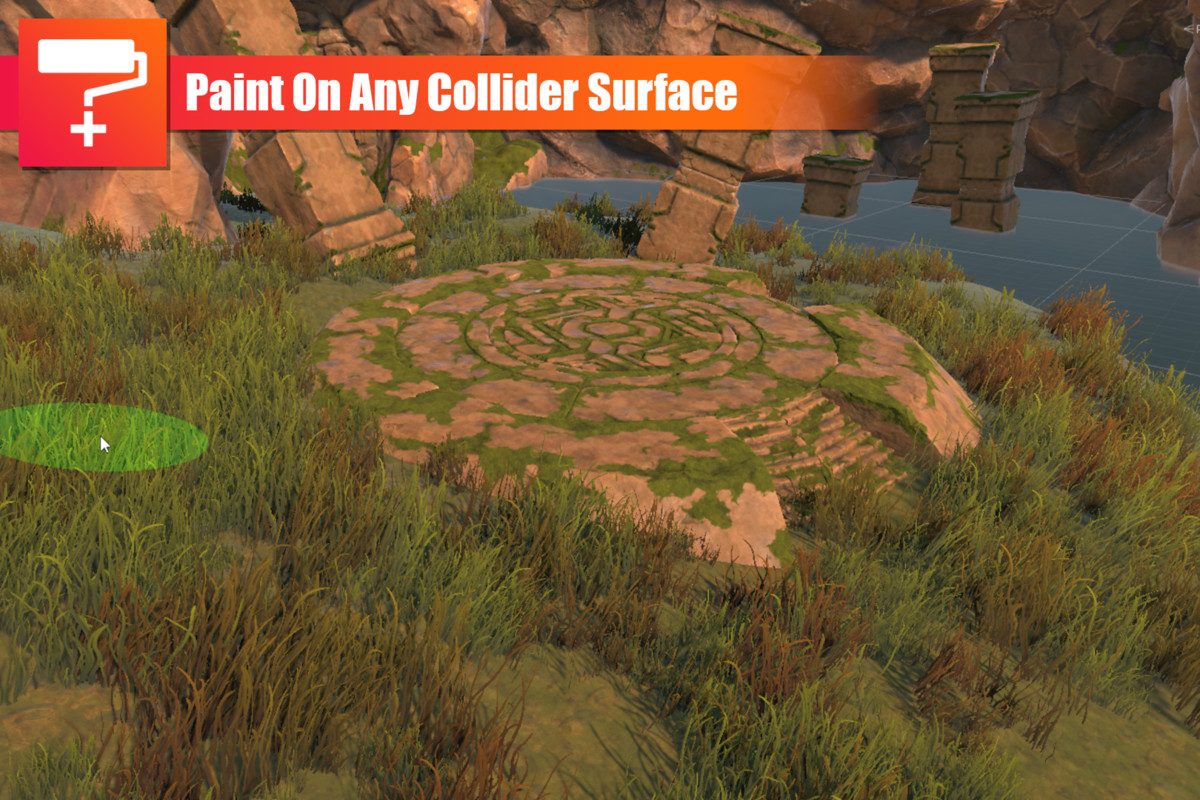
The Prefab Brush+ is an easy-to-use tool which allows you to place Prefabs on collider surfaces in the scene view. Great for painting Foliage Details, Trees, Rocks or what ever prefab you want to place.
If like me you felt the Unity Terrain details brush was limited, then Prefab Brush+ might be the solution for you.
Features:
- Create multiple brush files to save you settings
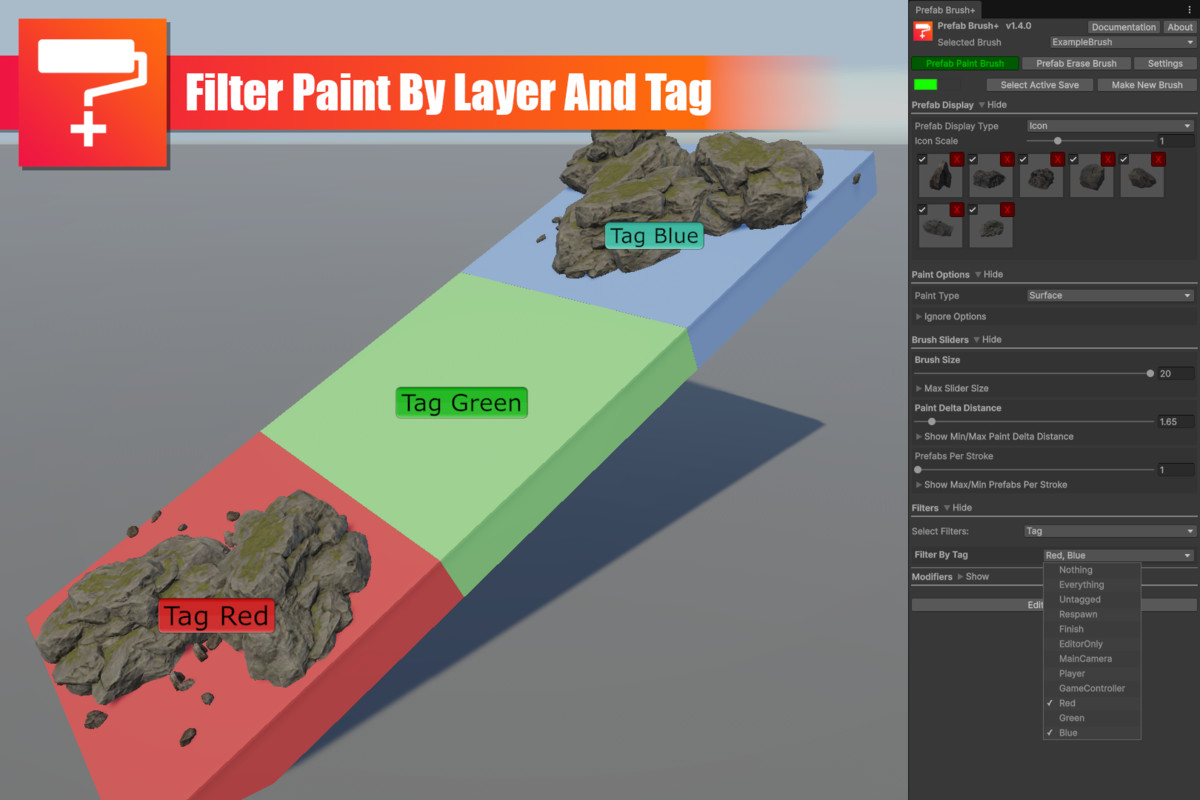
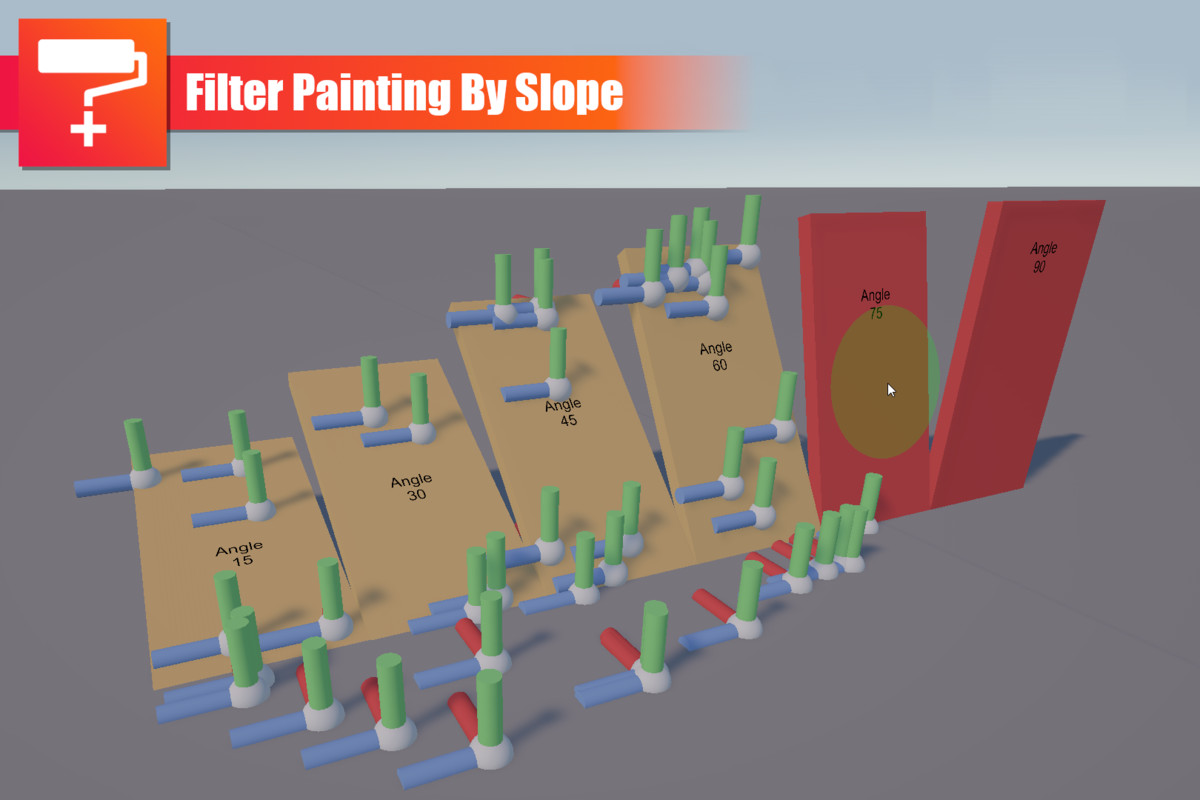
- Use filters to decide which surfaces you can and can't paint on
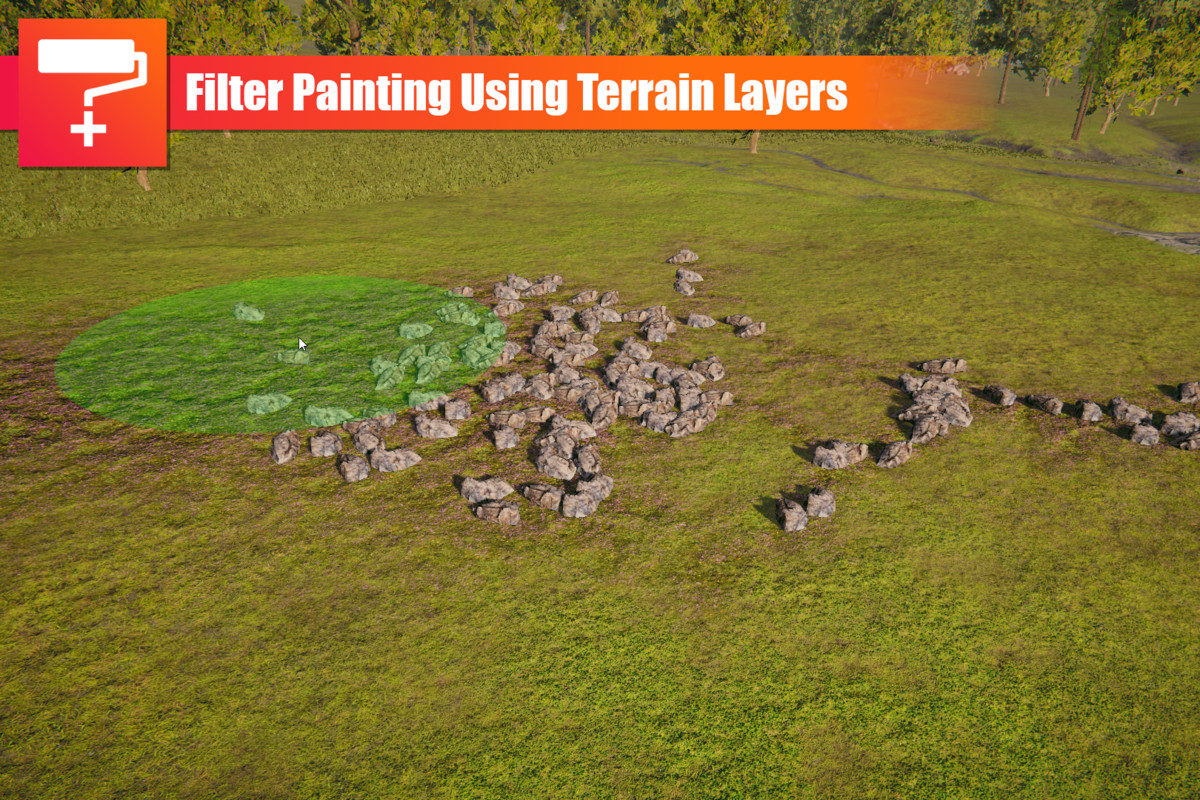
- Filter surfaces using tags, layers, slope angles and even terrain layers
- Use modifiers to apply random or predefined changes to the prefabs while painting
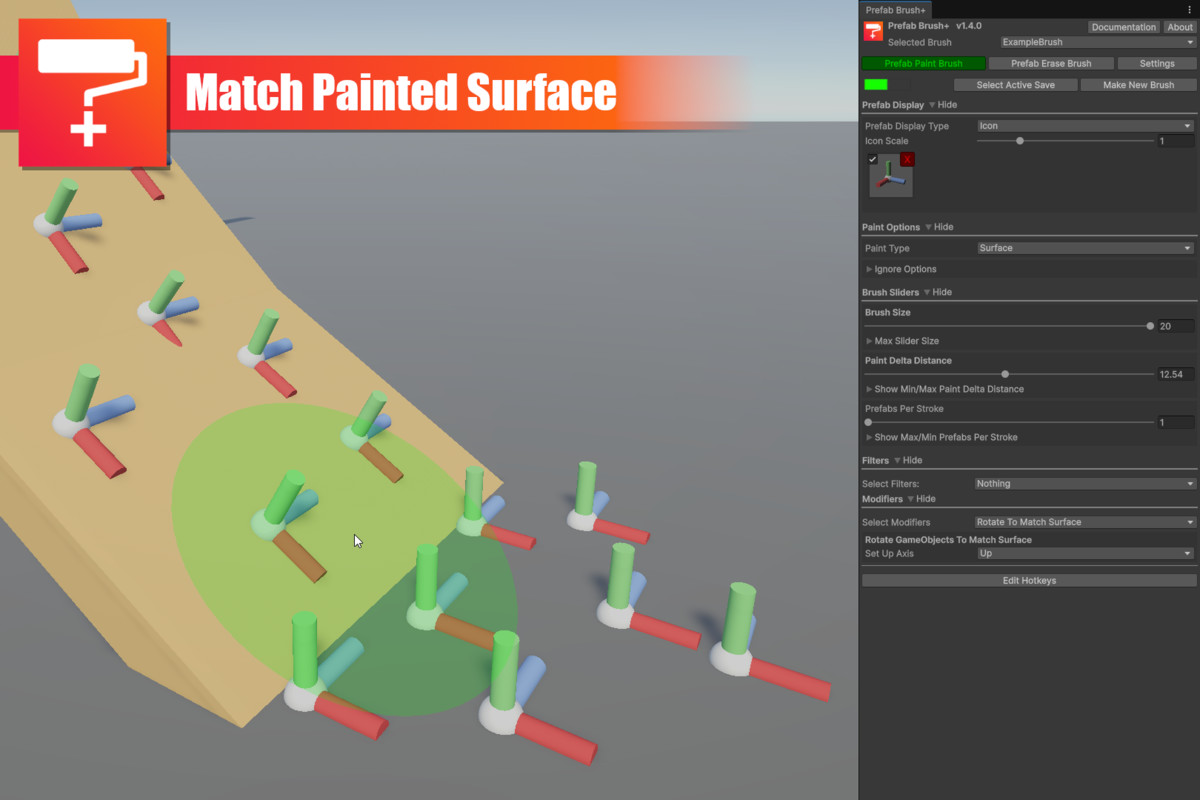
- Match rotation to the surface normal
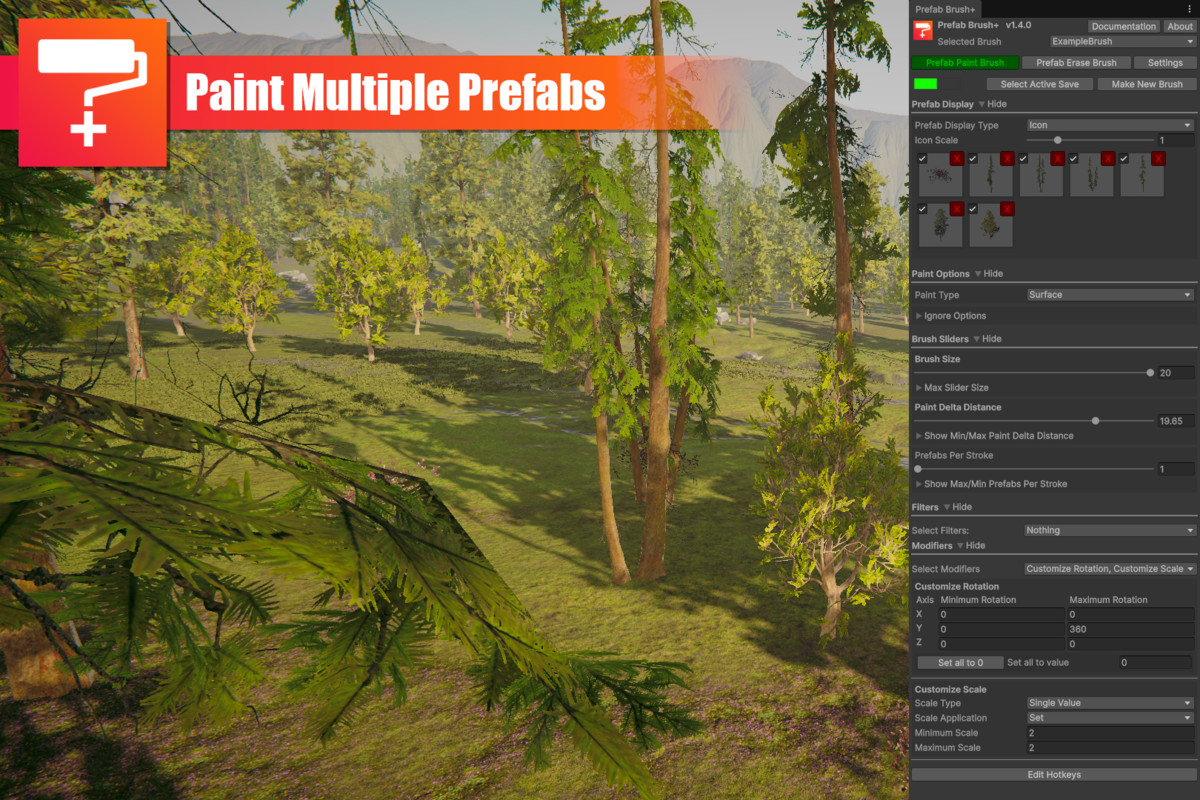
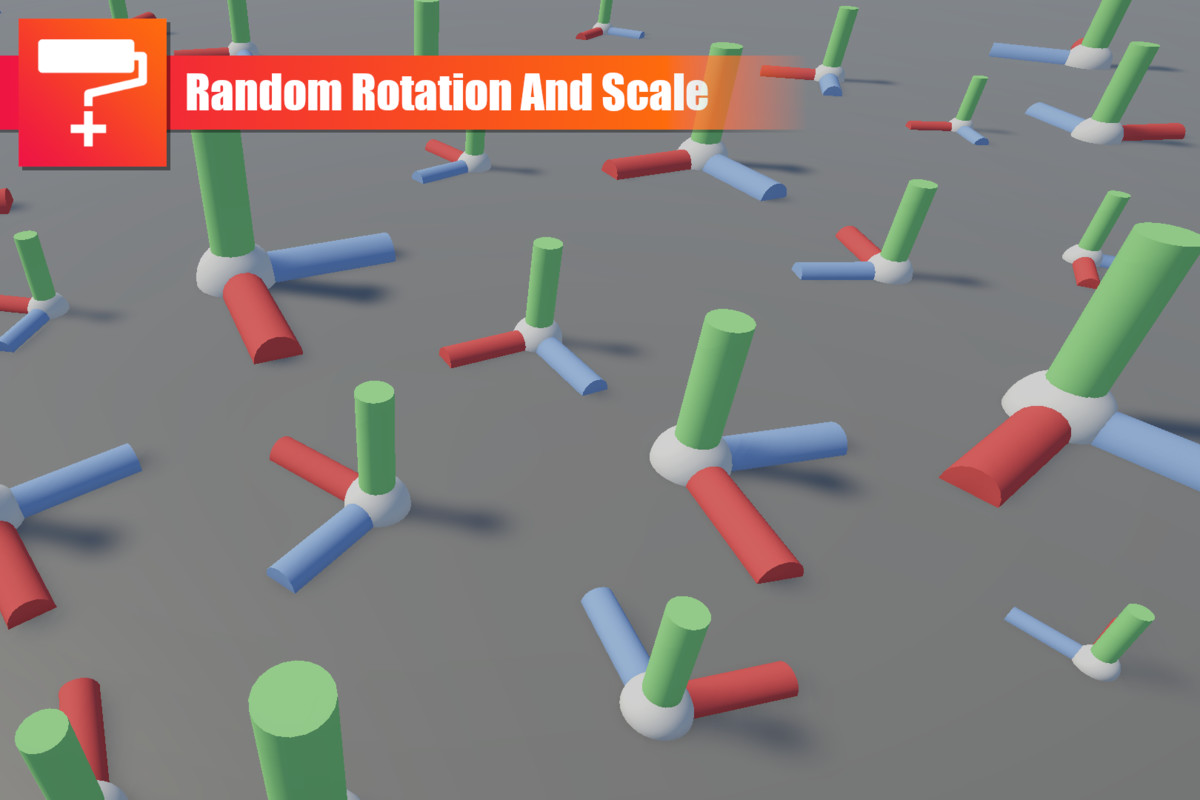
- Define random rotation and scale values to Objects
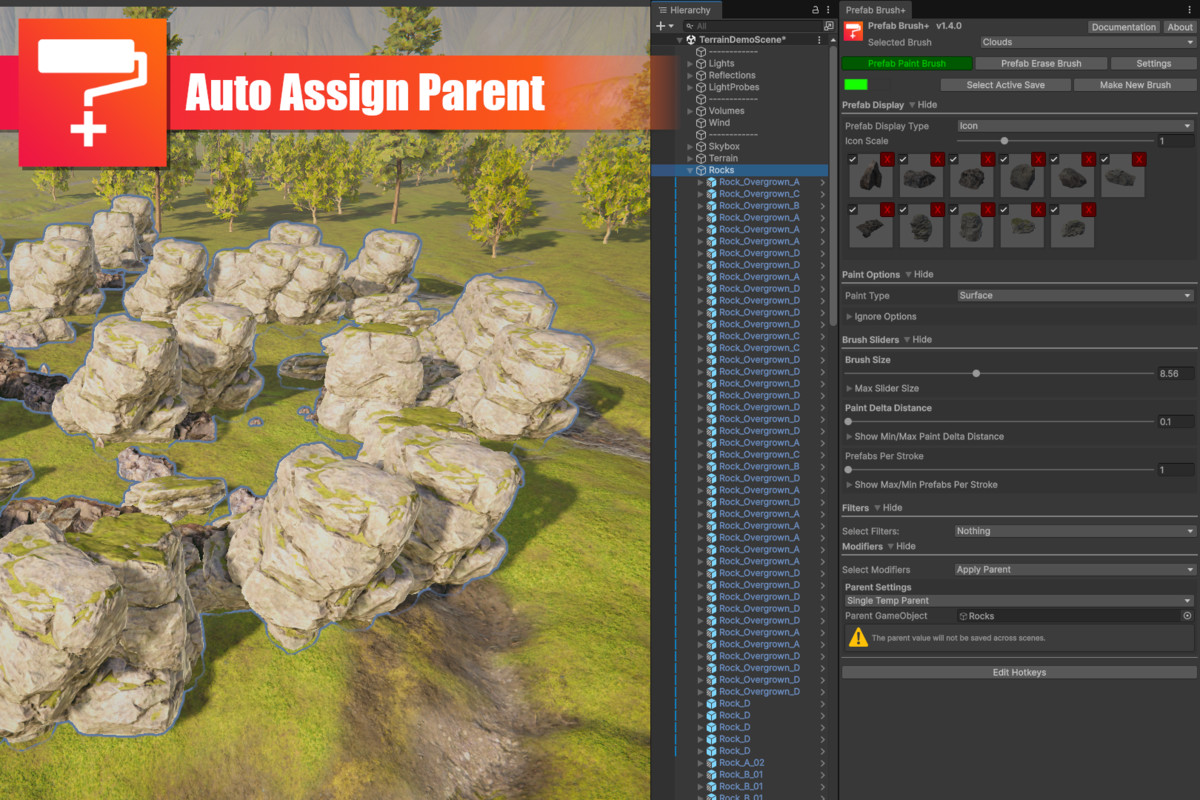
- Brushed Objects can be parented to other objects using a range of methods (single, surface, closest, round robin)
- Can paint multiple prefabs at once
- Requires no prefabs or components to be added to the scene
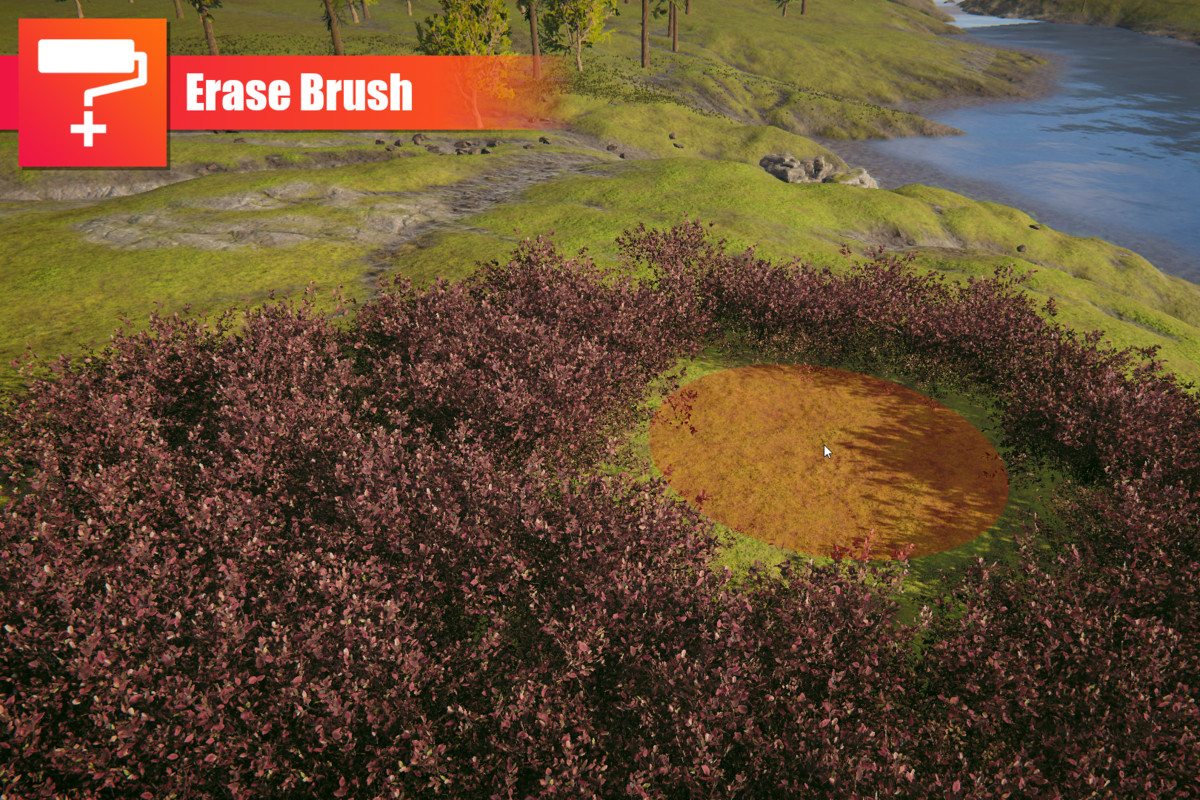
- Erase prefabs and other GameObjects from your scene using a wide range of settings
- Comes with an example scene to test out all the features
- Kind and friendly support
Feel free to contact contact@archieandrews.games with support or requests inquiries.
Release Notes
1.4.3
- Fixed performance bug
1.4.2
- Restricted brush searching to specific folders
1.4.1
- Fixed bug with loading PrefabBrush+ window on a complete fresh project
1.4.0
- Updated to work with Unity 6
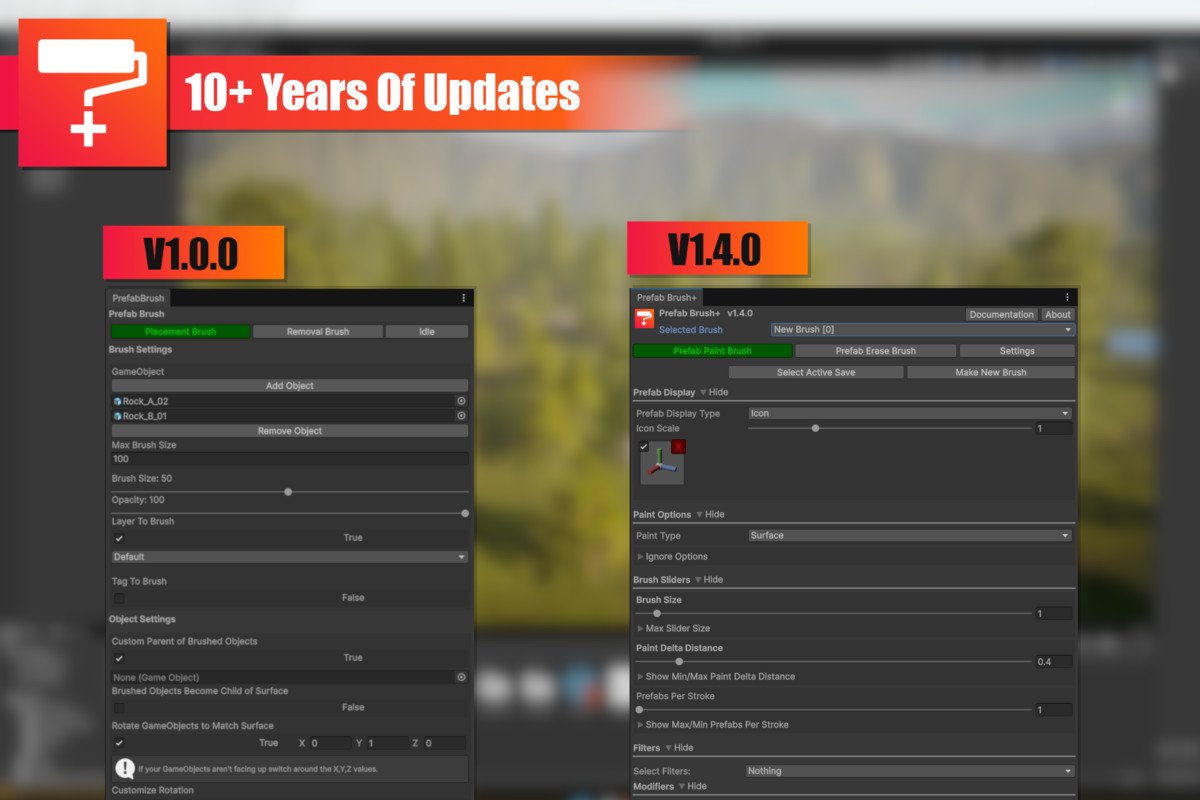
- Updated window interface to be clearer and more compact
- Fixed variaous bugs and unintended behaviour with the window interface
- Moved certain settings into 1 of 2 catagories depending on their behavior. Filters and Modiferers
- Added drop down menu for both filters and modifers to give the user the ability to add or remove them
- Added a new filter for Terrain Layers
- Updated example content
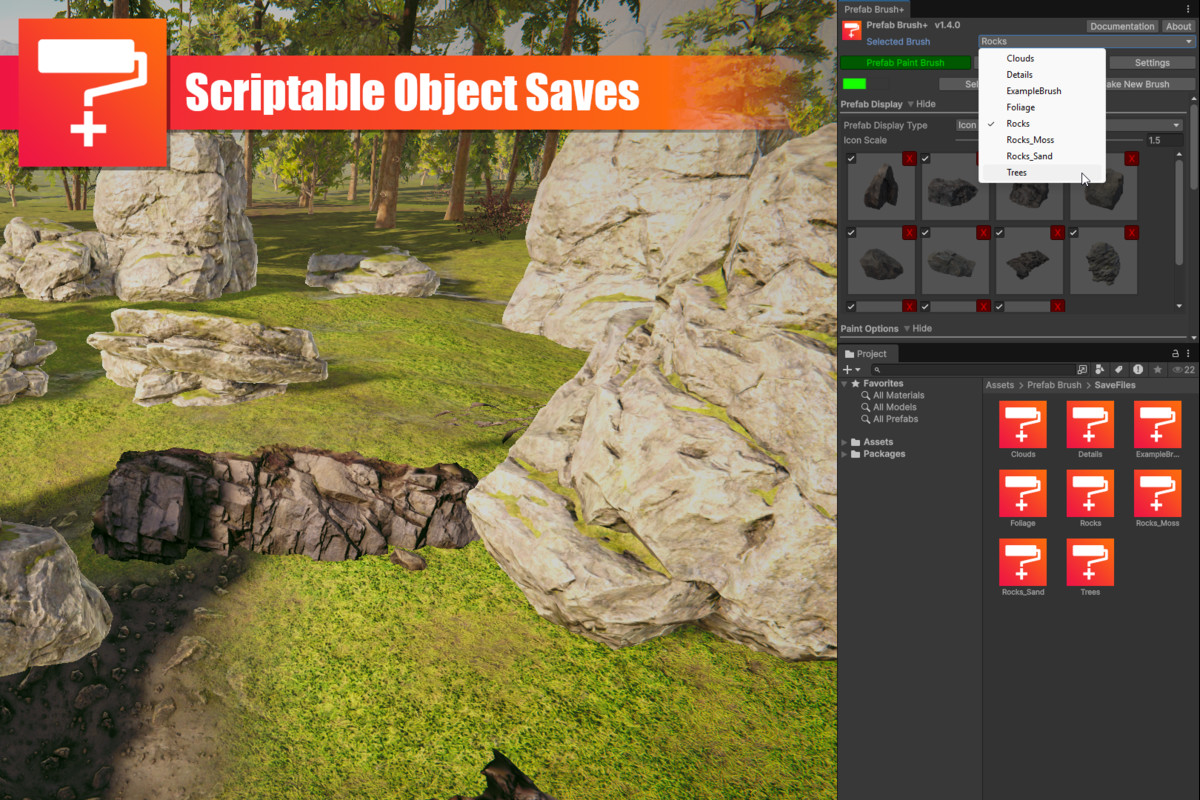
- Stripped back the save system to remove a lot of the steps. Save files are now just brush files and get loaded into the Prefab Brush+ window. Check docs for more information
- Removed use of the Resource folder and moved all scirpts to Editor folder to remove any impact on built projects
- Added tool tips to most fields in the Prefab Brush+ window
- When using Prefab Display Type list you can now drag and drop multiple prefabs in like with the icon display type
- Fixed bug where prefabs inside of the erase circle did not erase untill closer to the center
- Various bug fixes throughout
- Rewrote documentation
1.3.15
- Fixed issue with physics sim
- FindObjectsOfType replaced with FindObjectsByType
1.3.14
- Fixed issue with delta check. Now actually checks the distance for brush strokes and not the prefab place point
1.3.13
- Allowed random rotation in the negative direction
- Fixed bug where prefabs where created even when no surface was present
- Tweaked the position of the active toggle box on the prefab pallet
- Updated Physics simulation to updated API
1.3.12
- Added Quality of life changes
- Added message warning when Tools are enables and disabled
- Added toggle box in the settings to hide Tool warnings
- Fixed uninteded log message
- Fixed bug with match rotation surface not woring when moving a single painted object
- Fixed fail timeout counter of prefab paint
1.3.11
- Small changes and tweaks
- Fixd bug with paint distance
1.3.10
- Fixed bug with prefabs per stroke
- Fixed some logic with the painting
1.3.9
- Added an option to ignore triggers and prefabs that are in the active save
- Added the ability to drag multiple parents into the parent list
- Fixed various bugs
- Updated documentation
1.3.8
- Added option to only erase prefabs selected in paint window
- Added support for dark mode
- Fixed a bug with features not apearing in 2021 and all future versions
- Changed ther way the prefab display window scaled
- Fixed error when clearing prefabs from icon list
- Small changes and fixes
- Updated documentation
1.3.7
- Added toggle field for prefabs
- Fixed a bug with features not apearing in 2020
- Cleaned some of the UI
- Loading a new save will open the paint window
- Fixed a bug with icons loading
- Fixed a bug with the selection











Basic Information
- Latest Version
- 1.4.3 (20 Dec 2025)
- Publisher
- Archie Andrews
- Category
- Editor Extensions/Utilities
- Size
- 309.9 KB
- Price
- €6.44
- Asset Rating
- ★ ★ ★ ★ ★ (81)
Extended Information
- Unity Versions
- 6000.0.58
- Render Pipelines
- ✔ BIRP ✔ URP ✔ HDRP
- State
- Published