MCS Female
MCS 1.6 Upgrade!
As a serious game developer, it’s no secret that finding cool but unique, high-quality, characters for your game is tough. Basically, your options are to hire an artist, become an artist or buy commonly-used generic characters. Since most of us don’t have the time and money to hire or become a 3D artist and no-one has ever said “I love that game for its generic characters!”- You are left in a bind.
If you are developing on a budget (who isn’t?) but value quality and uniqueness (who
doesn’t?) and would prefer to focus on your game’s design (not a bad idea)- then you
need the Morph Character System!
The Morph Character System (we call it MCS) has an API and GUI to easily build
characters that can be manipulated at runtime. That’s right -- this is a procedural
character system! So yeah, it looks like you just found your character engine for your
next MMO, RPG or Fighter. MCS puts a ridiculous amount of control in your hands and
in seconds you’re making characters like a 3D pro! Whether you are designing a single
character or a world of characters for your game, MCS is your platform.
What’s inside MCS Female:
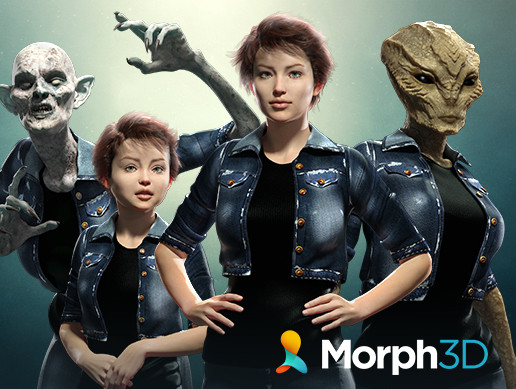
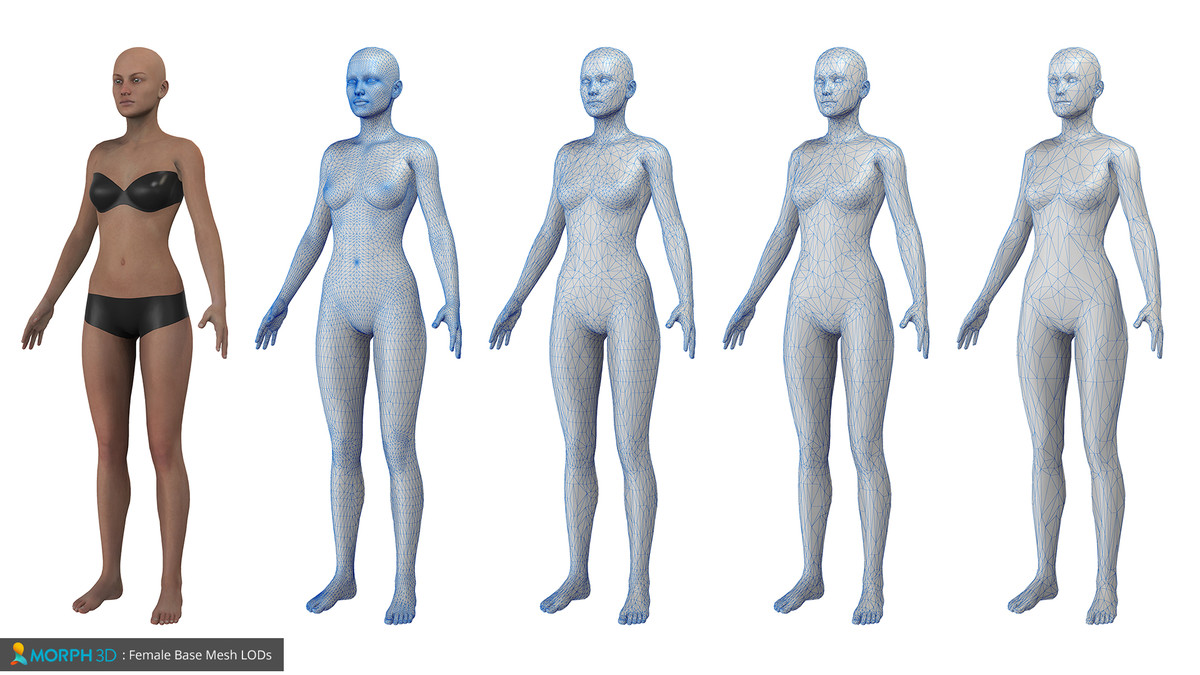
•MCS Female character
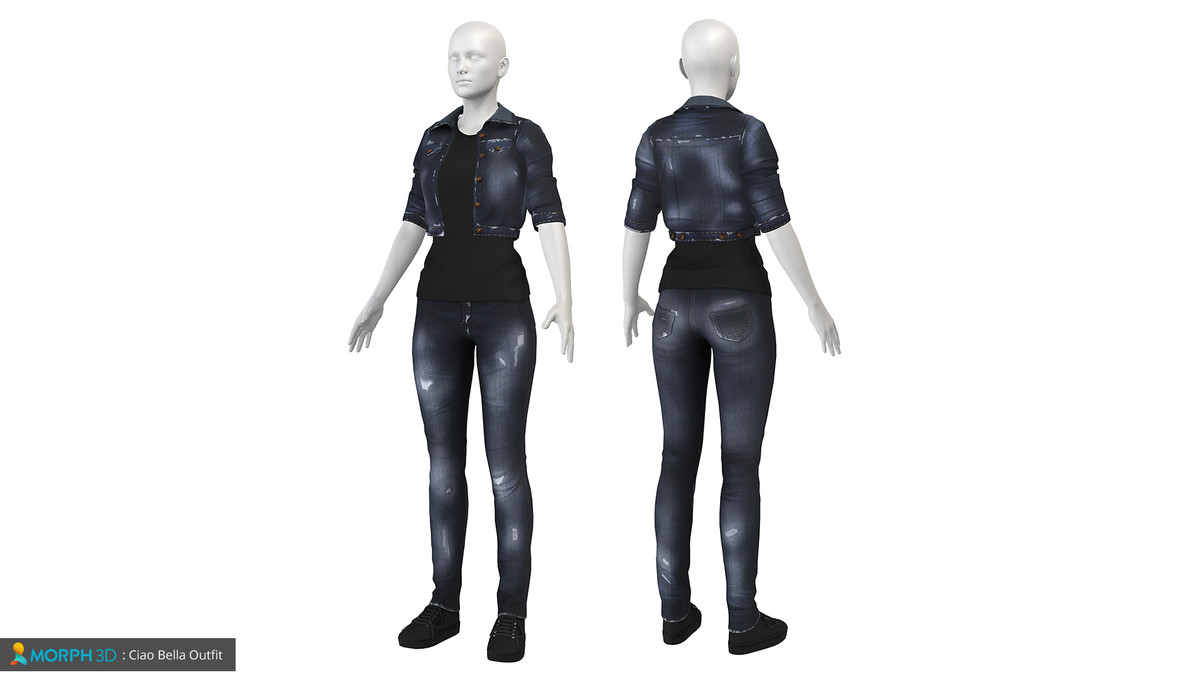
•Ciao Bella Jacket
•Ciao Bella Pants
•Ciao Bella Shoes
•Ciao Bella Top
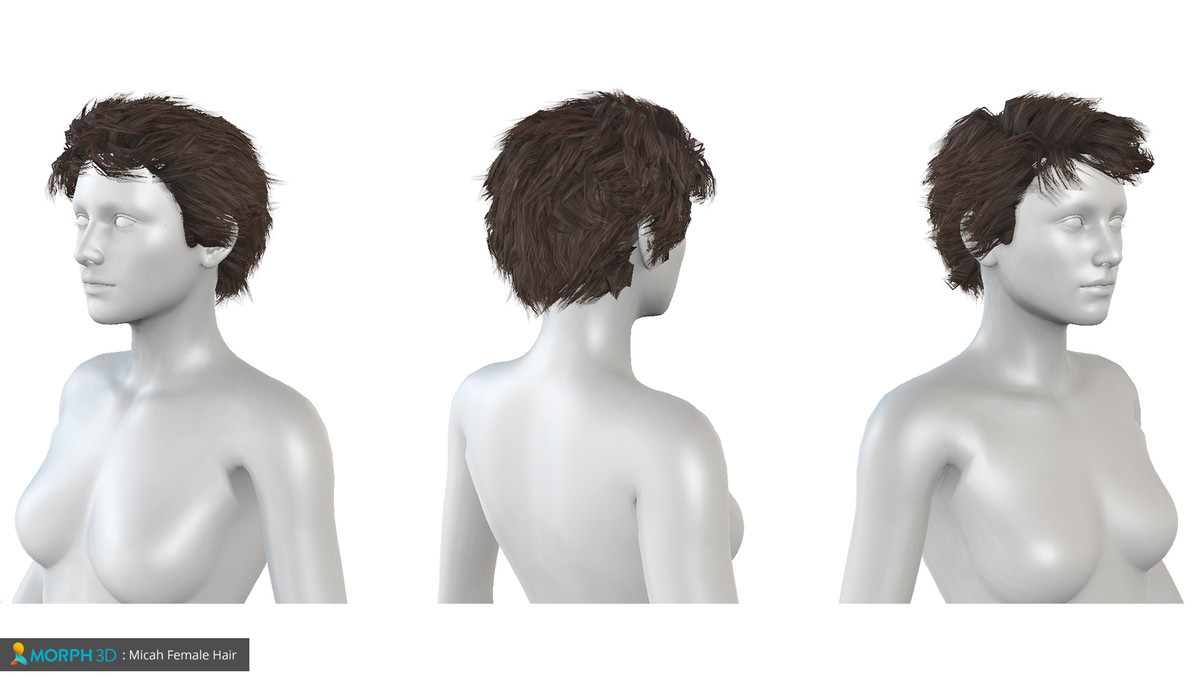
•Micah Hair
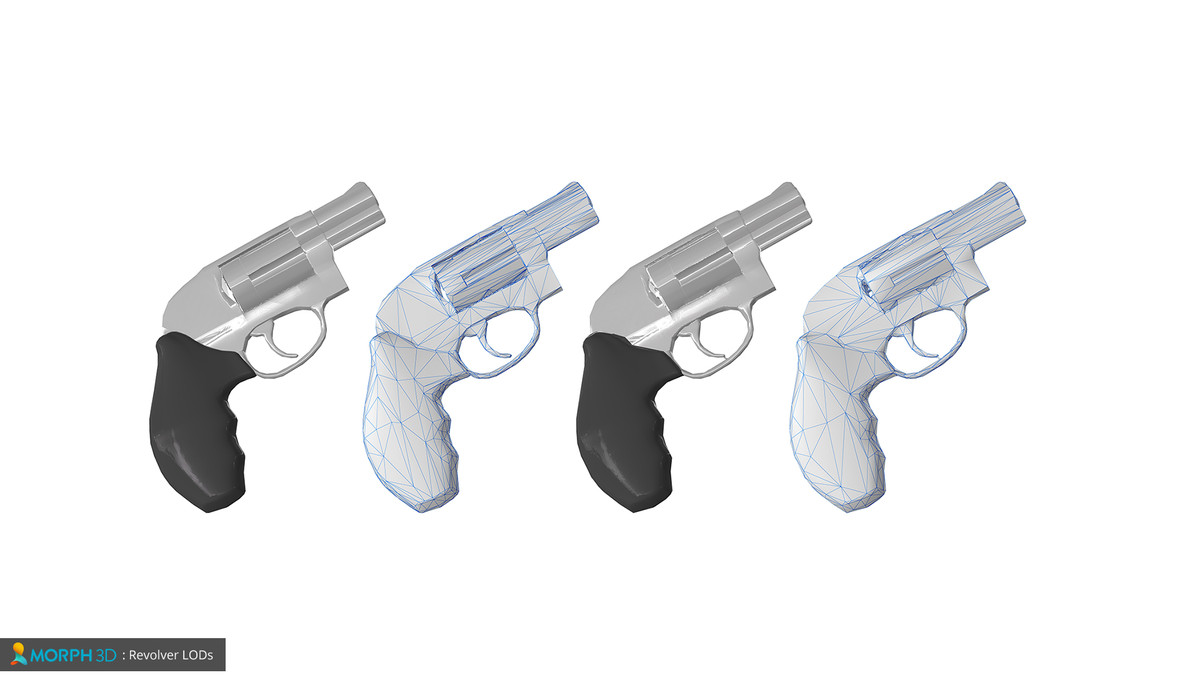
•Revolver
As you can see each MCS product comes with an outfit, hair and prop but obviously
you’ll be needing more of that stuff to make cool unique characters.
So, here are some MCS Female “add-on” products that you can get now:
Sci-Fi Bundle 01
Fantasy Ranger
Elven Bard
Not seeing what you need?
Check our Store to see all available MCS “add-ons” and products- we add more
products every week.
More product details:
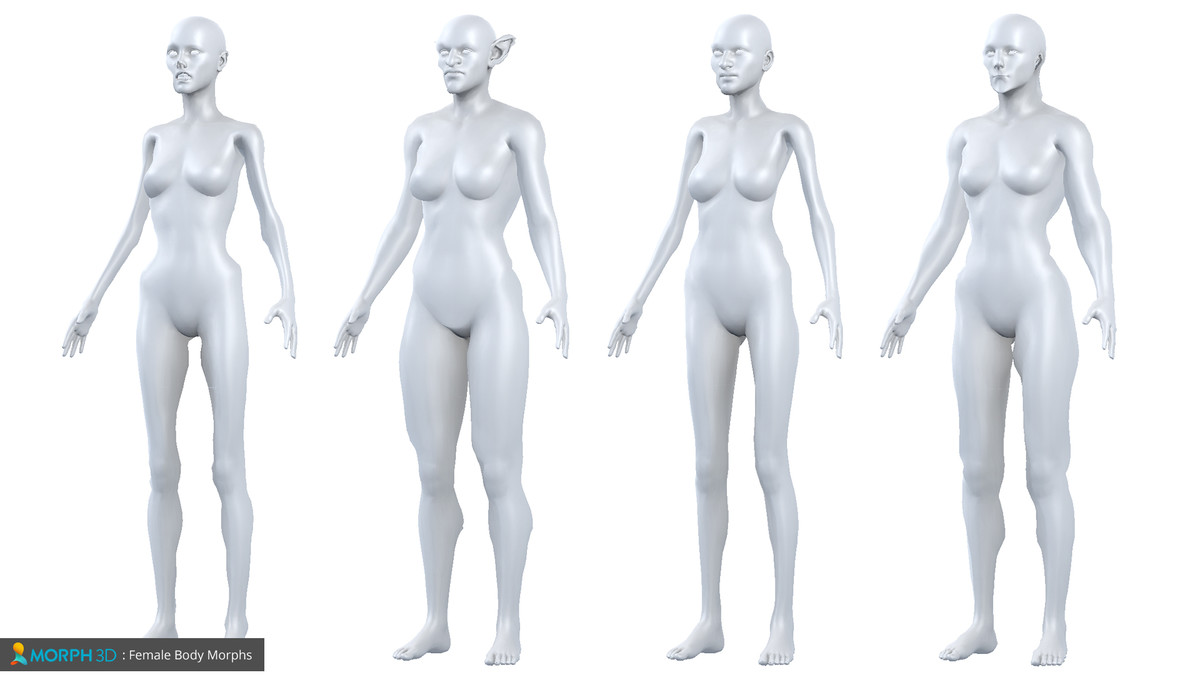
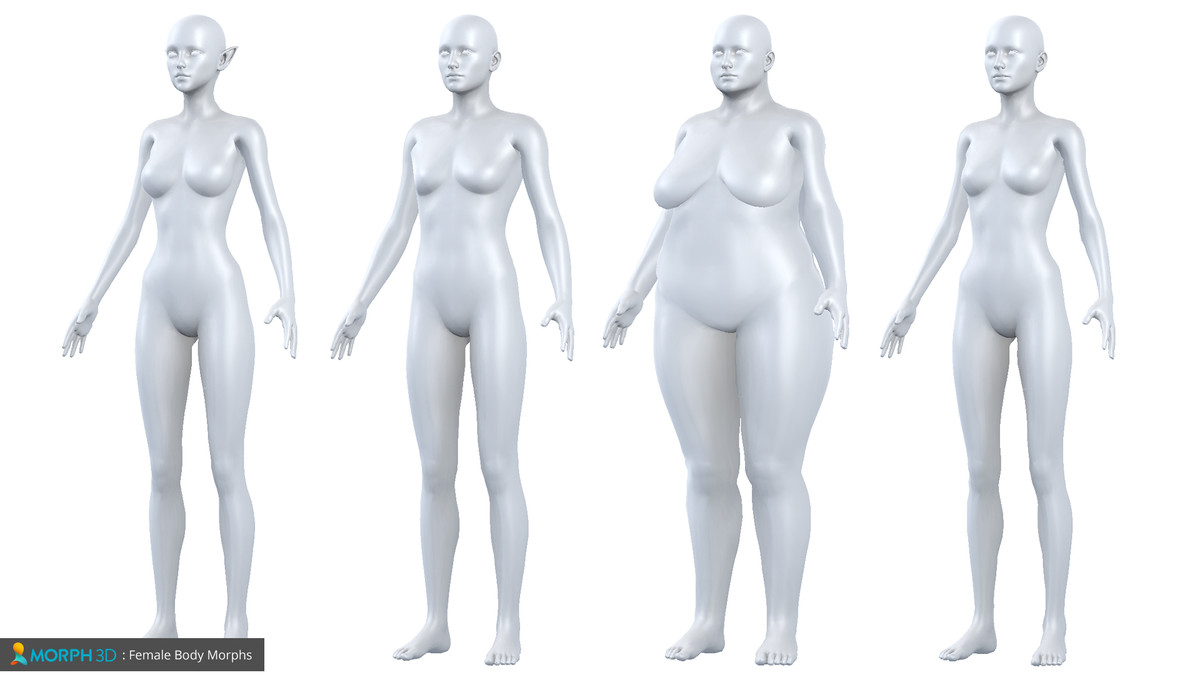
400 Morphs
•Morphs are configured with simple sliders in Editor
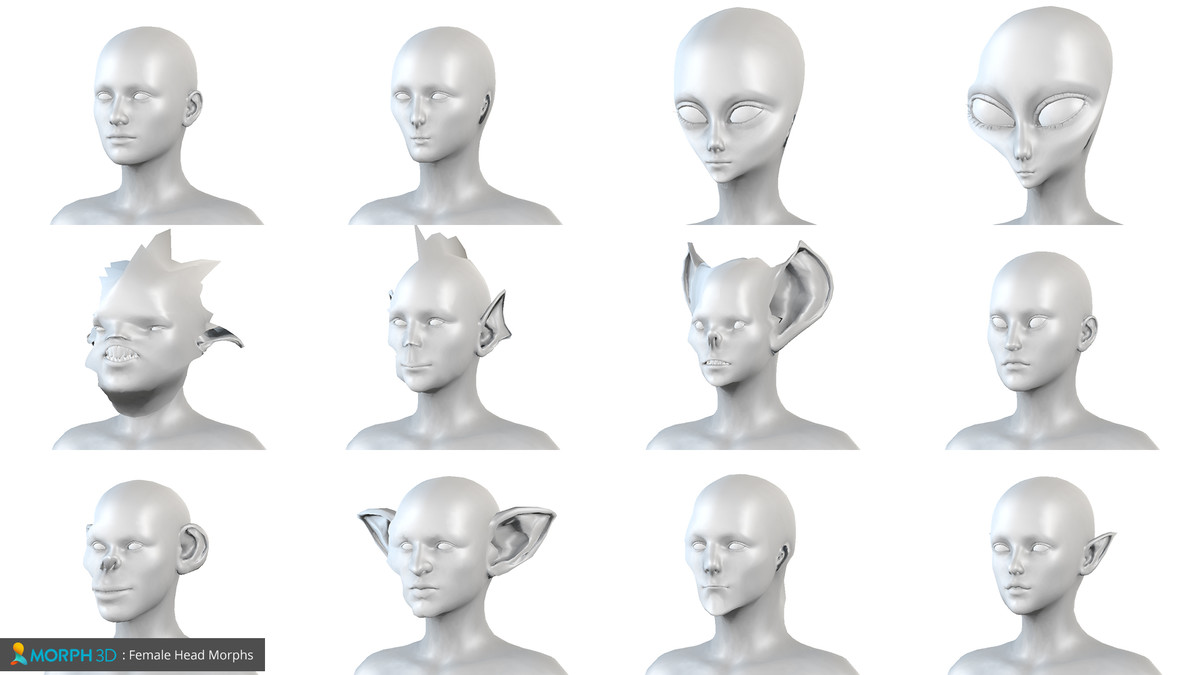
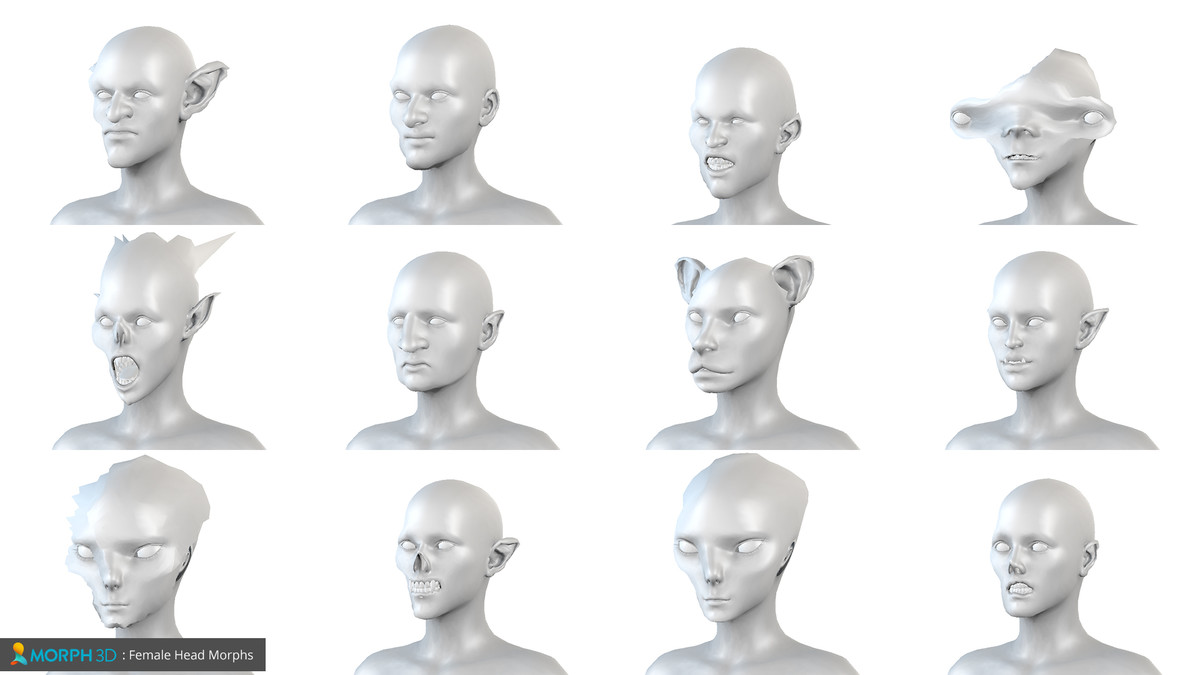
•Partial and full creature and monster morphs
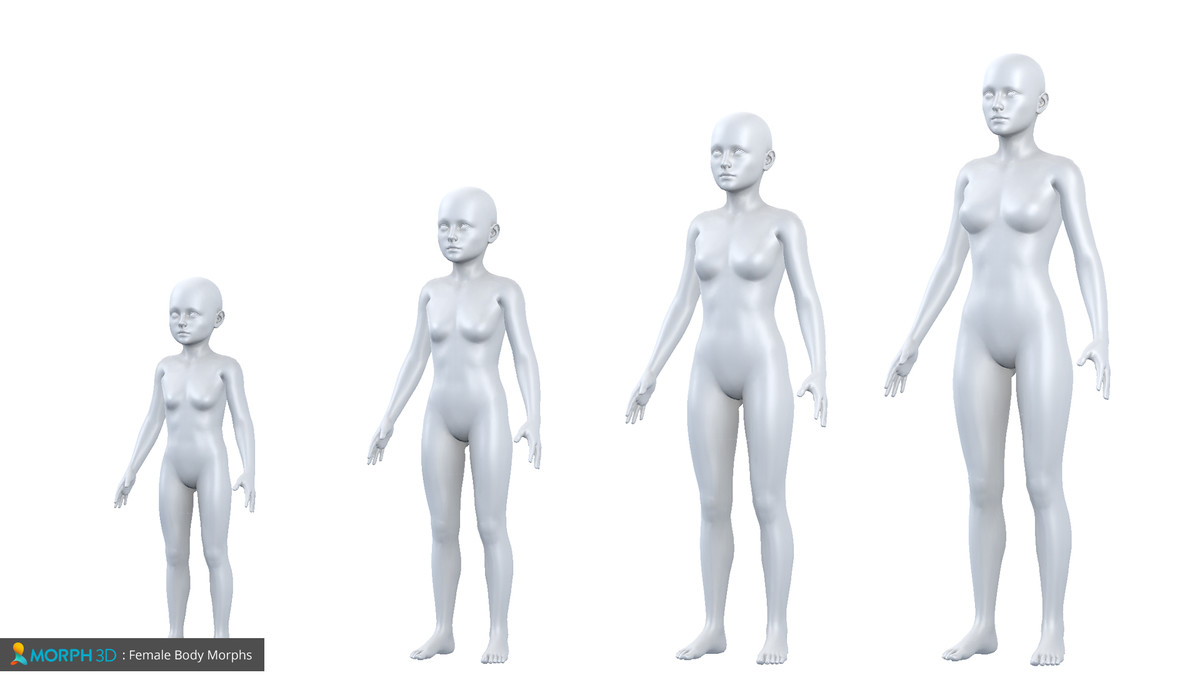
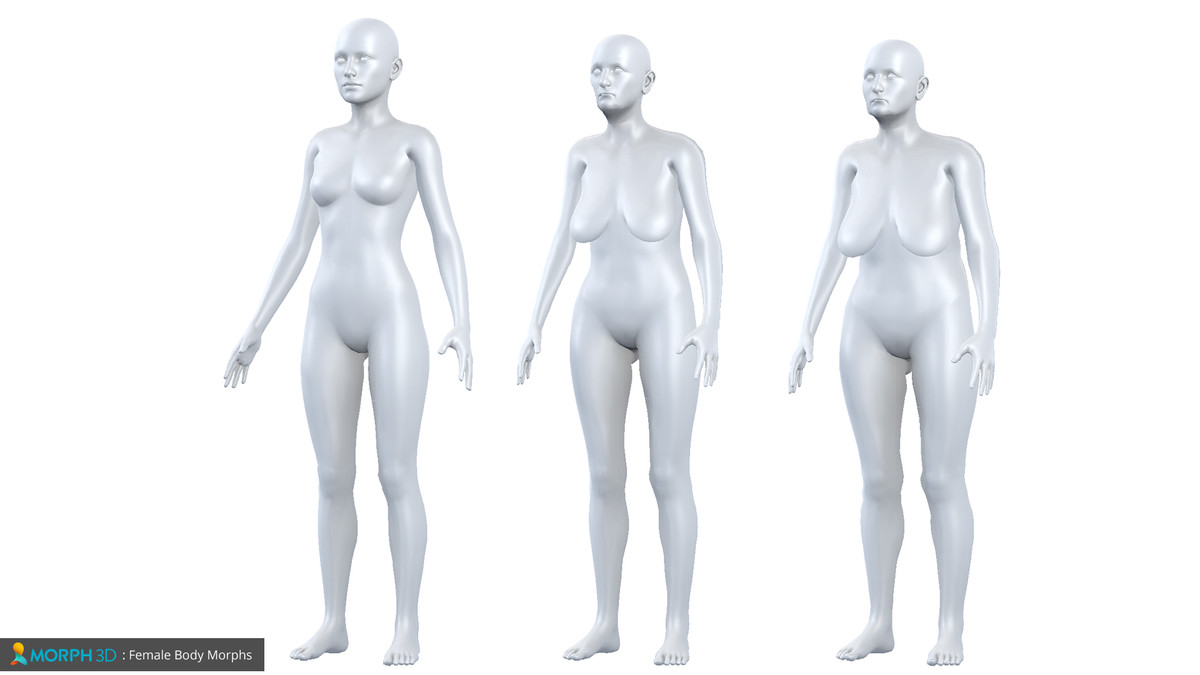
•Body shape morphs
•Visemes and phonemes for speech animations
Character development GUI
•Basic GUI included; source code provided for specific GUI’s
•Customized names and groupings of props, morphs, hair and costumes
•Drag-and-drop bundle system to easily add new content packs
Developer API
PBR Textures and Materials
•Optimized PSD’s
•PBR Skin shader based off of “Volund” Shader
Prop attachment point system
•Easy presets
•Use code to control layout and placement
•Unlimited attachment points
•Auto mirroring of props
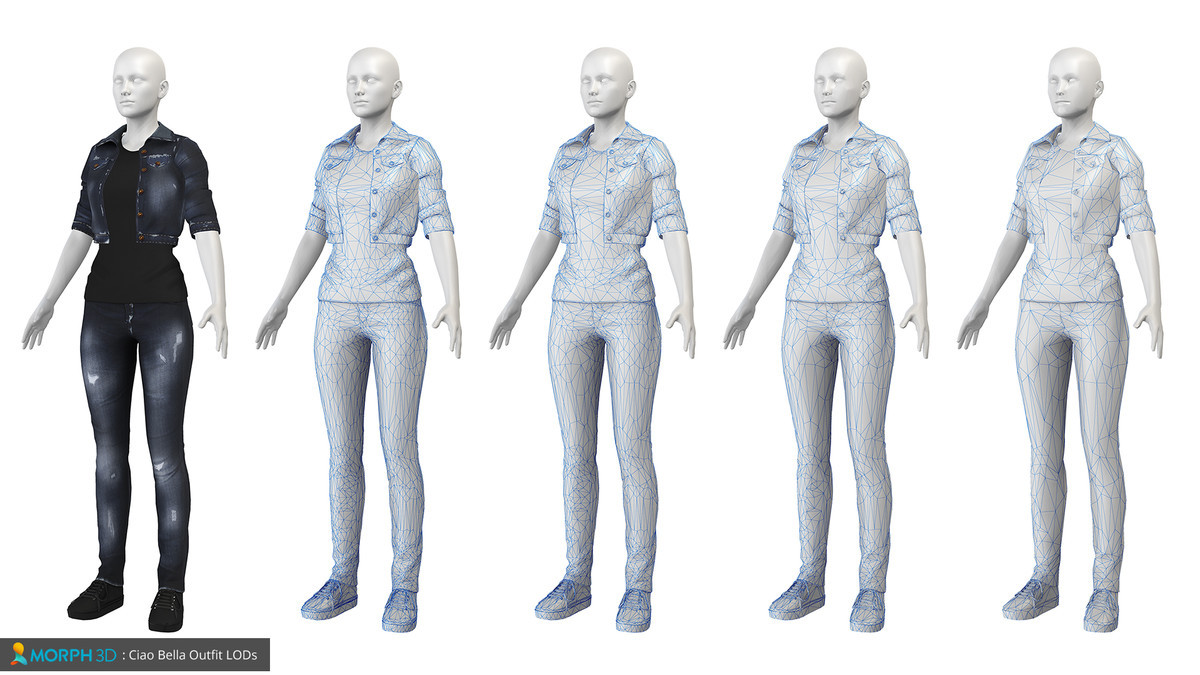
LOD support
•Easily choose from various levels of detail with a single slider on function call
Import and Export
•Save your character designs as prefabs
•Auto setup of imported characters ad GUI
Dynamic Skeleton System
• Fully rigged for Mecanim
• Access skeleton morphs at runtime
• Adjustable height and proportions for characters
Sign up to learn more at:
http://morph3d.com
Release Notes
1.6.4 Prepping work for windows universal support (not quite ready yet) Adds support for clearing blendshapes when M3DCharacterManager.Start is called (on by default) Added OnPreLODChange and OnPostLODChange events (these are fired during the lod value in M3DCharacterManager changes) Improved check for figure testing when importing assets Fixed a rare issue with normal texture importing when creating a material Added fix to allow Wii U builds to work properly Improved error handling when bad mon file exception occurs Fixed issue where duplicate bone names in figure bone hierarchy could cause error when attaching or removing clothing, props, and hair Added support for running JCT at edit time (note, this should only be used in very specific cases, it will ruin your bone state data), off by default Added support for auto closing the jaw (under M3DCharacterManager -> Advanced) 1.6.3 Adds support for automatic recalculation of mesh boundaries, frequency choices are never, on attach, on morph Resolves missing morph groups from character inspector Fixed error with head overlay material check when null Fixed serialization issue with prefabs for materials, LODs, and morphs Fixed issue with Alpha Injection when using prefabed figures Fixed problems and errors with prop attachment and usage Improved several eye morph qualities at lower LODs 1.6.2 Resolved issue with content packs where parent and child had identical names and caused syncing issues Added support to remove unlinked content packs that were free floating to Editor Improved visual layout of Editor component Added support for detecting flawed CoreMesh and ContentPack assets Fixed misc hair attachment Added support for Overlay texture and color linked from CIHair to paint cap texture on head Fixed prop attachment in Editor Shows prop names instead of ID in Editor 1.6.1
Basic Information
- Latest Version
- 1.6.4 (19 May 2017)
- Publisher
- Tafi Avatars
- Category
- 3D/Characters/Humanoids
- Size
- 459.7 MB
- Price
- free
- Asset Rating
- ★ ★ ★ ★ ☆ (226)
Extended Information
- Unity Versions
- 5.3.7
- State
- Deprecated