Master Audio: AAA Sound
Master Audio 2022 is released! Now includes the ability to loop a section of a song, all multiplayer functionality, and more. Free upgrade for users of Master Audio Multiplayer and $10 introductory upgrade price for one week for regular Master Audio users. Get it here!
Contact us for discounted student, team and site licenses!
Now with occlusion! The audio plugin of choice for high-profile shops Zynga, KingsIsle and more! Supports all platforms!
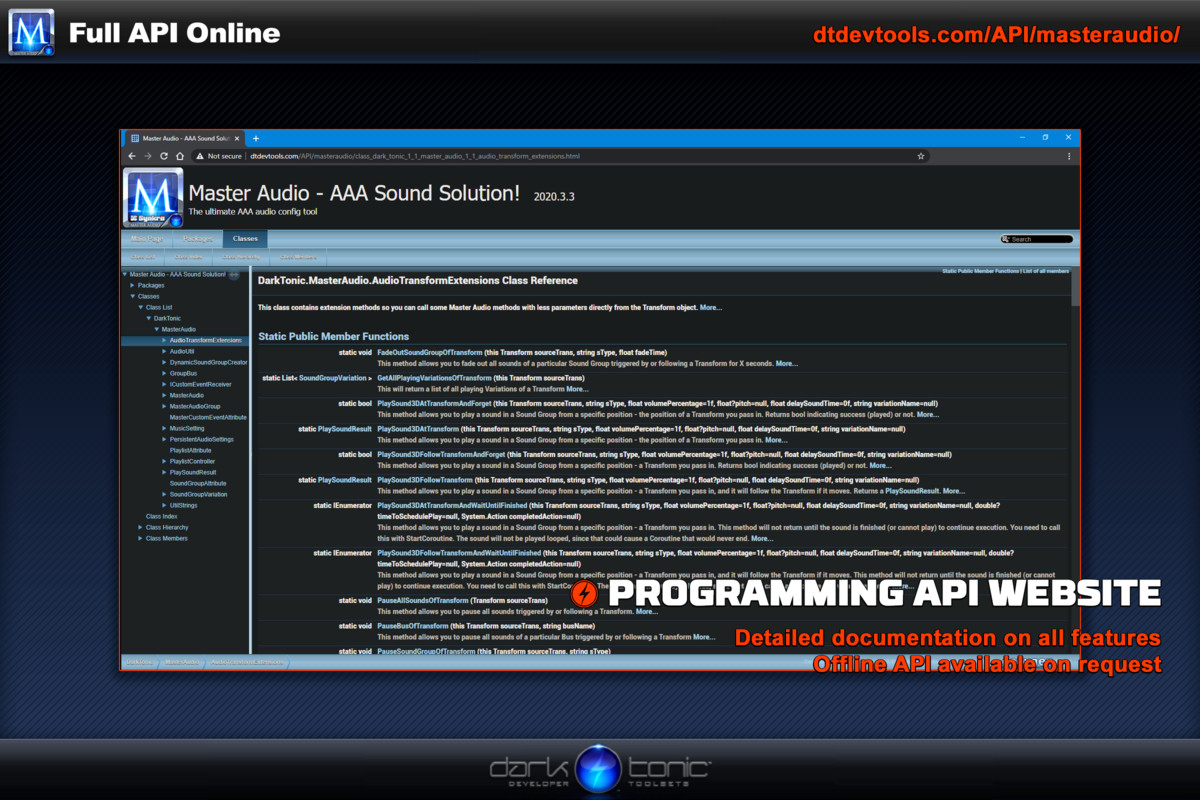
Videos | Docs | API |
Forums | Unity thread
Master Audio gives you tremendous ease of use, speed, power and flexibility far beyond any contender. Why use another underpowered solution and waste your time writing code? We've coded every scenario from easy to complex so you don't have to! We even have our own flexible "no coding" event-based script to hook sound up if you don't have Playmaker.
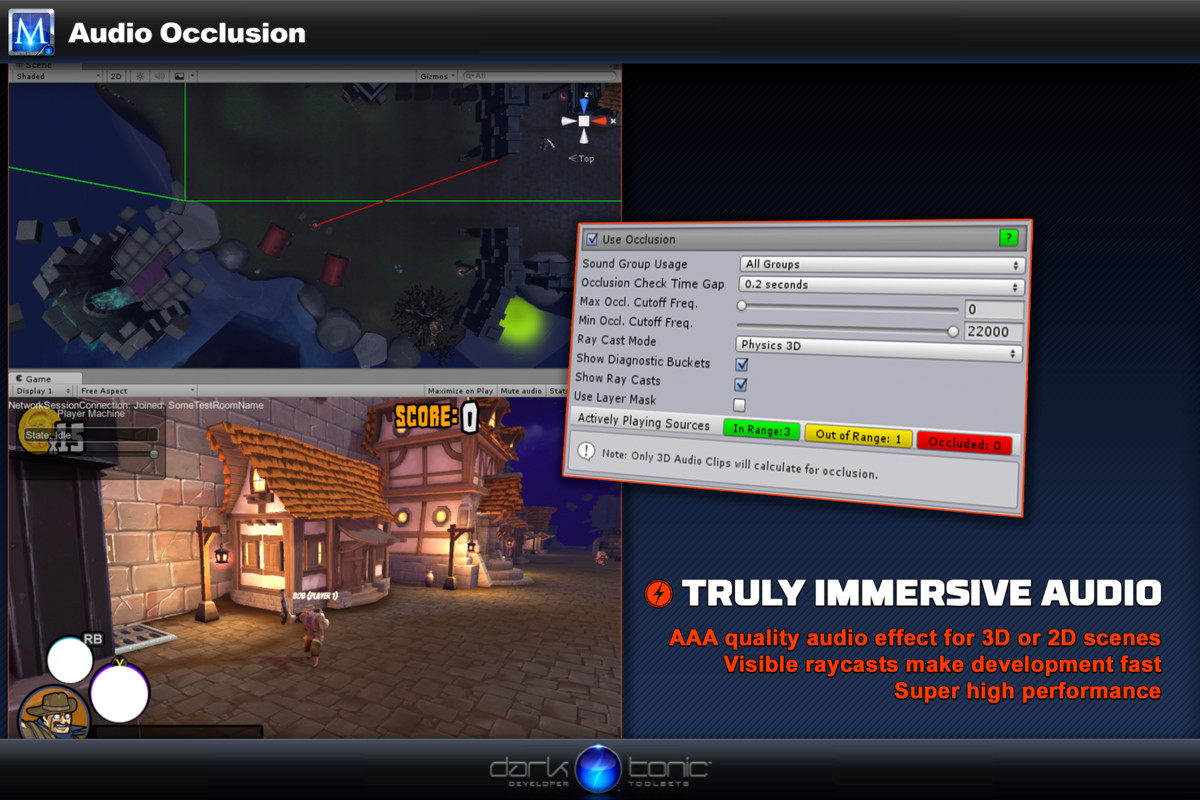
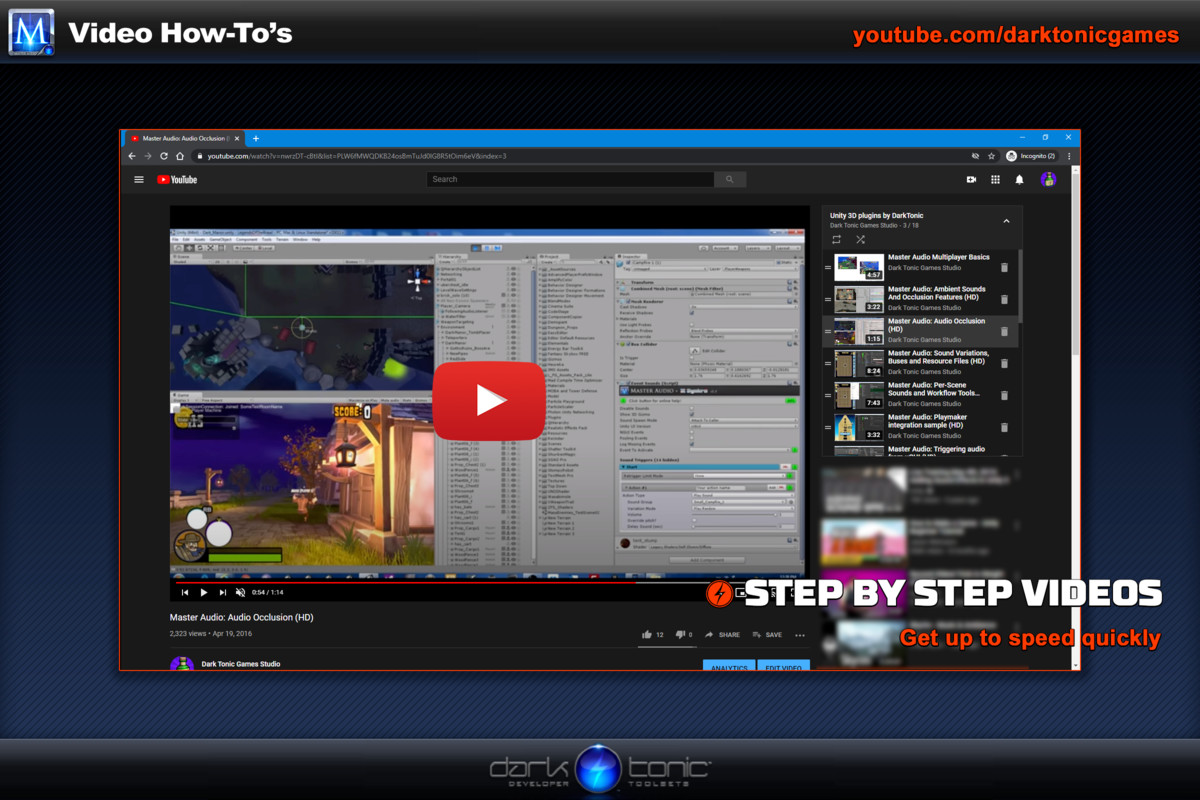
:: Audio occlusion with many options!
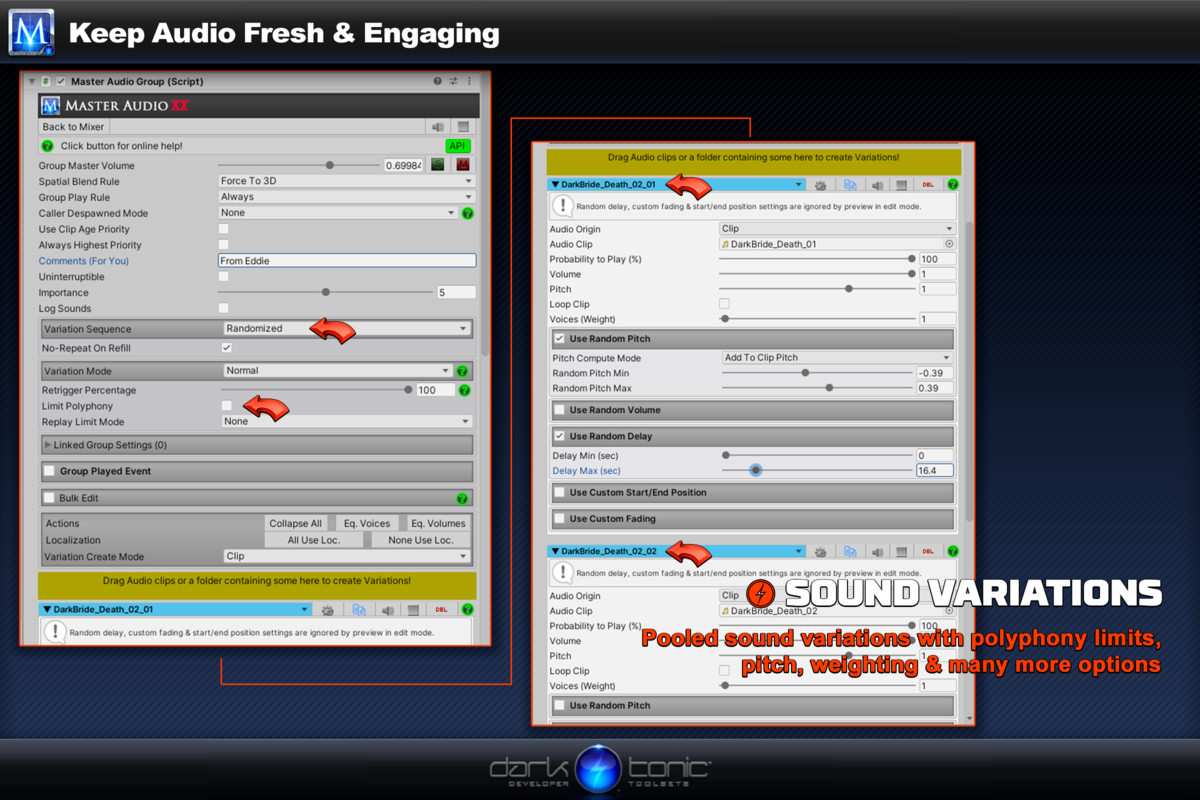
:: True randomized *weighted* sound variations.
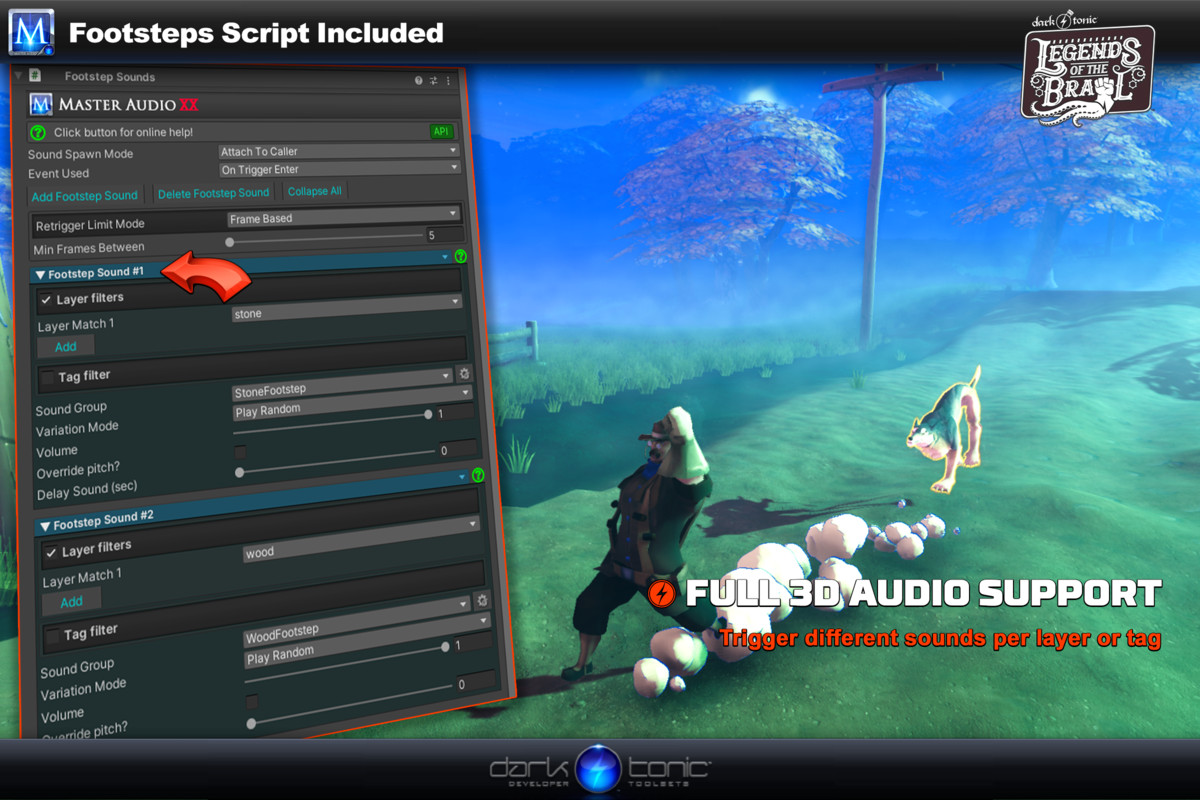
:: Mesh / spline audio - position audio source at the closest part of your collider(s) - perfect for rivers and other ambient audio!
:: Many advanced features for categories such as voice limits and time-limited retriggering.
:: Save memory! Automatic loading and unloading of audio from Resource files, including dead simple multi-language support!
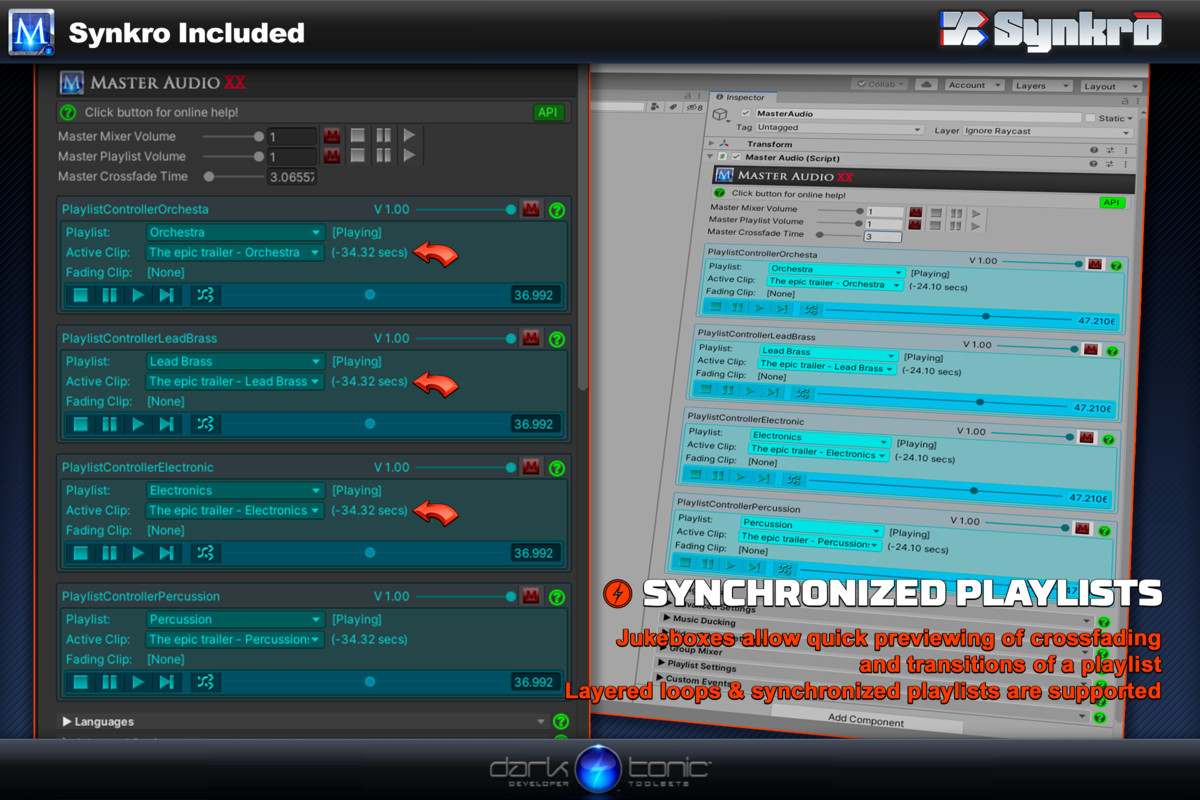
:: Immersive! Set up multi-layered music with cross-fading or gapless transitions!
:: Saves Time! Mix during real-time play with option to keep those changes when you stop!
:: Easy! Set up per-scene or persistent sounds and soundtracks without writing any code!
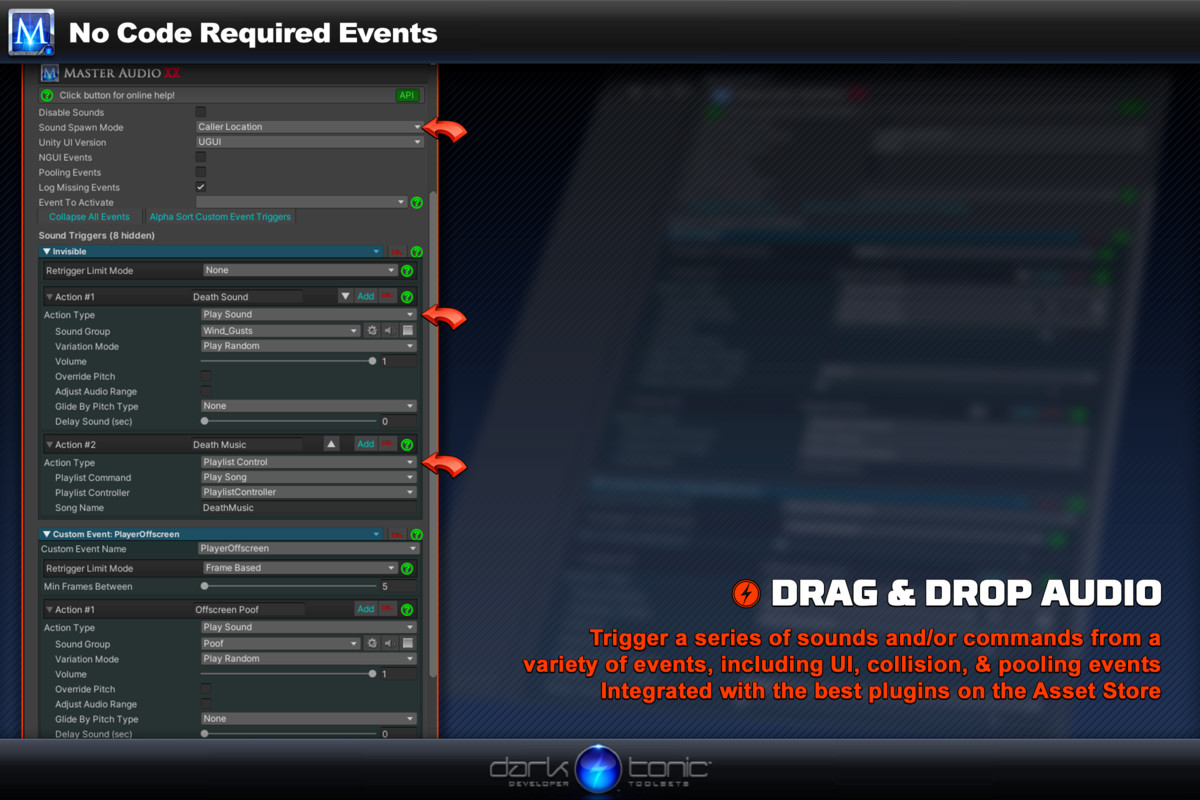
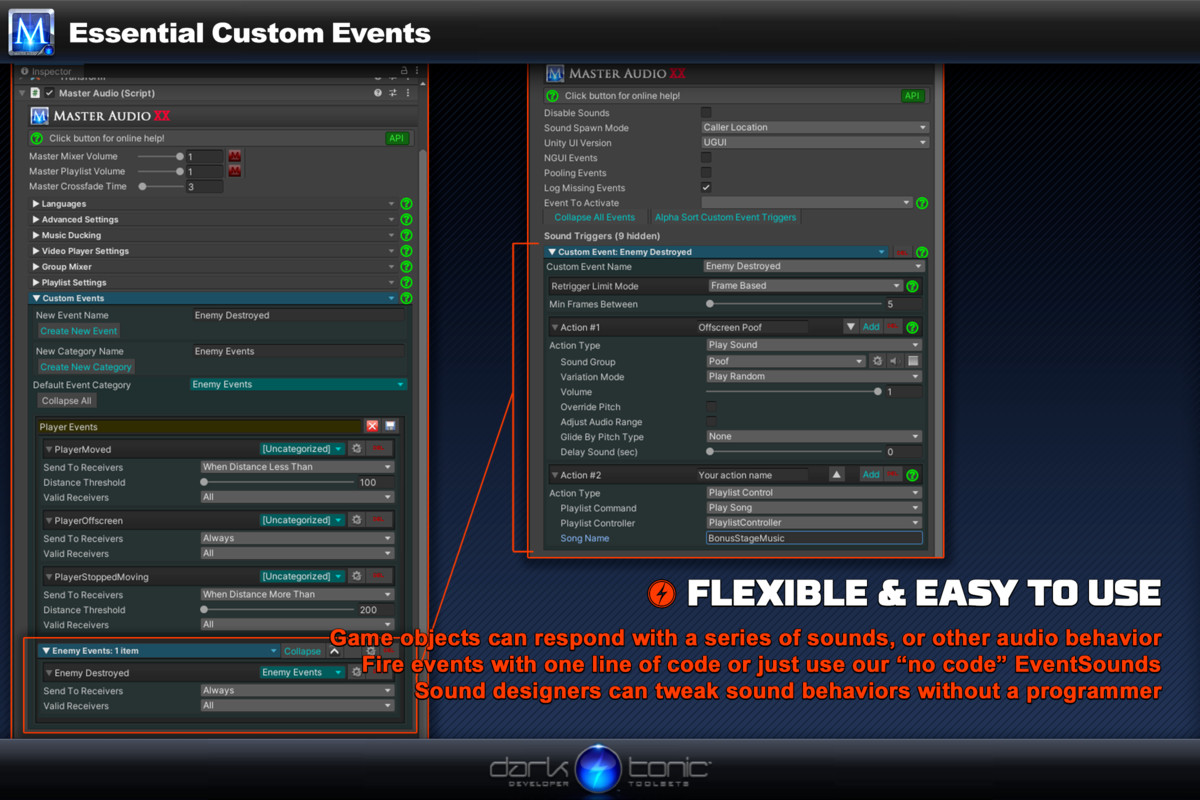
:: No Coding Needed! Powerful & flexible event-driven script for no-code control of sounds & playlists!
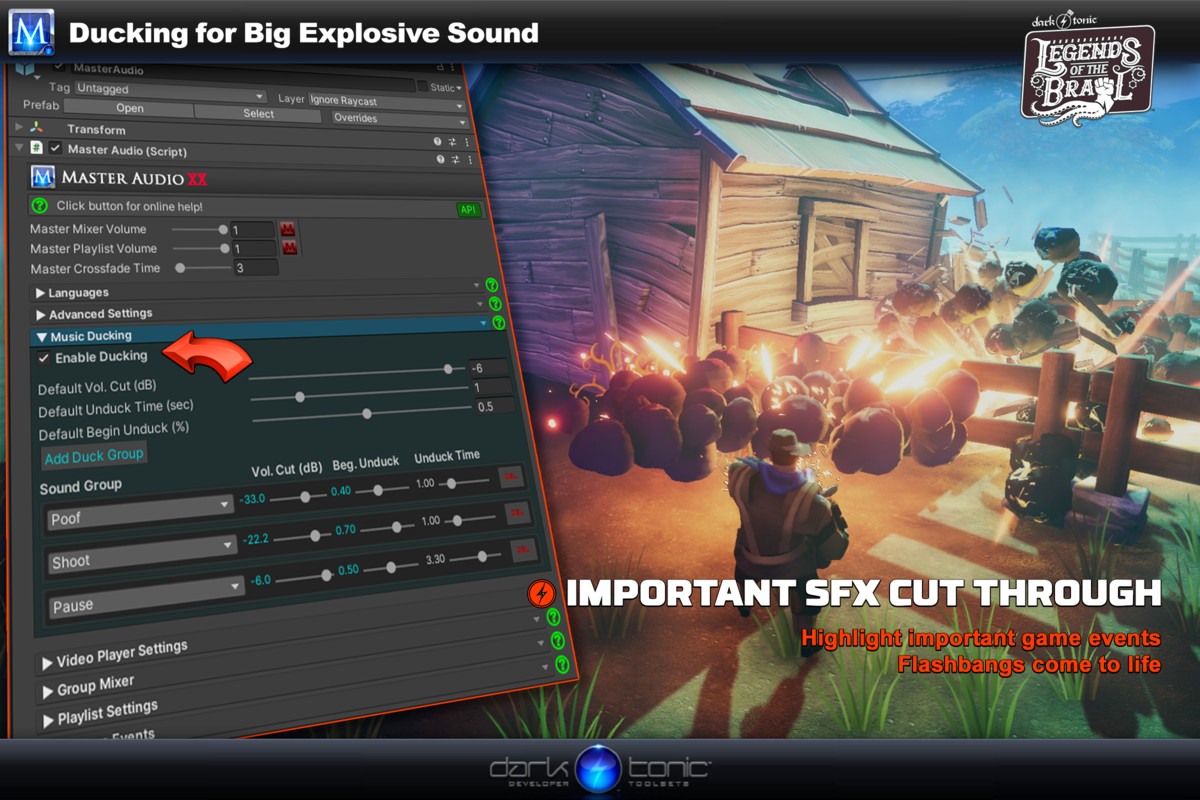
:: Explosive! Built in per-sound music ducking!
:: Power! Support for Unity Audio Filter FX. A Master Audio exclusive!
:: Fun! Jukebox gives you instant testing control of your playlists!
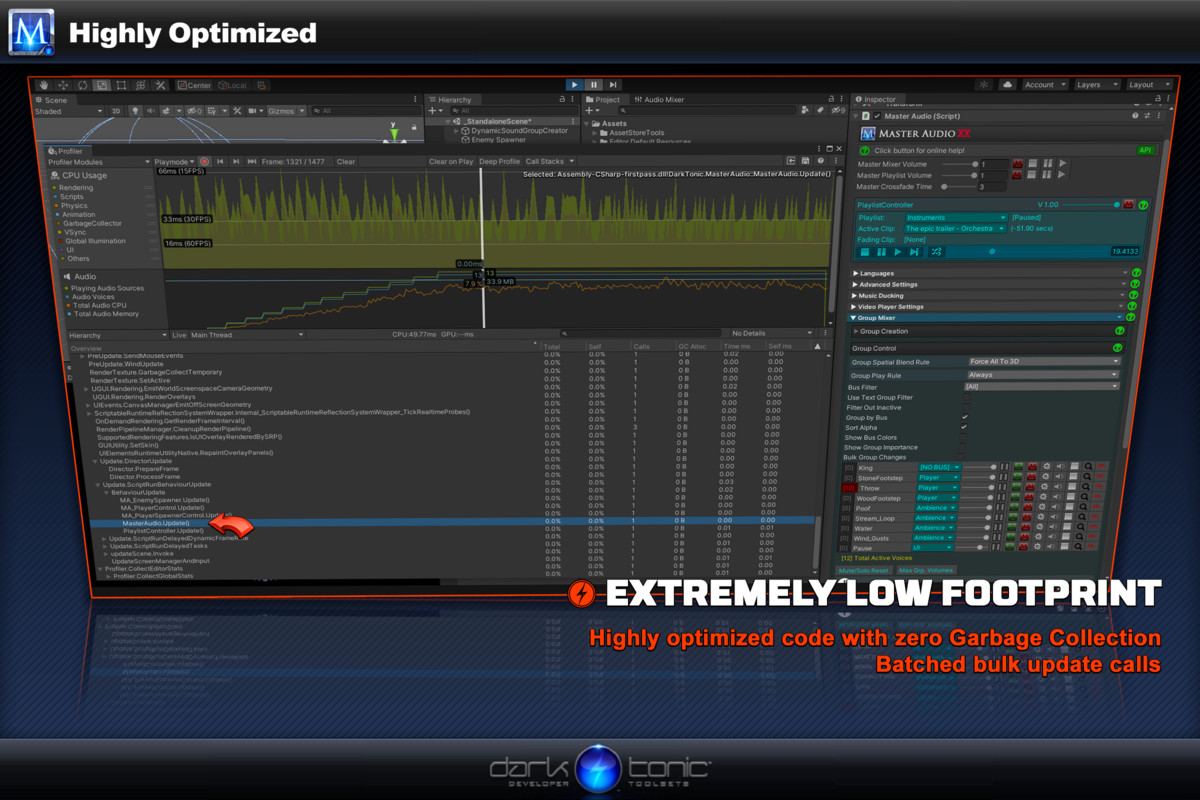
:: No Instantiating during play! For rock solid performance and super-low allocation on all platforms!
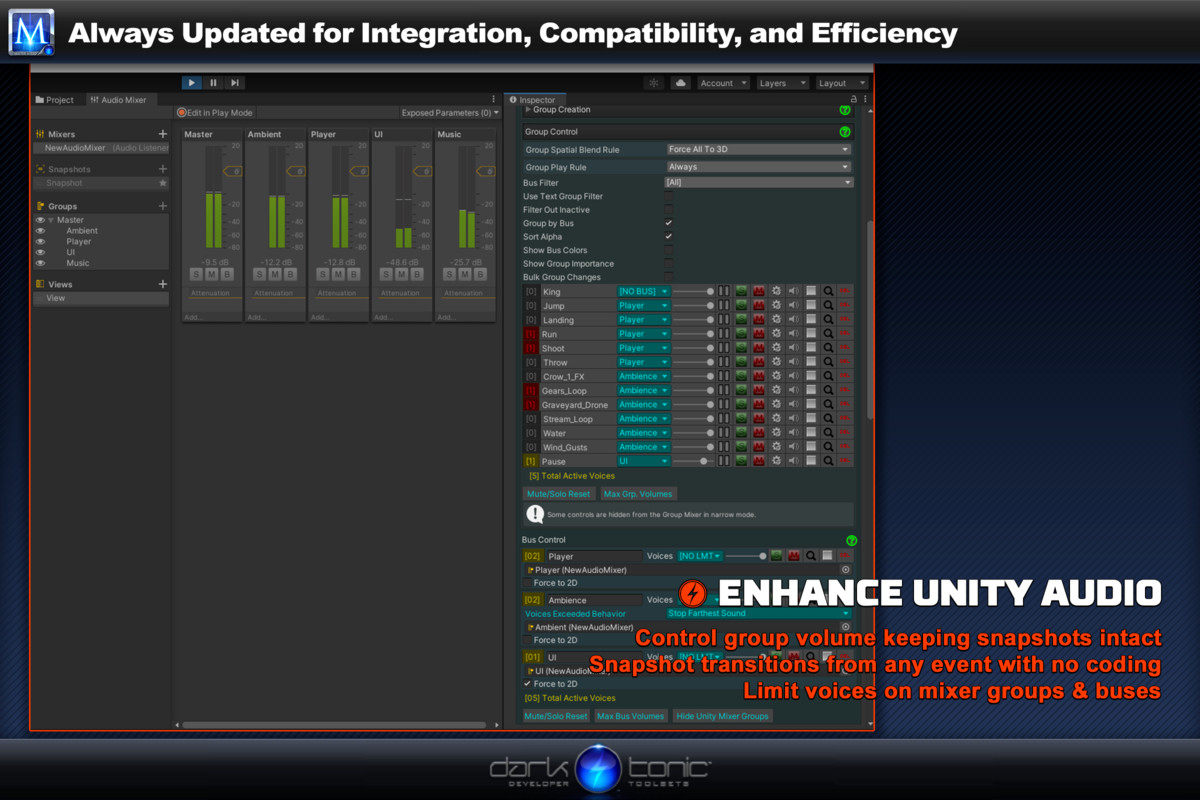
:: Total Control! Fine control via pro audio mixer controls including buses and mute / solo switches!
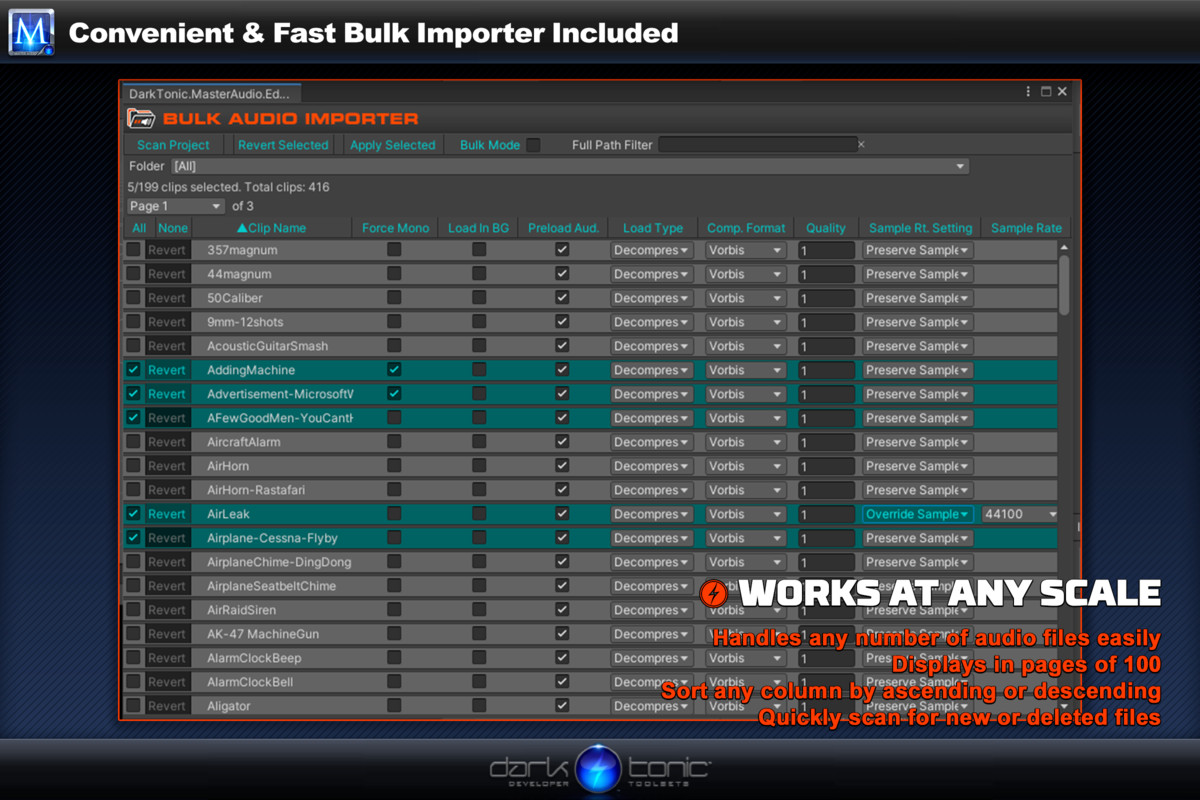
:: Now includes Bulk Audio Importer for free!
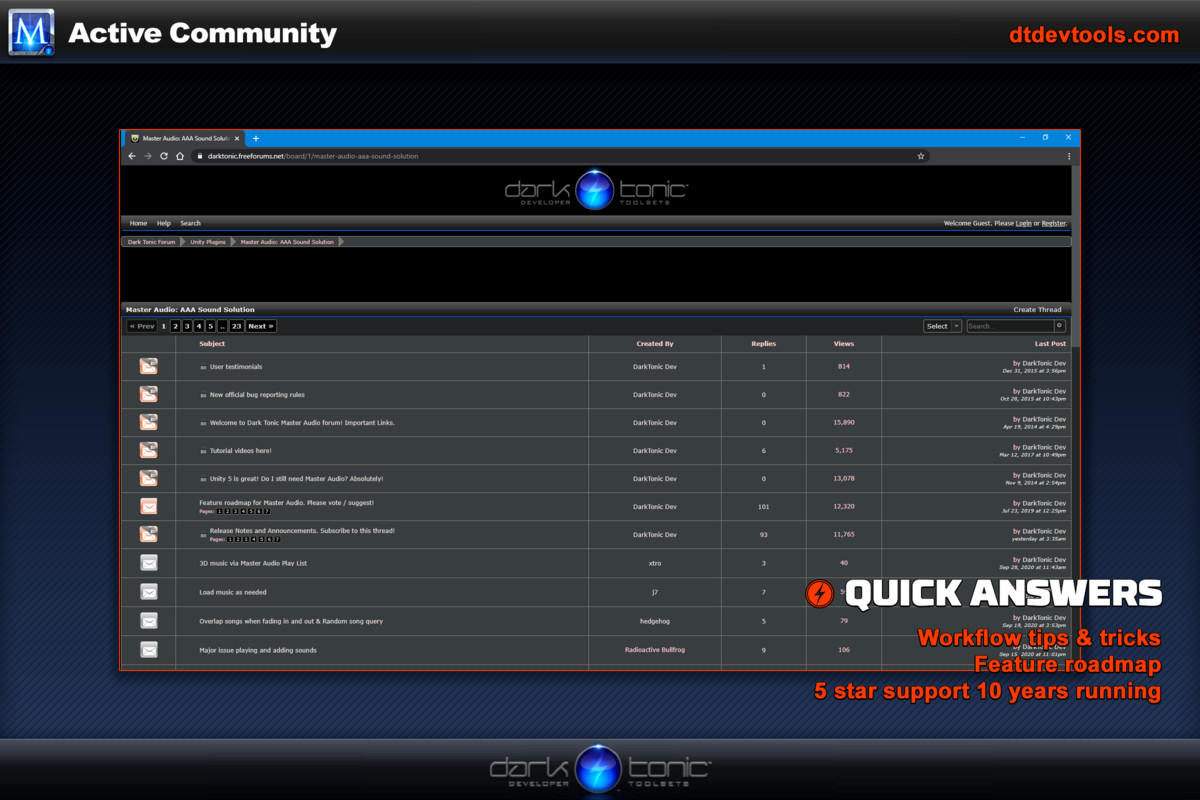
:: 5-star support, just read our reviews!
Supports all export platforms with superb
performance for mobile games.
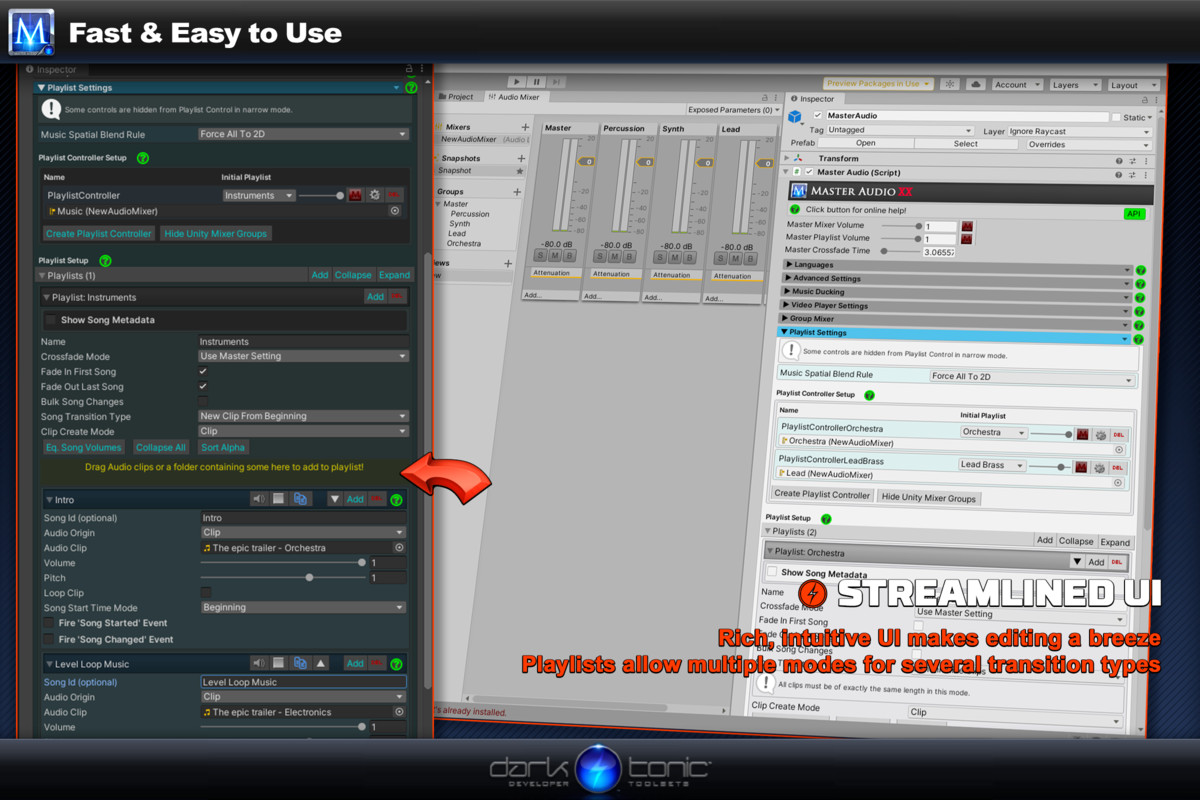
Setup is incredibly fast and easy, just plug and play. Intuitive controls
mean fast tweaks and optimal workflow, so you have more time for the important stuff.
3rd Party Integrations:
- Ultimate Character Controller
- First Person Controller
- Third Person Controller
- UFPS
- UFPM
- UTPS
- UTPM
- Ultimate Inventory System
- Atavism
- Resonance Audio
- Koreographer
- Salsa with RandomEyes
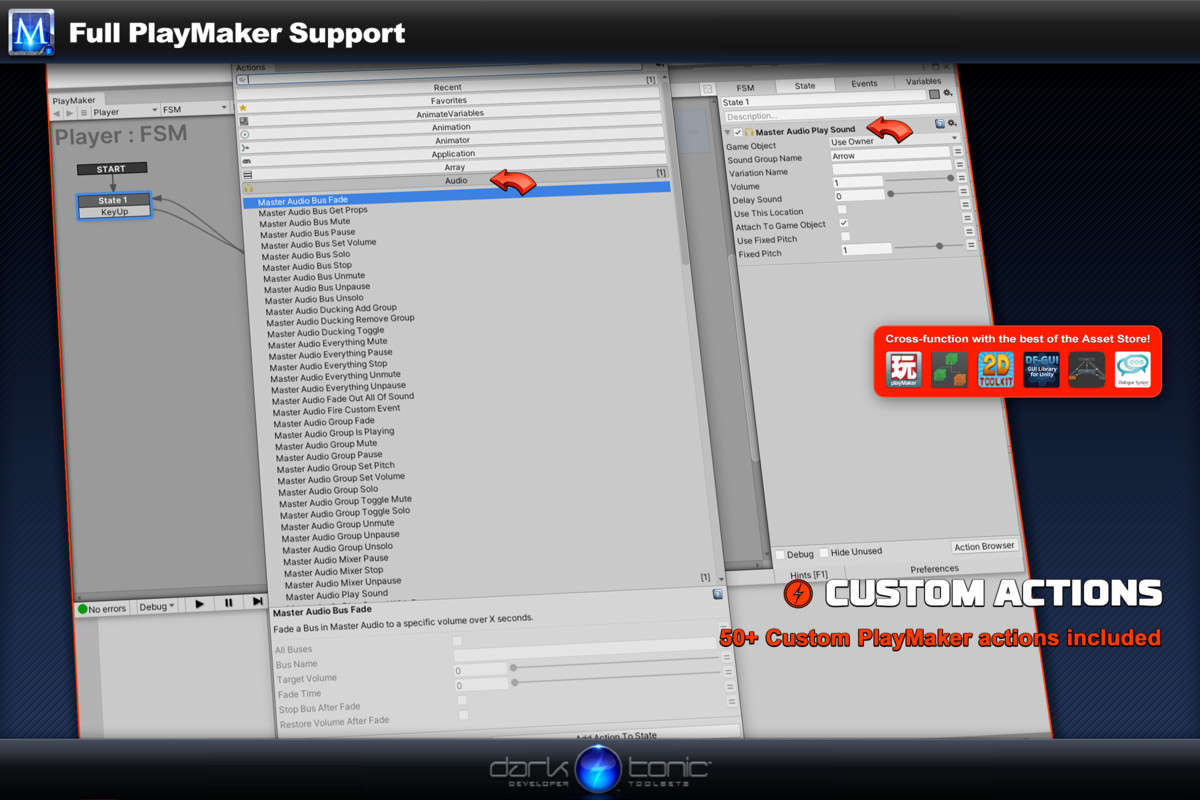
- Playmaker
- Behavior Designer
- Bolt Visual Scripting
- UFPS
- NodeCanvas
- Dialogue System
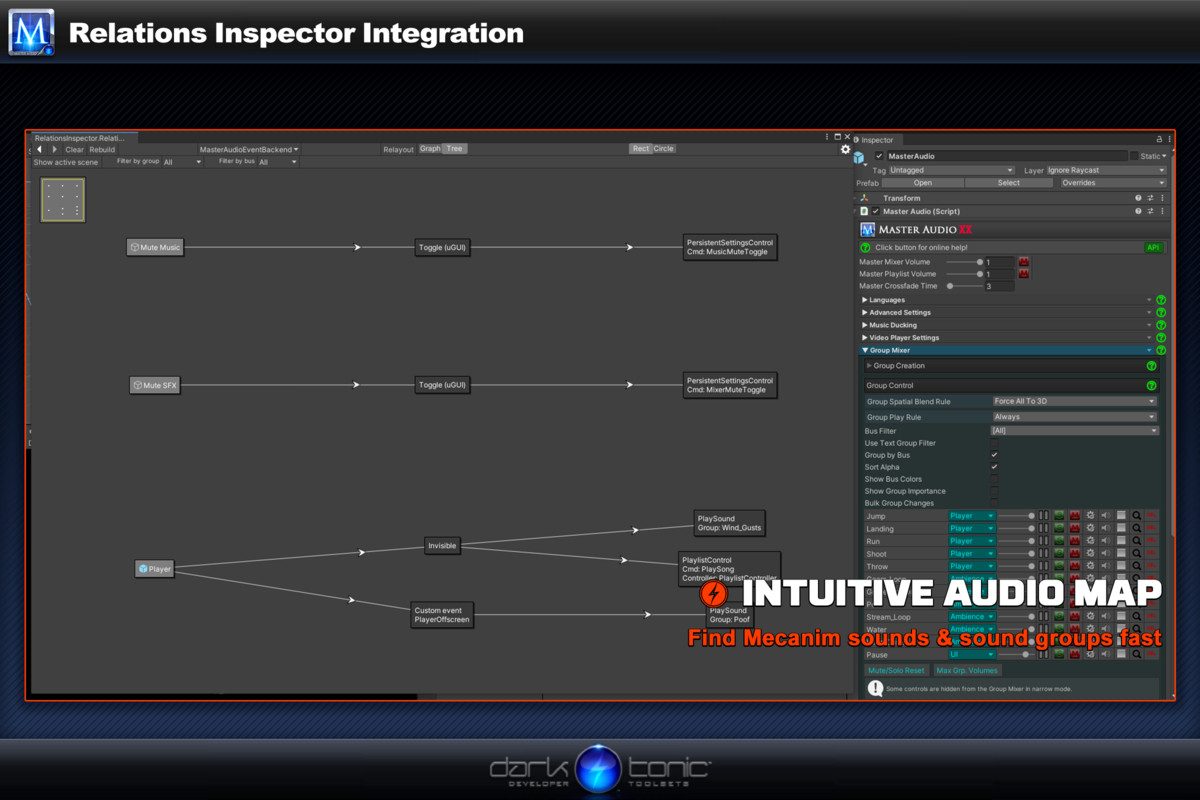
- RelationsInspector
- 2D Toolkit
- Doozy UI
- ICode
- NGUI
Works on Unity 2017.1+, free and pro!
Get better audio, faster, with Master Audio.
Release Notes
V 2020.3.8 - Fixed a bunch of unintentional allocations for zero Garbage Collection. - Fixed Bus Solo logic, it was adding the same Bus without checking if it was in the list. Could result in weird behavior. - Fixed Bug: Warming Group would not disable after the warming play if it's a normal Audio Clip and not Addressables / Resource. - Fixed Bug: duplicate named Ambient Sound game objects would sometimes delete 1 or more of the followers and Ambient Sound script wouldn't work as a result. - Moved all Master Audio custom actions for Playmaker into the Master Audio category. V 2020.3.7 - Fixed bug: Refactored log code in Master Audio that finds no voices to play returned only conditionally. - Fixed bug: Allocation fixed for Addressable delayed cleanup. - Fixed bug: Jukebox display would not select Resource File from a list of Resource files in the Playlist when it was playing. It always appeared blank. - Fixed bug: Long Playlist names would not get truncated and mess up the Inspector. - Fixed bug: Not-loaded Resource file played by name would cause endless loop. - Fixed bug: Hitting Play with a Playlist Controller selected would cause an error when trying to display the Jukebox. - Fixed bug: Telling additional synced layers of music would sometimes be off by fractions of a second. We now schedule the audio change slightly ahead which minimizes this greatly. Usually eliminates it. - Fixed bug: Auto-advanced crossfade wouldn't work on WebGL when in background and frame rate goes to 1. - Added "Jukebox Filter" dropdown up top in the Master Audio Inspector. The choices are "Display All" (default) and "Diplay Active" which only shows Playlist Controllers that are playing songs. - Added a new checkbox on Welcome Window to enable Video player feature. Now turned off by default. Enable it if you want the Video Players feature and have Video package installed from Package Manager. - Added a gear icon in each Jukebox to select the Playlist Controller in Project View for editing. - Added "Sort Alpha" button for the Playlists section. - Added "Playlist Text Filter" to filter out Playlists whose name doesn't match. - Added "Pause Audio Listener" and "Unpause Audio Listener" to Global Control under Event Sounds. - Added "Ignore Listener Pause" checkbox (defaults to unchecked) to Playlist Controllers and Sound Groups. They will play if checked even if the Audio Listener is paused. The rest will not. - Added CurrentFadeStatus property to PlaylistController, to tell you the current fading status of a FadeToVolume, if one is running (FadingIn, FadingOut, NotFading). - Change to Singleton Scriptable for obscure "load all resources" code in other plugins. V 2020.3.6 - 2nd Fix for 2D spatialize bug, for Playlist Controller as well. - Bug Fix: Adding more than 1 song at a time to a Playlist and immediately pressing play, they would vanish and not be saved. - Fix: Having multiple of the same Dynamic Sound Group Creator would delete groups / playlists and other items and some of the DSGC's were still active, breaking sounds and causing errors. - Relations Inspector now shows and finds Footstep Sounds - it was omitted by accident. - Added Mixer Settings under Advanced Settings. There's a setting for Mixer Update Mode, and it's set to ignore time scale as default. You can change it to respect time scale. This setting is used when transitioning to snapshots through Master Audio. - Added new checkbox "Disable 3D Sound" on Welcome Window which removes all Spatial Blend controls from the Inspectors. Everything will be 2D Audio Sources if you check this. V 2020.3.5 - Fixed 2D spatialize bug. - Fixed bug with Dynamic SGC non-random sound "randomizer". - Fixed bug: When using an existing bus from DSGC but you specified "new bus", it no longer deletes the Bus when you disable the DSGC. - Removed unnecessary code in Silence / UnsilenceGroup methods in MasterAudio.cs - Fixed Unity 2017.1 compile error with Spatializer. - Removed Unity 5 support. - Added asmdef files for Core GameKit and a separate one if you have both Core GameKit and Master Audio in your project, should you need them. Install the package from the Assets/Plugins/DarkTonic/CoreGameKit/AssemblyDefinitions folder. - Added an option to *not* delete the Audio Source on the Audio Listener Game Object if you have one there you need. Master Audio creates one there for previewing in edit mode. V 2020.3.4 - Fixed bug: changing bus doesn't automatically fix order when using Group By Bus. - Fixed bug: changing the bus in Bulk Edit mode didn't work for more than 1 Group. - Fixed bug: unducking no longer stopped at previous volume for Playlist Controller after previous version related ducking fix. - Fixed bug: Addressables package broke its usage so code has been modified to work with the latest version. - Added 'Clip id' optional field for Variations. This allows you to now use Variations in Dialog Groups so you don't have to create so many Dialog Group. You can give multiple Variations the same Clip id and it will choose one at random when you specify that Clip id as the VariationName to play. Clip id is searched first, and then the name of the Variation Game Object after that. You can still use the Clip id in non-Dialog groups as well if you like, but it's not really necessary. V 2020.3.3 - Changing the major version number to the year. - Fixed bug: Max Pos. Recalcs Per Frame setting in Advanced Settings for Ambient Sound didn't respect your setting. - Added display of Active Ambient Sound Scripts at runtime under Ambient Sound Settings in Advanced Settings.


Basic Information
- Latest Version
- 2020.3.8 (06 May 2021)
- Publisher
- Dark Tonic Inc.
- Category
- Tools/Audio
- Size
- 39.4 MB
- Price
- free
- Asset Rating
- ★ ★ ★ ★ ★ (662)
Extended Information
- Unity Versions
- 2017.1.0, 2017.4.22, 2018.4.31, 2019.4.20, 2020.2.3, 2021.1.2
- State
- Deprecated