Technie Collider Creator
Need fast, accurate physics?
The Technie Collider Creator lets you quickly create accurate colliders for the most awkwardly shaped objects.
Simple, Intuitive Workflow
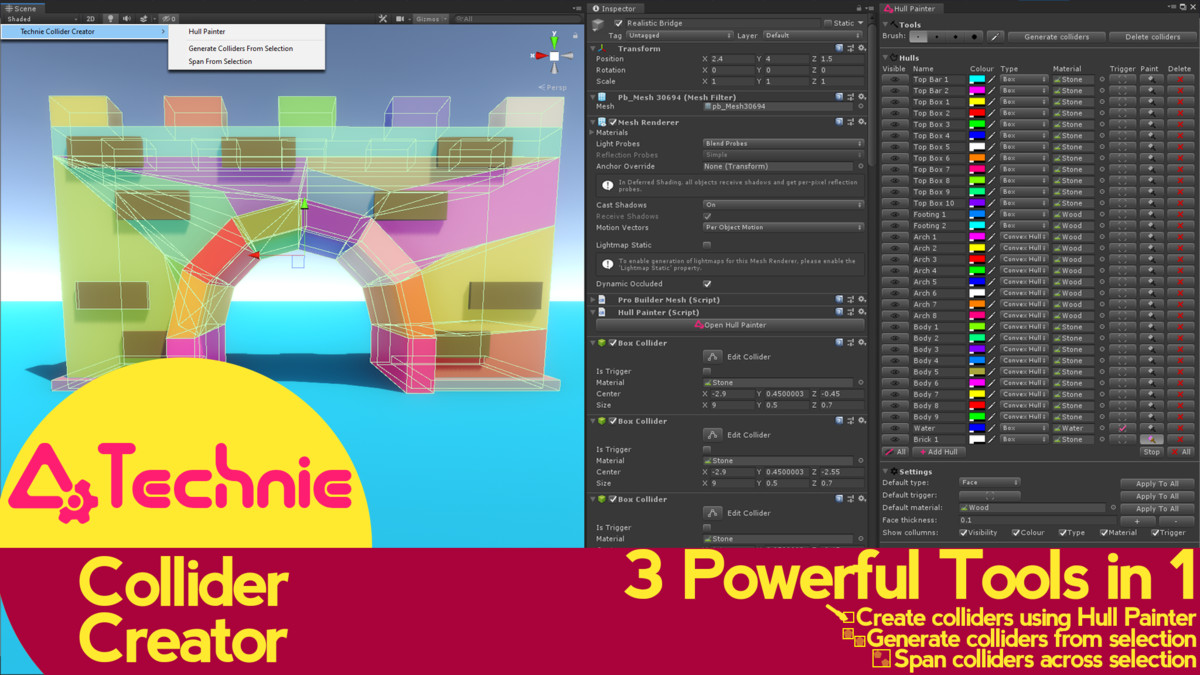
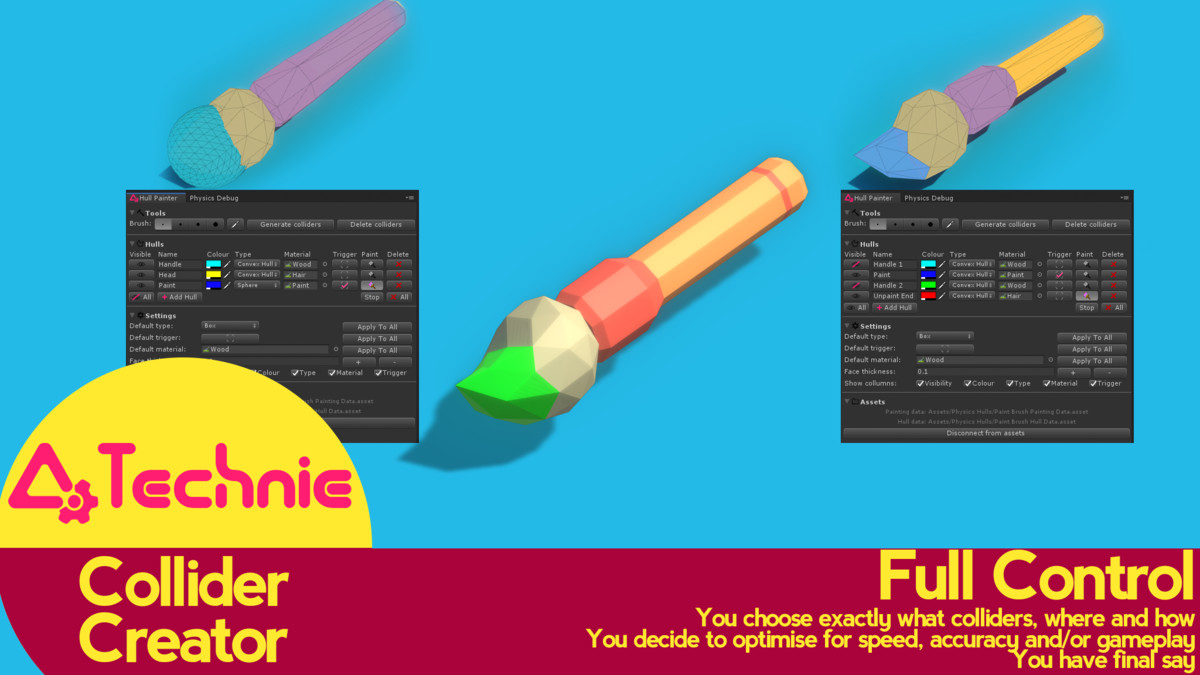
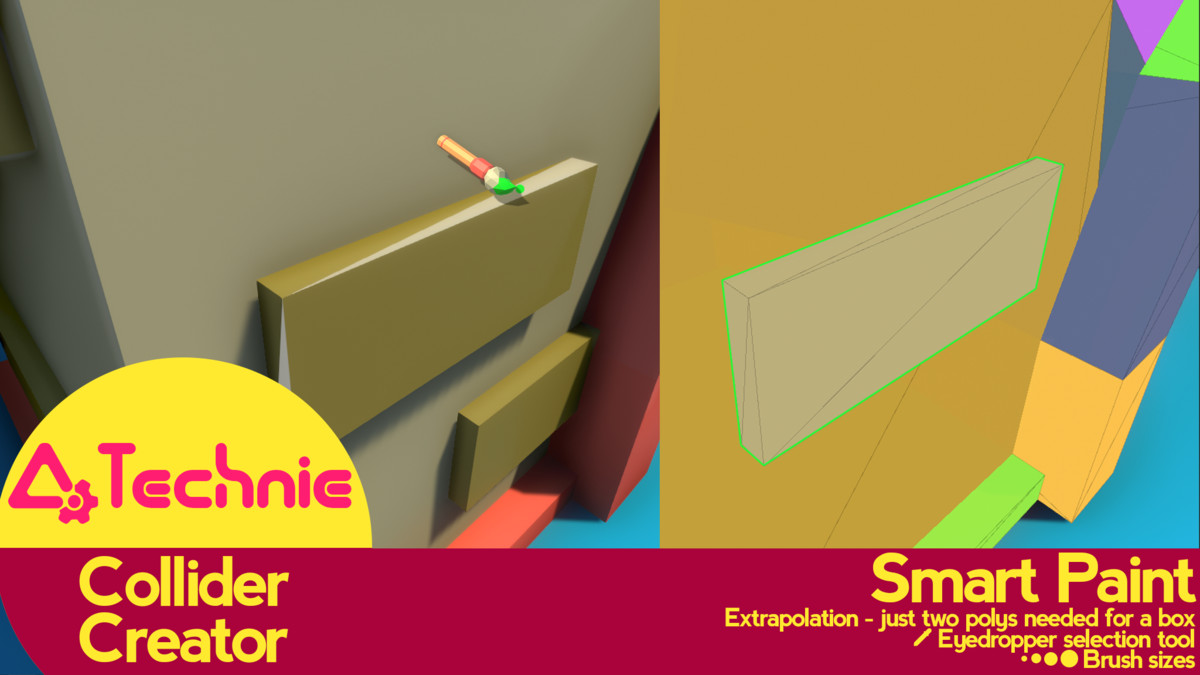
Just select your object and start painting what you want your physics hull to contain. Add as many hulls to an object as you need to get the accuracy your game requires.
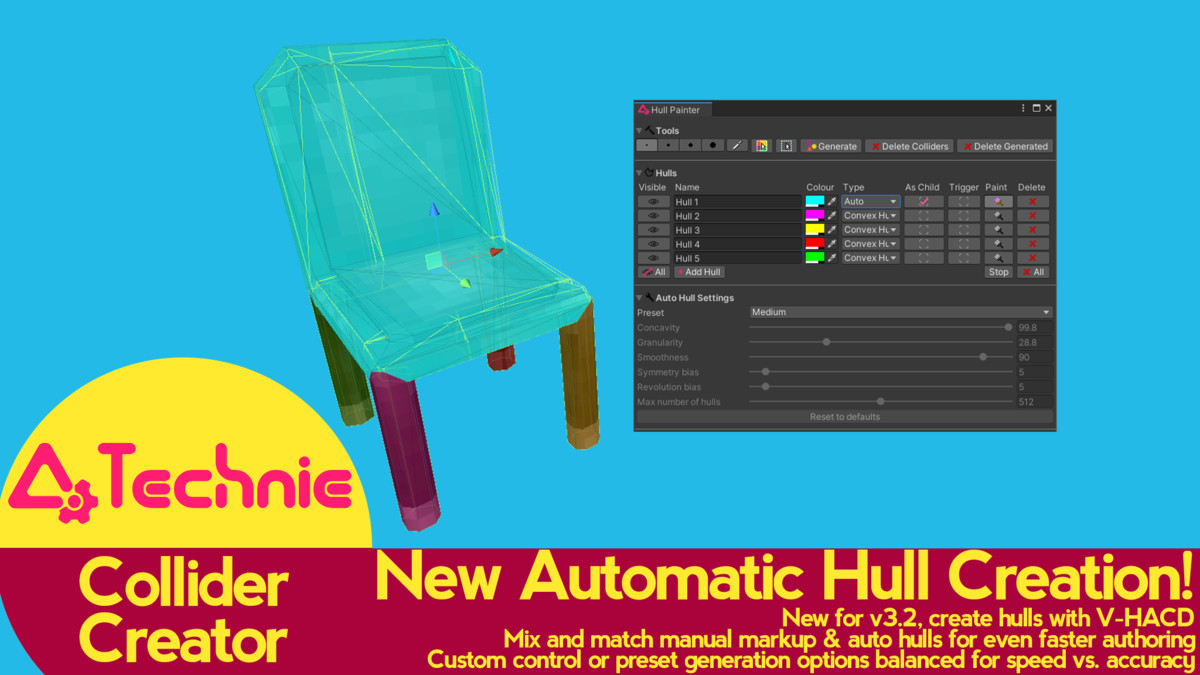
Or select all faces and just use our automatic hull generation! Mix and match to get exactly what you want.
Of course, prefabs are supported!
Handles Tricky Objects
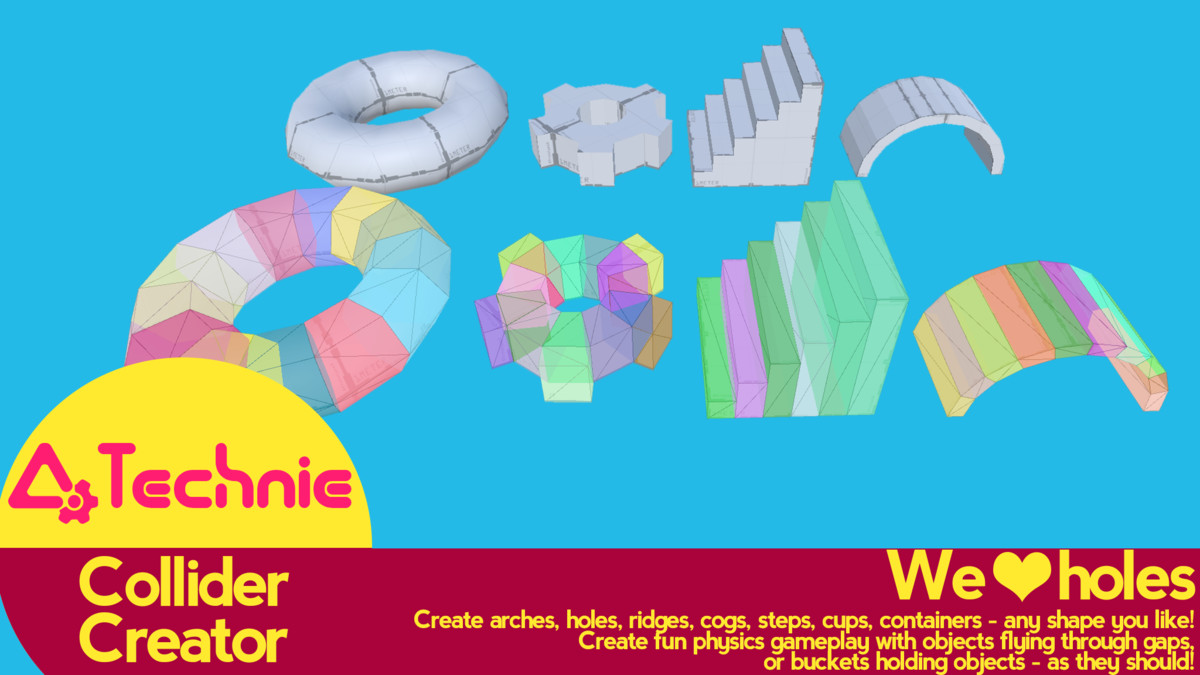
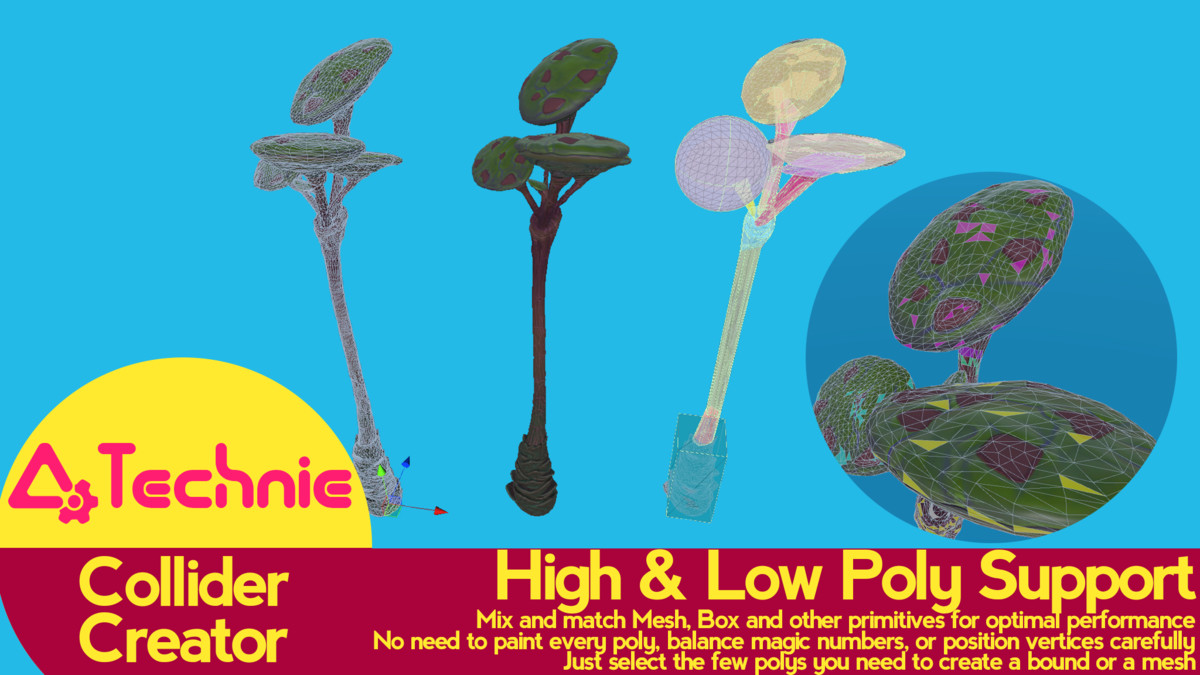
Because it's entirely user driven, tricky objects are no problem. Make robust colliders for hollow objects, spindly objects, arches and other awkward shapes easily.
Zero Overhead
No components needed in your final game - just nice accurate colliders generated in the editor for you to handle how you want.
Fully Configurable
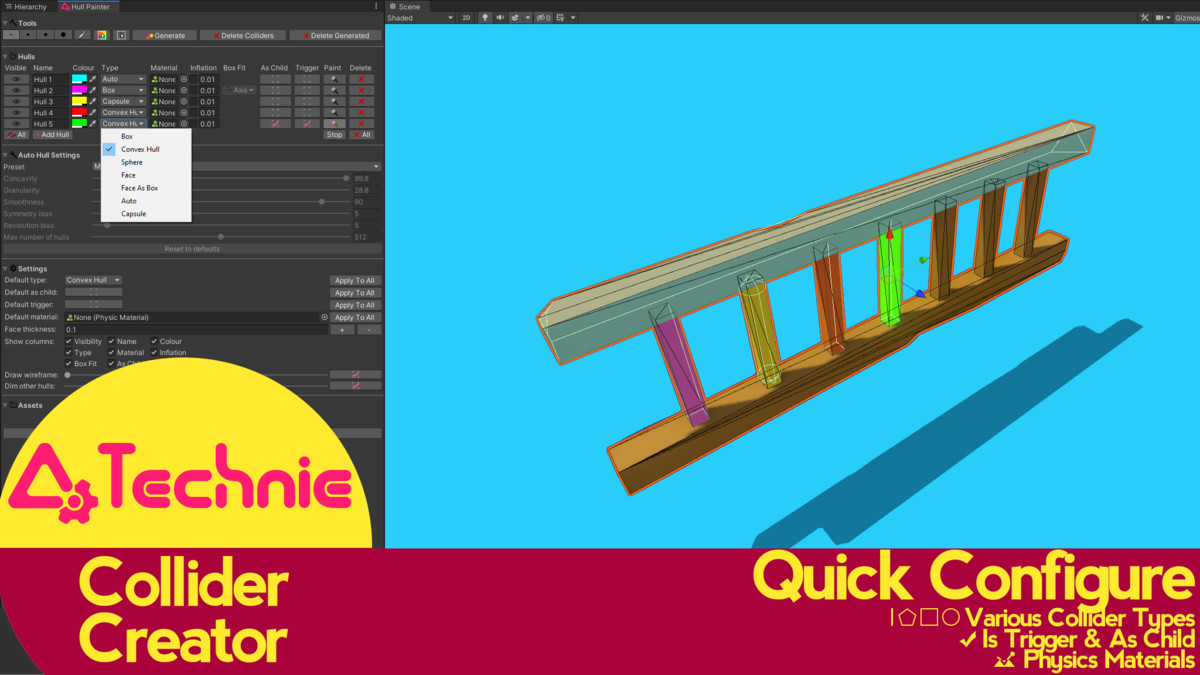
Supports convex hulls, boxes, capsules and spheres for the best fit. Then rapidly set up your colliders with physics materials and triggers.
New Updates!
Capsule Colliders can automatically rotate to fit geometry!
User configurable keyboard shortcuts!
Mix and match automatic hulls and user painted hulls!
Box Colliders can automatically rotate to fit geometry!
Try out our 'Face' feature. Create solid colliders from flat faces or triangles. Great for Quads.
Support for SpeedTrees
'Span from Selection' and 'Generate Colliders from Selection' - intelligently and very quickly generate box colliders for multiple selected objects. Perfect for rapid collision markup in levels.
Asset uses V-HACD under BSD-3 license; see Third-Party Notices.txt file in package for details
Release Notes
3.3.0:
Added Capsule support, for smooth capsules (either axis aligned or rotated as child objects)
Optimised raycasting when painting with larger brushes
Allow physics hull data folder to be moved anywhere in the project
Fixed ui scaling issues when using a desktop scale higher than 100%
Fixed occasional null pointer errors when mapping auto hulls
Added warning message if you try and generate a collider with no painted faces
Added new user configurable keyboard shortcuts
3.2.2:
Fix for dll using debug symbols
3.2.1:
Fix for asmdef files preventing builds on recent versions of Unity.
3.2:
New Auto Colliders using V-HACD
Ability to track Auto colliders created by Collider Creator
Mix and match Auto with manual markup
Added Auto Hull Settings with presets
New Select All Faces button, and Unselect All Faces button
UI cleanup to support changes in Unity UI for +2019
Minor fixes with a benign warning triggering prematurely, and when creating a 0 face hull as sphere type
3.1:
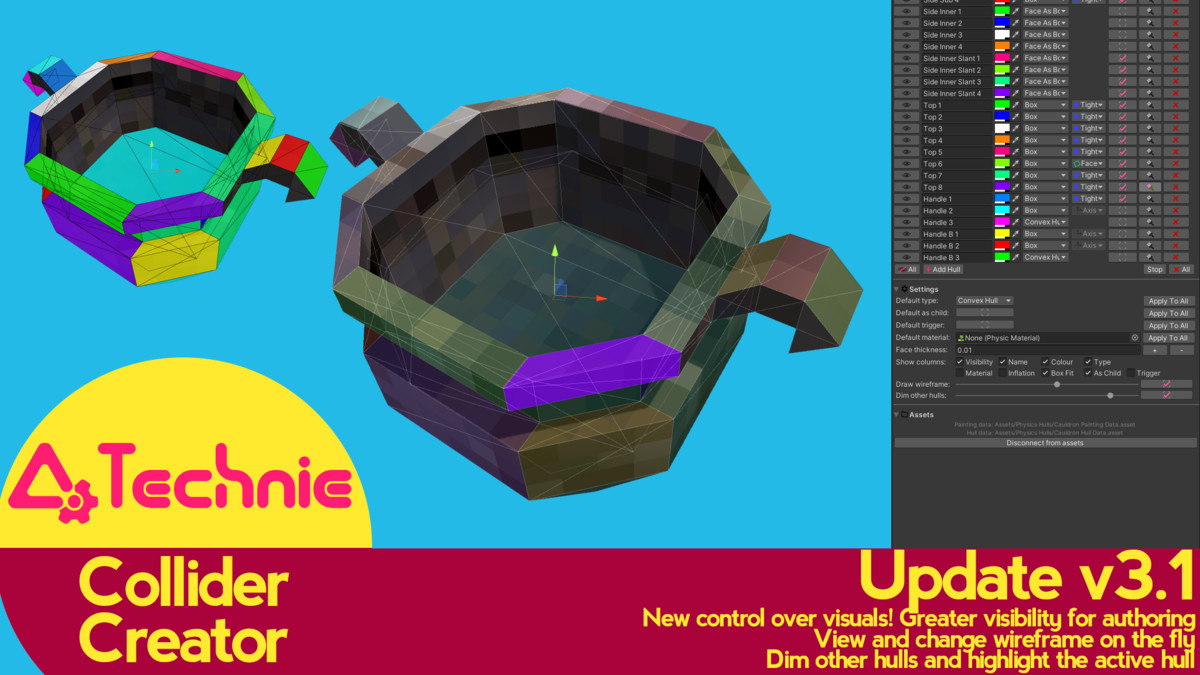
New Auto Box Fitting
Box Colliders that are set as children can now automatically rotate and fit off axis geometry.
Added 3 types of alignment called “Box Fit” (Axis, Tight and Face) to allow users to best choose the fit for their geometry
UX Improvements
Added ability to hide Box Fit and Name columns to allow for smaller UI
Column alignment fixes in Unity 2018+
Added Draw Wireframe slider to allow users to change the visibility and brightness of a new wireframe
Dim Other Hulls feature added to allow users to more clearly highlight the active hull and dim hulls that are not being edited
More Cleanup Options
Disconnecting from Assets will now give users the choice if they would also wish to remove all child painter components, leaving their asset free from any Technie Collider Creator scripts
3.0: Colliders can now be set to generate on child objects or on the root object. This is a per-hull setting so both types can be used on the same painted object. Hull painter child objects are tracked and updated where appropriate so users can add their own components without them being mangled.
Fixed bug where inflation applied when it wasn't appropriate.
Fixed bug which would cause errors when building player.
Improved gizmo disabled handling for versions before 2019.
2.3: Hold SHIFT to always add faces when painting. Hold CTRL to always subtract.
Mouse cursor changes to indicate if in adding or subtracting mode.
Rewrote documentation.
Added documentation link in Hull Painter window.
Fix bug where disabling gizmos would prevent painting in 2019.3
Fix bug where face colliders would be incorrectly generated occasionally
2.2: Reworked UI to handle scaling to small windows better. Adjusted handling of complex hulls to be more robust. Updated documentation.
2.1: Bugfix release, including fixing overlay in new prefab view, and fix error messages generated due to unity bug when deleting components.
2.0:
New feature: Added variable brush sizes to make painting easier and quicker.
New feature: 'Pipette' tool to select existing hull in scene view.
New feature: Per-hull visibility toggles to make working with a large number of hulls easier.
New feature: Options to show/hide individual collumns and sections depending on which are relevant to your workflow.
UI has been overhaulled and updated to be more clear and consistant.
Fixed bug where incorrect triangles occasionally painted.
Removed keyboard shortcut that conflicts with 'file' shortcut.


Basic Information
- Latest Version
- 3.3.0 (17 Jan 2022)
- Publisher
- Triangular Pixels
- Category
- Tools/Level Design
- Size
- 1.3 MB
- Price
- free
- Asset Rating
- ★ ★ ★ ★ ★ (66)
Extended Information
- Unity Versions
- 5.6.7, 2017.4.40, 2018.4.28, 2019.4.13, 2020.3.15
- Render Pipelines
- ✔ BIRP ✔ URP ✔ HDRP
- State
- Deprecated