UModeler
😮 UModeler X becomes free on April 15 — read the full update: [links]
✨ Explore what’s next with PicoBerry — a new way to generate and refine 3D inside Unity: [Join Now with Benefit]
-------
🚀 The Easiest and Fastest Way to Model in Unity
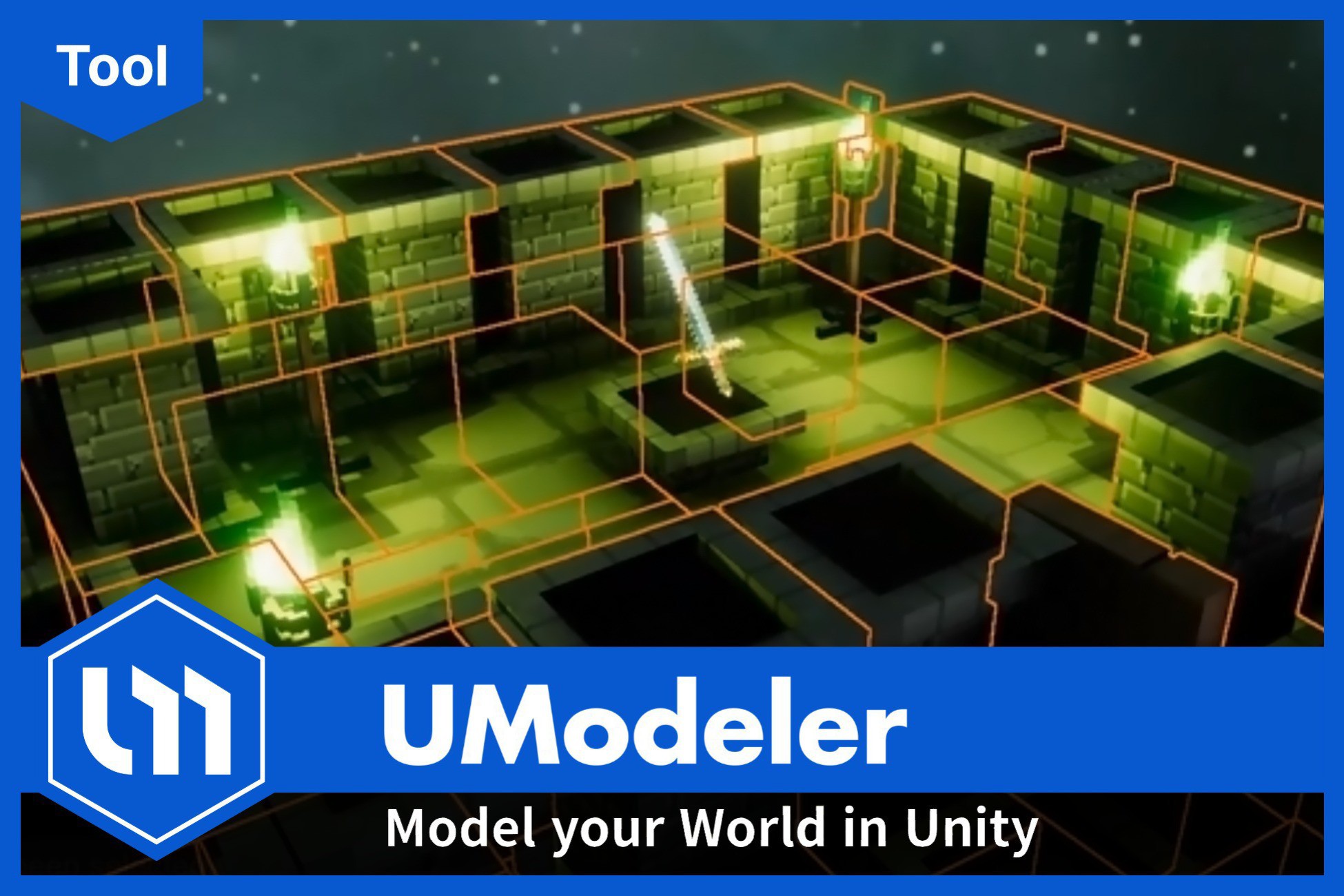
UModeler provides a fast and intuitive in-Editor 3D modeling workflow directly inside Unity. Its intuitive interface and straightforward features are designed for both professionals and beginners, eliminating the need to switch to external modeling software.
📄 Licensing & Purchase Conditions
- UModeler Eligibility : This version is available for individuals or companies with annual revenue or funding of less than $200,000. Companies exceeding this threshold are required to purchase the UModeler X Pro subscription.This policy is effective for purchases made after March 31, 2025, 3:00 AM (PST).
- Effective Date: This policy applies to all purchases made after August 5, 2025, at 3:00 PM (PST).
⭐ Key Features
1. SketchUp-Style Modeling
- The most intuitive modeling by drawing and pulling shapes
2. Low-Poly Modeling & Level Design Specialization
- Use over 50 modeling tools for real-time editing and detailed work specialized for low-poly models
3. Hotspot Texturing
- Quickly texture only the necessary parts using predefined layouts
- Simplifies complex UV unwrapping
4. UV Editing
- Unwrap complex models into 2D textures and map them smoothly using powerful UV tools
🔥 Why Choose UModeler?
- Easy modeling for level designers, programmers, and planners with no modeling experience
- Model directly in Unity and preview results instantly in-game
- Edit 3D models created in Blender, Maya, and 3ds Max without extra steps
- Modify and rig Static 3D assets created by studios like Synty Studio and Polyperfect
🔍 Useful Links
🗨️ Join Our Community!
If you have any questions or want to share your work, join our Discord channel!
- Get quick responses to your inquiries
- Connect with others and share your creations
Release Notes
UModeler 2.11.10 | Jan.10.2024
- Fixed an 'enum index out of range' error that occurred during reimporting.
- Fixed UModeler Import error
UModeler 2.11.9 | Jan.4.2024
- Added: Normal orientation for the handler/gizmo, configurable in the Settings Popup window.
- New Feature: Remove UModeler menu item for easier removal of UModeler components.
- Enhanced: Default Static Flags property now available in the Preferences window.
UModeler 2.11.8 | August.6.2024
- Fixed a collider error that occurred when using Undo/Redo on primitive shapes.
- Fixed an issue where the height of the Stair and Box was incorrect when created using One Click Build.
UModeler 2.11.7 | June.24.2024
- PushPull Tool: Fixed an issue where overlapping polygons were created when using the PushPull tool.
UModeler 2.11.6 | May.10.2024
- Clone Tool: Fixed an issue where a cloned shape wasn't glued to a polygon.
- Fixed a null exception error that occurred in UModelerSettings.DisplayProperties.
UModeler 2.11.5 | Feb.29.2024
- Fixed an issue where the UV layout was exporting incorrectly in UVEditor on Silicon Mac.
UModeler 2.11.4 | Feb.22.2024
- Resolved an issue where UModeler objects were not snapping correctly in Object Mode when snapping was activated.
UModeler 2.11.3 | Feb. 5, 2024
- Fixed an issue where the 'Refresh All' function didn't update all intended components.
- Fixed an issue causing a slight upward shift in UModeler objects when moved with the world gizmo enabled
- Added a property called `Display the Refresh All Console Message` in Preferences, disabling the 'Refresh All' message display by default.
Version 2.11.2 | Jan.31.2023
- The flip is applied to the Y Lock of the hotspot texturing.
Version 2.11.1 | Jan.30.2023
- Added a configurable option "User Experience Analytics" in the Preferences window, allowing users to manage their preferences for analytics data collection.
- Fixed the null exception error related to sending analytics data.
Version 2.11.0 | Jan.25, 2023
- Introduced the 'Y-Axis Layout Lock' feature to enhance hotspot texturing workflow.
Version 2.10.17 | Jan.17, 2023
- Resolved a visibility issue with meshes in the built version, ensuring they remain invisible in Playmode as intended.
- Addressed a problem causing custom settings for Move Snap Size and Rotation Snap Size to vanish upon reloading the project, ensuring persistence of these settings.
- Corrected a behavior where the Dirty flag was erroneously activated when transitioning from Play mode to Edit mode.
Version 2.10.15 | Dec. 21, 2023
- Fixed an issue where selected faces would disappear in the UV tool upon saving a scene.
- Added a static delegate named 'BridgeTool.CallbackAfterBridgeToolExecuted' that is triggered after the execution of the bridge tool.
Version 2.10.14 | Dec. 07, 2023
- Fixed an issue where null reference exception occurs when a line or a curve is drawn in the Prefab mode.
- Added "Disable Mesh Read/Write" property in the Local Settings tool.
Version 2.10.13 | Nov. 07, 2023
- A new feature has been added to align multiple polygons and islands using the alignment tools in the UV Editor.
Version 2.10.12.1 | Oct.015.2023
- Fixed the issues regarding messy file and folder organization.
Version 2.10.12 | Oct.06.2023
- Fixed a bug in the Pivot To Center Tool where errors occurred when executing Top Center and Bottom Center.
- Fixed an issue where the save indicator did not appear when modified in the Local Settings Tool.
- Fixed a bug where the Export Tool in UVEditor did not work properly in HDRP mode.
- Fixed a problem that arose when some objects were not deleted during script reloading.
Version 2.10.11 | June.29.2023
- Fixed a bug related to the rect selection where vertices behind the camera were selected.
- Fixed the issue where there was a problem with UV movement in the UV Editor when the texture size was different horizontally and vertically.
Version 2.10.10 | June.02.2023
- Added a new feature called [Snap Angle] in the Cut tool.
Version 2.10.9 | Apr.28.2023
- Fixed an issue where editing a mesh with very small and invalid polygons caused exception errors and performance issues.
Version 2.10.8 | Apr.21.2023
- Fixed NullReferenceException error occurred where Select by Selected Polygons button is clicked.
Version 2.10.7 | Apr.18.2023
- Fixed another NullReferenceException issue in the CheckAllUModelerPrefabInstance() method. This issue occurred in a level containing many prefab UModeler instances created with an older version of UModeler.
Version 2.10.6 | Apr.10.2023
- Fixed a NullReferenceException issue that occurred while setting a prefab instance during the loading process.
Version 2.10.5 | Mar.24.2023
- Fixed an issue where polygon counts got doubled when UModelerizing with "Create Smoothing Groups as UModelerize"
Version 2.10.4 | Feb.27.2023
- Fixed an issue where polygons to whitch smoothing groups are assigned are invisible.
Version 2.10.3 | Feb.23.2023
- Fixed a flickering issue caused in a UModeler mesh to which the smoothing group and lightmaps are applied.
- Fixed an issue where some vertices of Capsule and Cylinder shapes are detached when they are moved.
Version 2.10.2 | Feb.2.2023
- Fixed a bug where UV settings like Shift, Scale, Rotate etc in the UV tool are reset when a polygon is split using Loop Slice tool.
- Fixed an issue where UVs coordinates on the polygons with smoothing groups aren't updated in real time while you change the UV tool parameters like Shift, Scale and Rotate etc.
Version 2.10.0 | Jan.25.2023
- Fixed an issue where Error : mainRenderableMesh is Null error occurred when a mesh was saved.
- Fixed displaying different scale UIs of the transform component.
- Fixed an issue occurred in Unity 2022.2 where undoing an ‘Unpack Prefab’ action shows a prompt “You can’t add a UModeler component in a Prefab instance” and selecting ‘OK’ crashes the Editor
Version 2.9.25 | Dec.30.2022
- Fixed an issue where a child asset object of a prefab was removed when the prefab mode was closed.
- Fixed a bug where components were removed when UModelerizing.
Version 2.9.24 | Dec.27.2022
- Fixed an error which occurred in OnSceneLoaded()
- Fixed an issue where a vertex selection didn't work in the Hotspot Layout Editor.
Version 2.9.23 | Dec.19.2022
- Supports the basic materials for URP and HDRP by default. You don't need to convert them in URP or HDRP project anymore.
Version 2.9.22 | Dec.2.2022
- Fixed an issue where the prefab editor is paused when the prefab UModeler object has children.
- Fixed an issue where drawing a line using the Line tool doesn't work on the bent quad polygon to cut it out.
Version 2.9.21 | Nov.24.2022
- Fixed a Mirror Object Tool issue where the original mesh disappears when Duplicate and Mirror runs.
Version 2.9.20 | Nov.14.2022
- Giveaway the new 3D asset called Riverwalk City made for URP.
Version 2.9.19 | Nov.11.2022
- Fixed an issue where the original material changed to UModeler material after UModelering.
- Added Remove UModeler and Remove UModeler Hierarchically in the menu to remove UModeler components of the selected game objects.
- Creates UModeler as Byte Stream Data option in the Preference has been remove because it isn't supported anymore.
Version 2.9.18-2 hotfix | October.20.2022
- Fixed a bug where NullReferenceException error occurs when non-UModeler object is selected in the hierarchy window
Version 2.9.18-1 hotfix | October.18.2022
- Fixed an issue where "mainRenderableMesh is null" message was displayed in the console when UModelerize tool is used.
Version 2.9.18 | October.17.2022
- Prefab workflow : UModeler’s prefab workflow has been improved a a lot in this update. Now UModeler prefab instance can be edited only in the Prefab Editor. Please read this document before updating UModeler.
- PushPull tool : Fixed an issue where the polygons disappear when you started to push or pull a polygon.
Version 2.9.17-1 | September.08.2022
- Fixed a mirror tool issue where the undo/redo actions while using mirror tool caused some broken mesh.
Version 2.9.17 | September.08.2022
- Fixed an issue where some error messages regarding EditableMeshCache occurred after hot-reloading due to the Pastel Town asset which is the built-in 3d package of UModeler.
Version 2.9.16 | September.02.2022
- Fixed an issue where the buttons for saving as .asset in Meshfilter were not displayed when both UModeler and UModeler lite were installed.
- Added some slide bars in the Preference to adjust fade in/out tmee and duration of commentary box and texts in the Preference.
- Fixed a PushPull tool issue where pulling a polygon to the opposite polygon caused some errors.
Version 2.9.15 | August.19.2022
- Fixed an issue where the smoothing group isn't applied when UModeler object is exported as .obj
Version 2.9.14 | August.11.2022
- Fixed an issue where the UModeler Lite object wasn't converted to UModeler object using UModelerize
- Fixed an issue where the Scene dirty flag was enabled when UModeler object was selected.
- Fixed an issue where the polygon selection between UV Editor and Scene view wasn't synced.
- Fixed an issue where the Cancel tool in UVEditor to cancel unwrapping didn't work.
- Fixed an issue where Auto Smooth property in Sphere and Capsule tools etc didn't work.
- Fixed a bug where a box disappeared while it was created due to an error.



Basic Information
- Latest Version
- 2.11.10 (10 Jan 2025)
- Publisher
- UModeler, Inc.
- Category
- Editor Extensions/Modeling
- Size
- 21.2 MB
- Price
- €115.01
- Asset Rating
- ★ ★ ★ ★ ★ (243)
Extended Information
- Unity Versions
- 2020.3.41
- Render Pipelines
- ✔ BIRP ✔ URP ✔ HDRP
- State
- Published