NPC Chat - Dialogue & Event Trigger System
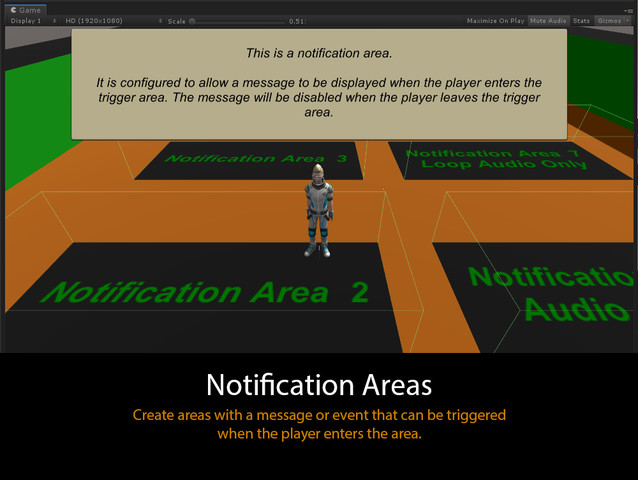
NPC Chat is a powerful prefab and chat box system that allows you to configure events, dialogue, notifications and more in a few quick steps. Add an NPC Chat object to your scene and assign the required inspector references (player transform, chat box to use, text, events and trigger settings).
Discussion Forum
Chat Box Features:
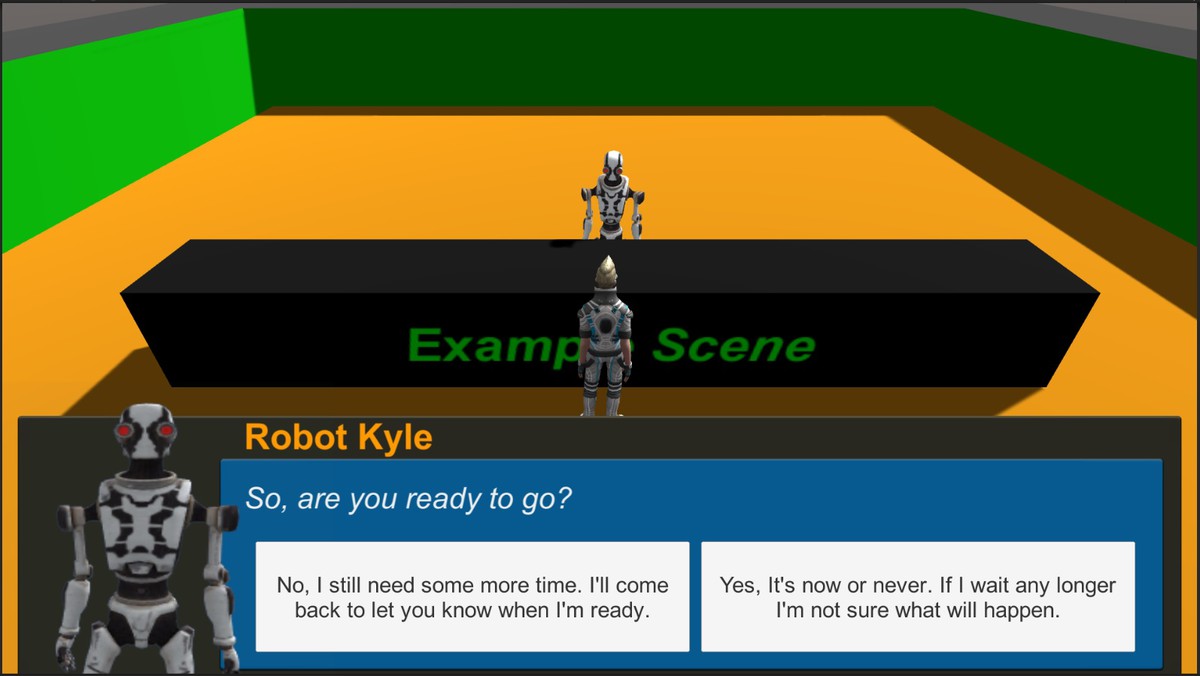
• Unity UI – the box is made from standard Unity UI components, simply edit or duplicate as needed if you want to customize the layout or design in any way for various needs.
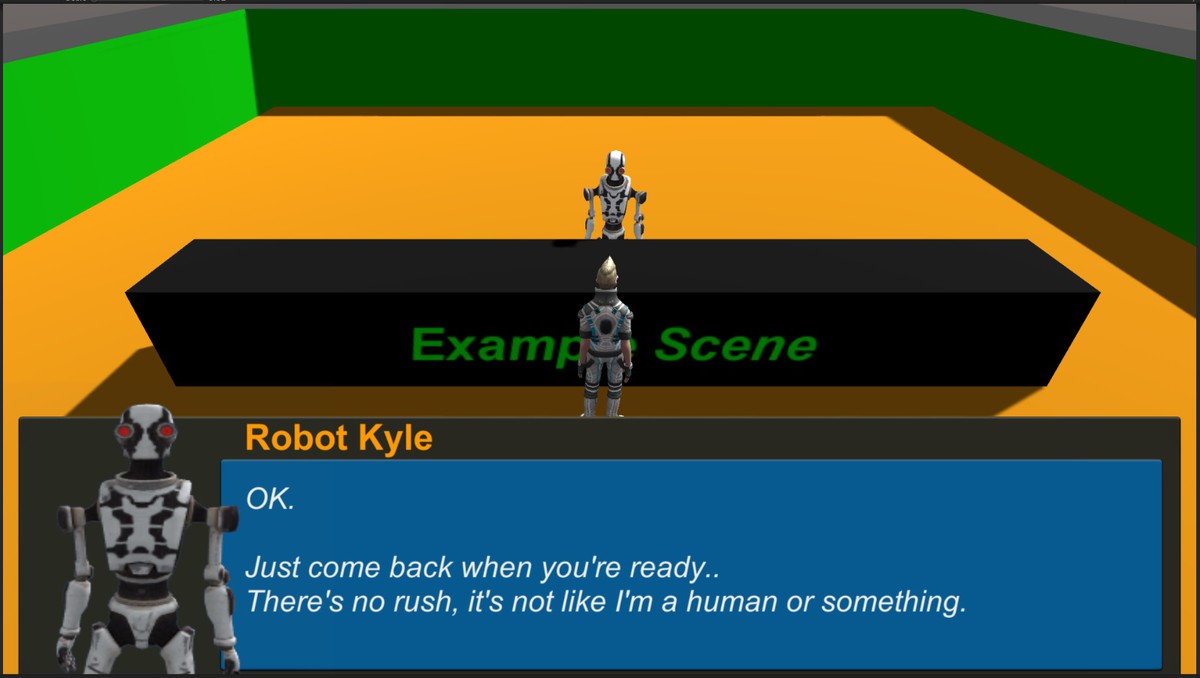
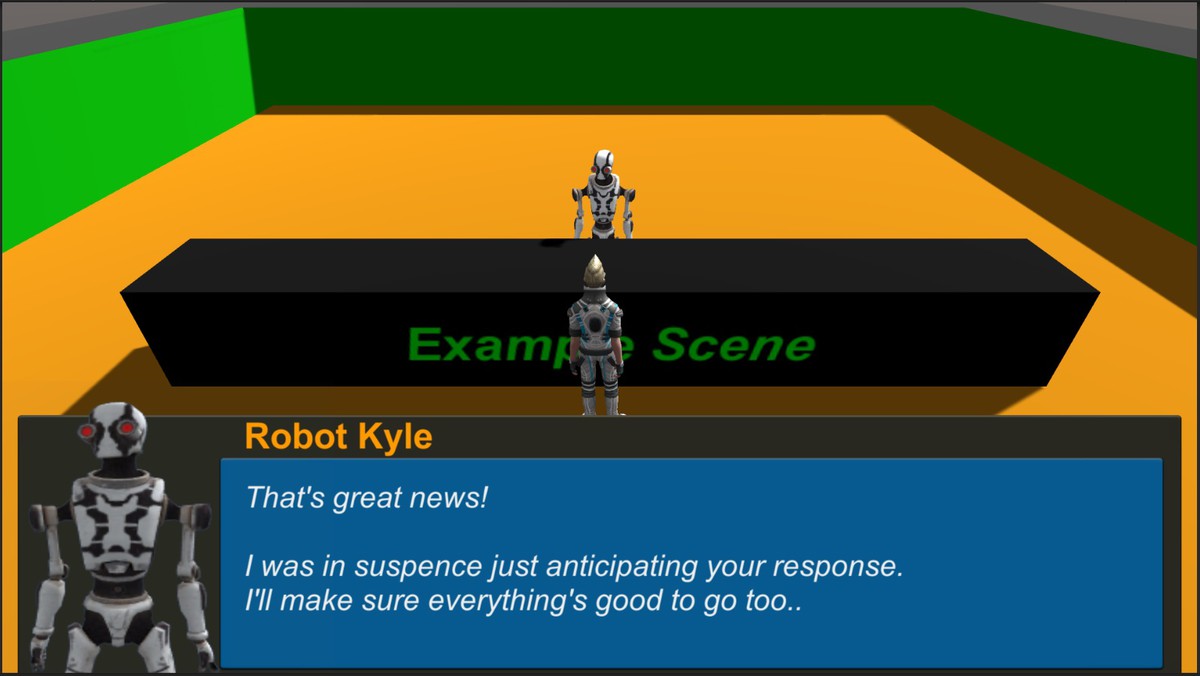
• Title and Dialogue Text – the basics of any dialogue system.
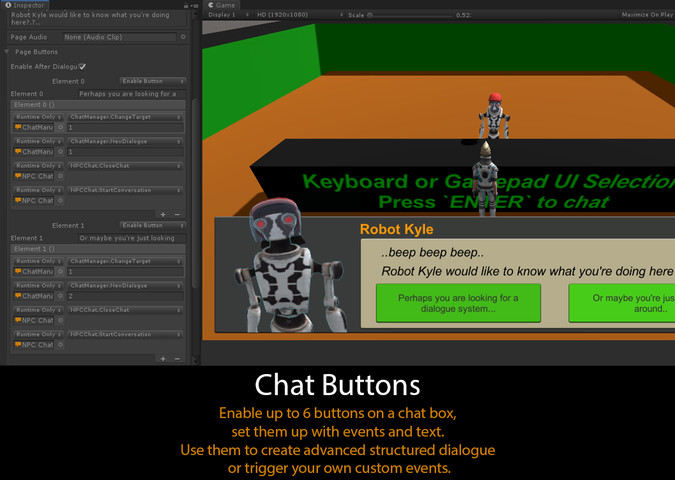
• Dynamic Buttons – chat conversations can use up to 6 pre-configured buttons using the familiar inspector UnityEvent from the NPC Chat object when configuring page dialogue.
• Render Texture Camera – allows for a speaker to be animated in a portrait window of the chat box.
• Lerp In/Out Settings – the box can animate in-to and out-of screen space when a conversation starts or stops.
NPC Chat Features:
• Optimized Inspector Workflow – a clean inspector layout that provides quick access to all the settings you need.
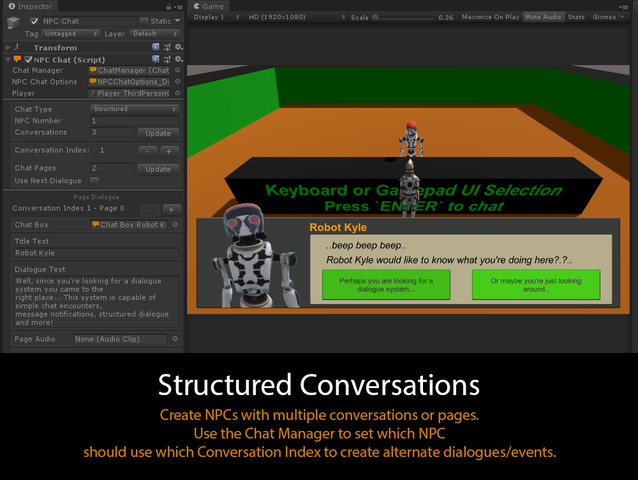
• Conversations and Pages – each NPC can have any number of conversations, each conversation can have any number of dialogue pages, each page can use any chat box.
• Chat Manager – assign a Chat Manager ScriptableObject to control which NPC should use which conversation index.
• NPC Chat Options – assign a NPC Chat Options ScriptableObject to control settings (start/stop triggers, input triggers, distance check, scrolling text, outline, single use, and more).
• Page Audio – assign an audio clip to be played for a conversation page.
• Page Buttons – chat conversations can use up to 6 pre-configured buttons using the familiar inspector UnityEvent. Set the button event and button text.
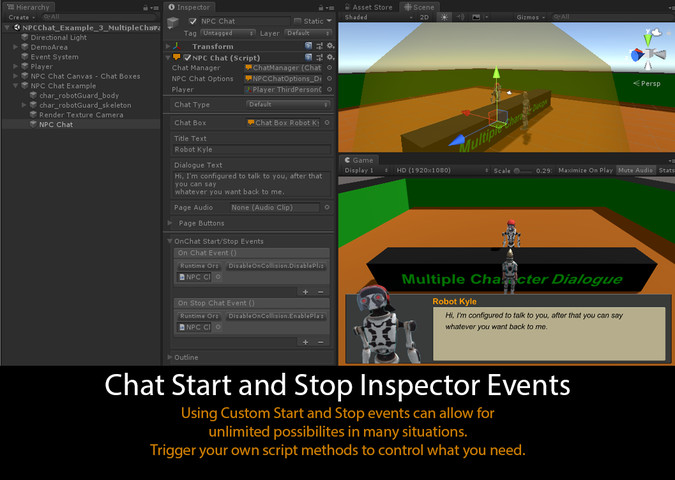
• On Chat Start/Stop Events – setup conversation start/stop callback events using the familiar inspector UnityEvent. Trigger whatever you want to happen!
• Outline – assign a mesh, skinned or sprite renderer to recieve outline effects based on NPC Chat states (distance, mouse over, active).
Release Notes
Version 1.9.2 • Added "Structured Dialogue Tutorial" to user manual. • Added "Structured Dialogue Tutorial" scene. • Added "Reset Chat Manager Index On Start" option to "NPC Chat Options". If enabled, the assigned Chat Manger will have the corresponding Conversation Index reset to 0 when the scene starts. This allows for NPCs to always use their first configured conversation when a scene starts - useful when creating structured/branching dialogue. Version 1.9.1 • Fixed missing ground material in demo scenes. • Moved package to Unity 2018.4 LTS • updated manual url Version 1.9 • Improved workflow • Improved inspectors • New demo scenes • New tutorials • "NPC Chat Options" moved to ScriptableObject to reduce the need to configure the same settings for multiple NPC Chat objects and having redundant variables in memory. • Unique "Chat Manager" references can now be assigned to "NPC Chat" objects, allowing for more control over how conversations can be structured and handled. • Added "disable" and "destroy NPC Chat object on chat complete" options. • Added "allow chat if other chat is active" option.





Basic Information
- Latest Version
- 1.9.2 (23 Jul 2019)
- Publisher
- TurnTheGameOn
- Category
- Tools/Level Design
- Size
- 19.4 MB
- Price
- free
- Asset Rating
- ★ ★ ★ ★ ☆ (53)
Extended Information
- Unity Versions
- 2018.4.0
- State
- Deprecated